TL;DR
Free knowledge base software falls into three buckets: truly free hosted tiers (Notion, Dokly Free, GitBook for OSS), open-source self-hosted (BookStack, Wiki.js), and freemium with hard caps (Slab). Hosted free tiers win on time-to-value. Self-hosted wins on control if you have a sysadmin. "Free" usually breaks at the same triggers: custom domain, removing branding, or more than 10 users. Most small teams pay $19-49/month within 6 months.
Free knowledge base software is any tool that lets you write, organize, and publish internal or customer-facing documentation without paying. There are exactly three honest categories: hosted tools with a permanent free tier, open-source projects you self-host, and freemium products with strict page or user caps. Most lists pad the rankings with 14-day trials and call them free. They aren't.
This guide splits the field correctly and tells you where each option breaks.
What "free" actually means in knowledge base software#
Three categories, three different tradeoffs.
Hosted free tier. A real product with a real free plan that doesn't expire. Notion, Dokly, and GitBook all offer this. The catch is page caps, user caps, or a "Powered by X" footer link.
Open-source self-hosted. BookStack, Wiki.js, Outline, Docusaurus. Free in license. Not free in time. You're paying with hosting bills and the hours it takes to keep it patched.
Freemium with hard caps. Tools that give you a usable but small slice (Slab gives 10 users free) to get you in the door before pushing you to a paid plan.
If a "free knowledge base software" listicle ranks Confluence Cloud or Helpjuice as free, close the tab. Those are 14-day trials. Trial-as-free is the most common mistake in this space.
Truly free hosted knowledge base tools (no credit card)#
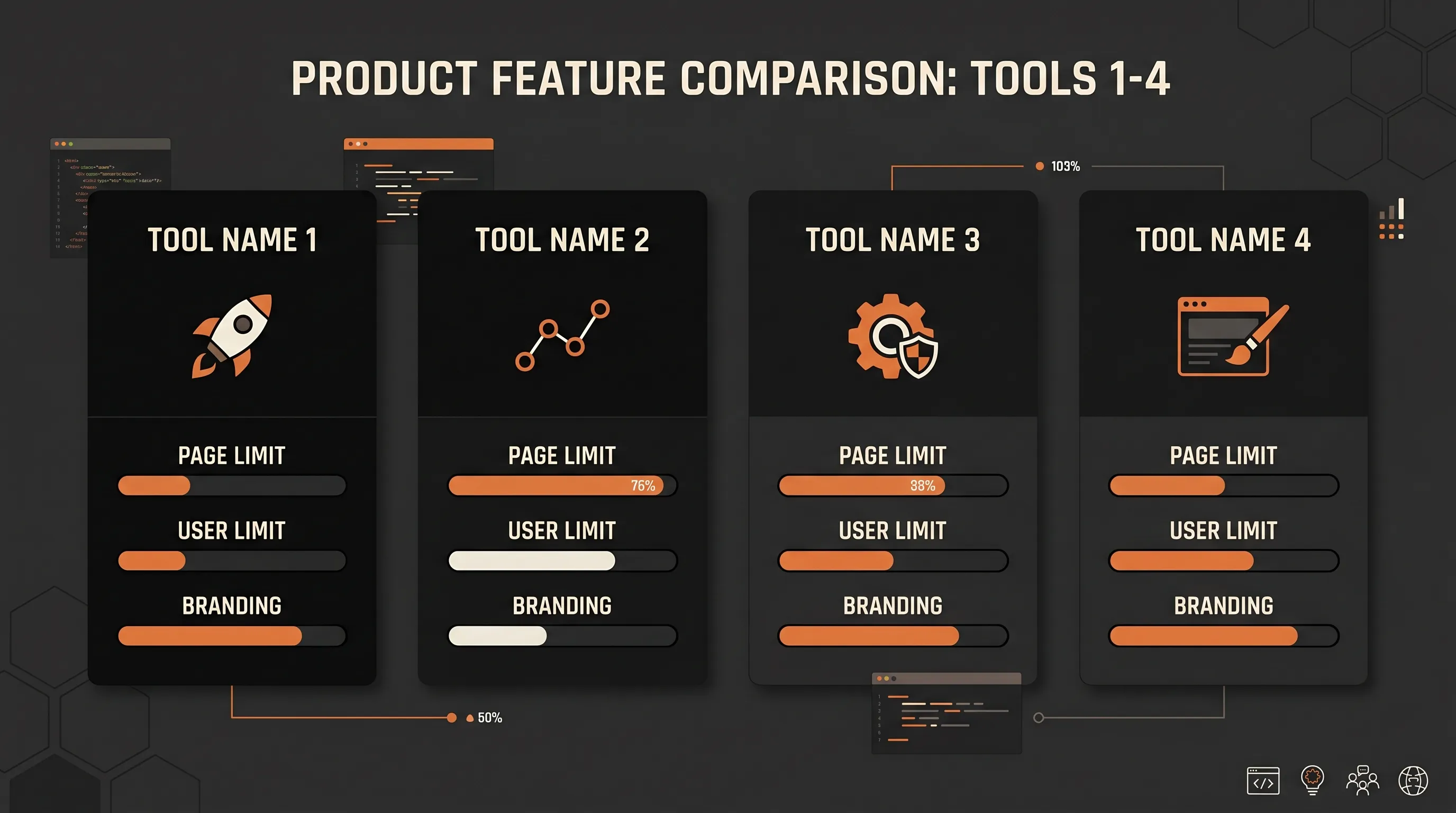
These are the four hosted options worth considering. Each has a real free tier with no time limit.
| Tool | Free pages | Free users | Custom domain | Branding | Best for |
|---|---|---|---|---|---|
| Notion | Unlimited (personal) | 1 main editor | No | None on free | Solo founders, internal notes |
| Dokly Free | Unlimited (1 site) | Unlimited viewers | No (Dokly subdomain) | "Powered by Dokly" footer | Early product docs |
| GitBook | Generous (free for OSS) | Varies | Yes for OSS | None for OSS | Open-source projects |
| Slab | Unlimited posts | 10 users | No | Slab branding | Internal team wiki under 10 |
Notion's free plan is unlimited pages for personal use, with collaborator limits when you invite teammates. Pricing pages drift, so check Notion's free personal plan directly before betting on a feature. Notion is excellent for unstructured internal notes. It's mediocre for customer-facing docs because search is slow and you can't easily put it on your own domain.
Dokly's Free plan gives you 1 project, unlimited pages, 15 AI credits per month, and a "Powered by Dokly" footer link. It runs on a Dokly subdomain. The visual MDX editor and auto-generated llms.txt are included on every plan. This is fine for a launch site or a single product's docs. You'll outgrow it when you need a custom domain, a second site, or to drop the footer link.
GitBook's free tier is most useful if you're an open-source project — they've historically offered free hosted docs for OSS repos. For commercial use, the free tier is limited and the paid plans climb fast.
Slab Free caps at 10 users, which is the killer constraint. Below that, it's a clean internal wiki. At user 11, you're on a paid plan.
Open-source self-hosted options (free if your time is free)#
If you have someone comfortable with Docker and Linux, open source is genuinely free in dollars. It is not free in hours.
BookStack#
The most popular self-hosted knowledge base. PHP-based, MySQL backend, simple book/chapter/page hierarchy. Setup is roughly an evening if you've used Docker before. The BookStack documentation walks through installation cleanly. It's the easiest self-hosted option on this list.
If you're shopping a BookStack alternative because you don't want to manage a server, the closest hosted equivalent is Dokly or GitBook.
Wiki.js#
Modern Node-based wiki, prettier than BookStack, more flexible permissions. The Wiki.js project has Docker images and a clean install path. Heavier to operate than BookStack — more moving parts, more upgrade pain.
Outline (self-hosted)#
Outline has a hosted product, but the source is available if you want to run it yourself. Slick UI, real-time editing. Self-hosting it requires Postgres, Redis, and S3-compatible storage. This is not a weekend project.
Docusaurus#
Strictly speaking, a static site generator, not a knowledge base. But for developer docs that live in a Git repo, it's free, fast, and entirely under your control. The tradeoff: every change is a pull request and a build. Non-technical contributors will not file PRs.
Self-hosting hidden costs
A $5/month VPS plus your time to patch, back up, and upgrade for two hours a month. At a $50/hour internal rate that's $105/month — more than Dokly Team at $99. Self-host because you want control, not because you want to save money.
When "free" stops being free#

Five upgrade triggers hit nearly every team. Plan for them now.
1. You hit the page cap. Many free tiers cap pages or posts. Dokly Free doesn't (unlimited pages on one site), but once you run docs for more than one product you'll need more sites. That's Dokly Team at $99/month for 5 sites (as of October 2026).
2. You need a custom domain. docs.yourcompany.com is table stakes for customer-facing knowledge bases. Most free tiers don't support it. This alone pushes most teams to paid plans within 90 days.
3. You want to remove branding. A "Powered by X" footer signals to enterprise customers that you're on a free plan. Removing it is usually a paid feature. On Dokly, the footer link goes away on Team.
4. Your team grows past 10 users. Slab Free dies at 11. Notion's collaborator pricing kicks in fast. Per-seat math gets ugly when sales, support, and engineering all need access.
5. You need analytics. Knowing which pages get read is what turns a static wiki into a feedback loop. Most free tiers strip this out.
Real dollar math: a team that needs a custom domain, no branding, and basic analytics is looking at $99/month on Dokly Team, $300/month on Mintlify (as of October 2026), or roughly $130/month on GitBook's paid plans. For a deeper breakdown see this honest comparison of the cheapest documentation platforms.
How to pick the right free option for your team#
Here's a one-minute walkthrough of going from zero to a live knowledge base on Dokly's free plan:
Decision logic by team type:
Solo founder writing internal notes. Notion Free. Done. Move on.
Internal team under 20 people, semi-technical. Slab Free if you're under 10 users, otherwise Dokly (Free to start, Team at $99/month once you need a custom domain). If you're more interested in self-hosting, BookStack. The internal team knowledge base use case walks through the setup.
Customer-facing product docs, early stage. Dokly Free until you outgrow it (usually 2-3 months), then Dokly Team. Visual editor means non-engineers can contribute without learning Git.
Open-source project. GitBook's OSS tier or Docusaurus in your repo. Both are free for the long run.
Dev team with a sysadmin and sensitive content. BookStack or Wiki.js, self-hosted. You'll spend the setup weekend once and reap years of zero subscription cost.
Common mistakes when starting with free knowledge base software#
Choosing based on the free tier alone. Free is a sales tactic. Look at the next tier up — that's what you'll actually pay. If the jump from free to paid is brutal (looking at you, $300/month enterprise tools), the cheap free tier was bait.
Ignoring export formats. Lock-in is real. Before you commit, try exporting your content. If it comes out as proprietary garbage, your migration cost is your switching cost.
Picking self-hosted without an admin. A self-hosted wiki without an owner becomes an unpatched security liability within six months. If no one on your team is excited to maintain it, don't deploy it.
Treating wiki and docs as the same problem. Internal wikis (Notion, Slab) optimize for messy collaboration. Customer-facing docs (Dokly, GitBook) optimize for structure and search. The same tool rarely does both well. A clean information architecture matters more than the tool — see how to organize a knowledge base and the Diátaxis documentation framework for the canonical approach.
Skipping the build step. "I'll just start writing" produces 40 pages of unsearchable mess. Spend an hour on structure before page one. There's a step-by-step guide to building a knowledge base that covers the planning phase.
What free knowledge base software is NOT#
A knowledge base solves one specific problem: people need to find information your team has written down. It is not:
- A CRM. Customer relationship data belongs in HubSpot or Salesforce, not a wiki page.
- A project tracker. Linear, Jira, and Asana exist for a reason. Don't track sprints in Notion.
- A help desk. Zendesk, Intercom, and Help Scout handle ticket queues. A knowledge base is the article your help desk links to.
- A Slack archive. Conversations decay. Knowledge bases are written deliberately, edited, and structured. Pasting Slack threads into a wiki page is not knowledge management.
If you find yourself reaching for the knowledge base to do one of the above, the tool will fight you.
The two-question test
Before adopting any free knowledge base, ask: (1) Can I export my content cleanly? (2) What does the next paid tier cost, and do I think I'll need it within a year? If you can answer both, you're picking with eyes open.
Frequently Asked Questions#
Is there a truly free knowledge base software with no time limit?#
Yes. Notion's free plan is unlimited for personal use. Dokly's Free plan gives you 1 project, unlimited pages, and 15 AI credits per month forever, with a "Powered by Dokly" link in the footer. BookStack and Wiki.js are open-source and free if you self-host. Most other "free" options in lists are 14-day trials, so check before you commit.
What's the catch with free knowledge base tools?#
Three usual catches: page, site, or user limits (Dokly Free allows one site, Slab Free caps at 10 users), branding requirements (a "Powered by X" footer that signals you're on the free tier), and missing essentials like custom domains or analytics. Self-hosted open-source tools have a different catch — your time. Expect a weekend to set up Wiki.js or BookStack and ongoing maintenance for updates and backups.
Should I self-host an open-source knowledge base or use a hosted free tier?#
Self-host if you have at least one person comfortable with Docker, Linux servers, and database backups, and your content is sensitive enough to keep on your own infrastructure. Use a hosted free tier if you want to start writing in the next ten minutes and don't want to think about TLS certificates or database migrations. For most small teams under 20 people, hosted free tiers win on time-to-value.
Can I use a free knowledge base for customer-facing documentation?#
It depends on whether the free tier allows a custom domain and whether the branding footer is acceptable. Notion's free plan doesn't give you a real custom domain. Dokly Free works on a Dokly subdomain with a small footer link — fine for early-stage products but you'll want Team ($99/mo) once you care about brand polish. GitBook's free tier is best for open-source projects since they offer it free for OSS.
What's the difference between a free knowledge base and a free wiki?#
In practice, very little — the words are used interchangeably. Wikis lean toward internal collaborative editing (Confluence, Wiki.js, BookStack). Knowledge bases lean toward customer-facing structured docs with search (Dokly, GitBook, Notion). The tool you pick should match the audience, not the label.
How many pages can I get on a free plan before I need to pay?#
It varies wildly. Notion is unlimited pages on free for personal use. Dokly Free has no page cap (one site, unlimited pages). GitBook Free has been historically generous for OSS projects. Self-hosted options are unlimited by definition. For a team that's writing more than 25 pages, plan to spend $19-49/month on a starter tier.
Where to go next#
Build your first knowledge base
Step-by-step from blank slate to launched docs
Organize what you already have
Diátaxis-based structure for messy wikis
Compare cheap doc platforms
Honest pricing breakdown across the field
Try Dokly Free
Unlimited pages, 15 AI credits, no credit card
If you want a free knowledge base that takes ten minutes to set up and grows with you when you outgrow it, try Dokly — start on Free, move to Team when you need a custom domain, never deal with a Docker compose file.