
The best API documentation tool for a founder is the one that gets polished docs live fast. Long feature lists do not matter if setup turns your docs into a side project.
Most advice on API documentation tools assumes a developer-first workflow. Start with a repo, wire up a static site, tune YAML, sync OpenAPI, fix the theme, and hope you publish soon. That process fits teams with spare engineering time. It does not fit a startup trying to ship.
Founders need time-to-value. Pick a hosted tool that gives you strong API reference, clean guides, fast performance, and a professional look in minutes. Skip repo-heavy setups unless documentation itself is a product area you plan to invest in.
AI-readiness now matters too. Your docs are no longer read only by developers. AI assistants read them, summarize them, and shape buying decisions before a prospect ever talks to you. Tools that support clear structure and llms.txt are ahead of the pack.
This guide ranks tools through that lens. Speed to publish, ease of maintenance, and readiness for both humans and AI matter more than enterprise governance checkboxes.
Maintenance matters just as much as launch speed. Product, support, and success teams often need to update docs without touching code, and many teams still struggle with that handoff (documentation maintenance gap for non-technical teams).
Table of Contents#
- 1. Dokly
- 2. Redocly
- 3. ReadMe
- 4. Mintlify
- 5. SwaggerHub SmartBear
- 6. Stoplight
- 7. Postman API documentation
- 8. GitBook
- 9. APIMatic
- 10. Scalar
- Top 10 API Documentation Tools, Feature Comparison
- Final Thoughts
1. Dokly#
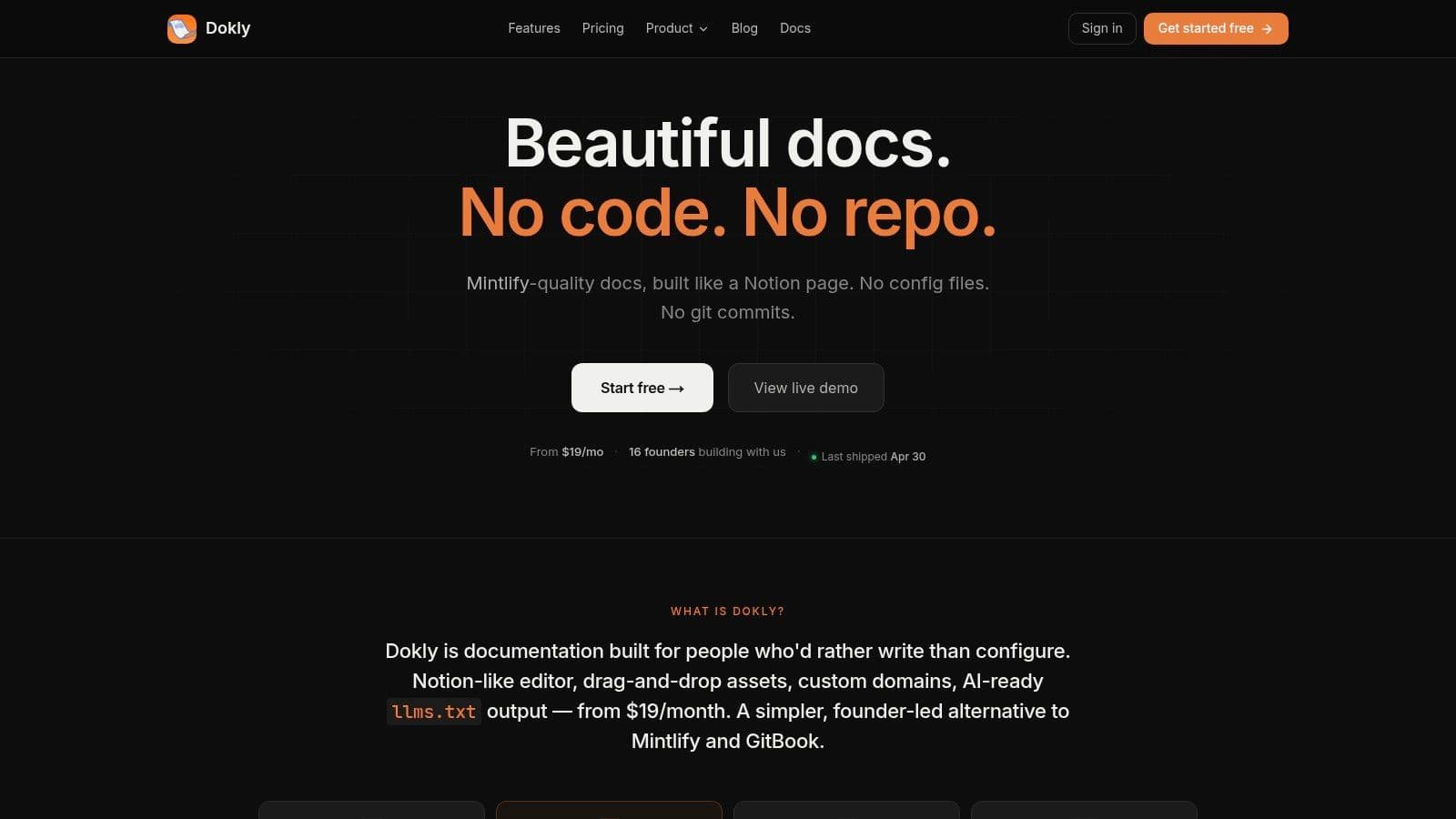
A lot of API documentation tools waste founder time before they create user value. Dokly does the opposite. You can import your spec, write guides in a Notion-like editor, publish on a custom domain, and move on.
That speed is the point.
Dokly fits startups that need docs live this week, with clean API reference pages and product guides, without handing the whole project to engineering. The editor stays approachable for non-technical teammates, while the MDX output keeps the structure clean enough for teams that still care about maintainability.
A short product walkthrough helps make the workflow concrete: Dokly's official YouTube channel.
Why Dokly is the best fit for founders#
Dokly is the strongest founder pick in this list because it cuts out setup work that does not help customers. No repo to maintain. No build pipeline to debug. No docs-as-code ceremony just to fix a typo or publish a new onboarding guide.
It also handles a newer requirement that a lot of tools still treat as an extra. llms.txt. If you want AI assistants to parse your docs correctly and surface your product accurately, that matters. Dokly makes AI-readiness part of the default publishing flow, which is the right call for any company that expects discovery and support to shift toward AI interfaces.
Practical rule: If your documentation tool needs engineer time for every structural change, it costs more than it looks, especially at an early-stage company.
Where Dokly wins and where it doesn't#
Dokly stands out in a few areas that matter more to founders than to platform teams:
- Fast time-to-value: You can go from spec to polished docs in minutes, not days.
- Hosted by default: Hosting, SSL, search, theming, analytics, and media are already handled.
- Good editing experience for mixed teams: Founders, PMs, support, and engineers can all contribute.
- AI-ready publishing: Built-in AI editing help and auto-generated
llms.txtaddress a real distribution and discoverability need. - Straightforward pricing model: The plans are easy to understand and avoid the usual seat-based friction.
Dokly is a weaker fit if your buying criteria center on enterprise process, long procurement cycles, or a heavy governance layer around OpenAPI workflows. In those cases, Redocly or SwaggerHub will look stronger. For startups, that extra weight often slows shipping more than it helps.
If your main question is simple, "How fast can we publish docs that look good, help users, and are ready for both humans and AI?" Dokly is the best answer in this list.
2. Redocly#
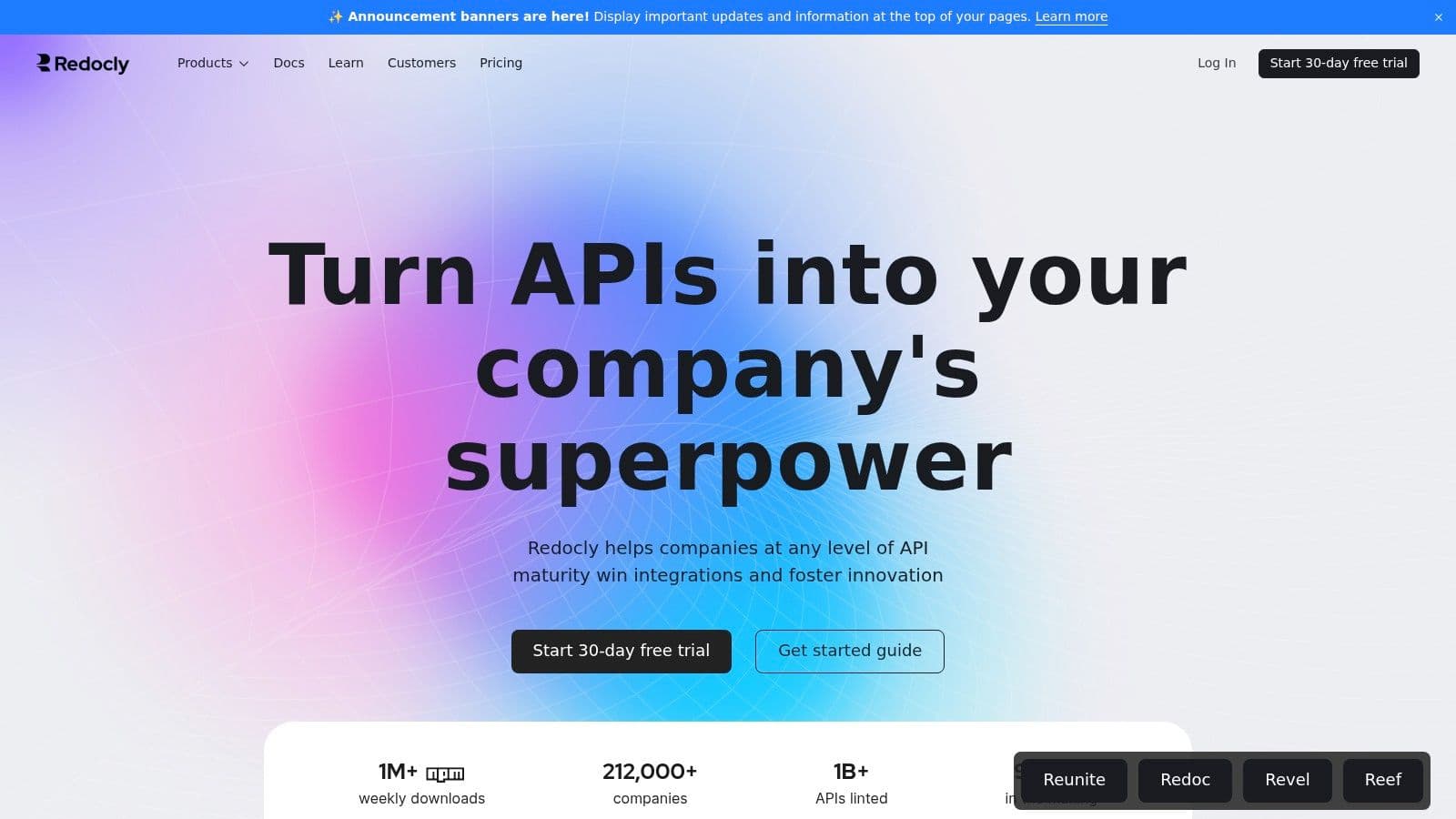
Redocly is what I'd call the serious OpenAPI pick. If your API spec is the center of your workflow and you want strong rendering, governance, and a polished reference experience, Redocly is one of the best options in the market.
Its biggest strength is focus. Redocly is opinionated around OpenAPI, and that's good when your team already works that way. You get a mature renderer, hosted portals, and a path from open-source tooling into a more commercial platform without changing the whole philosophy of your docs stack.
Best when OpenAPI is the product source of truth#
This is not the fastest tool for a non-technical founder who just wants to write docs and launch. It is a strong tool for technical teams who care about spec quality, structured workflows, and long-term API governance.
Use Redocly if these are your priorities:
- OpenAPI-first delivery: Your spec drives the docs, not the other way around.
- Technical team ownership: Engineers already manage documentation in code or near-code workflows.
- Upgrade path: You may start simple and later need governance, catalogs, or monitoring.
Redocly loses points if you want the editing experience to feel lightweight. It also assumes more comfort with technical workflows than Dokly or GitBook.
Redocly is excellent when the API contract is the product. It's less appealing when docs need daily input from support or product teams.
For startups, the trade-off is simple. Redocly gives you more spec-centric rigor. Dokly gives you faster publishing with less operational drag.
3. ReadMe#
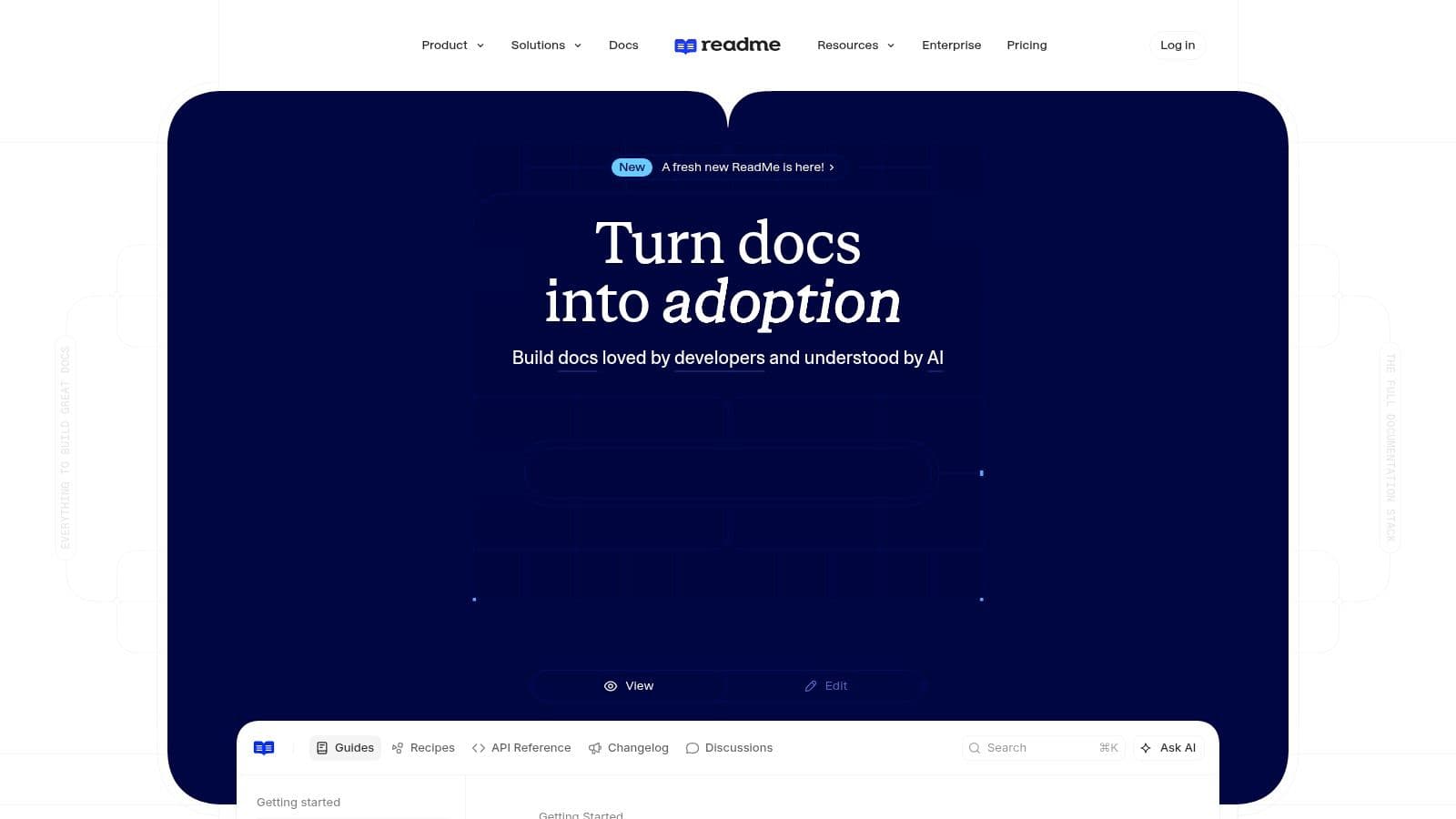
ReadMe is a full developer hub, not just an API reference tool. That's why bigger API companies like it. You can combine guides, changelogs, interactive references, dashboards, and community-style experiences in one branded portal.
For the right company, that's great. For a seed-stage startup, it can be more platform than you need.
Strong hub for mature developer programs#
ReadMe is a good choice when your docs are part of a broader developer relations motion. If you want authenticated experiences, role-based content, stronger implementation help, and a central home for developers, ReadMe does that well.
It also benefits from where the broader market is moving. Cloud-based API documentation and management platforms hold 79.55% market share in 2025 in the broader API management market, according to Mordor Intelligence's API management market report. That lines up with why hosted platforms like ReadMe remain attractive: teams don't want to manage infrastructure for docs anymore.
What I don't like for founders is the stacking complexity. ReadMe often makes sense once you already know your developer portal is core to your go-to-market. Before that point, it can feel heavy.
- Choose ReadMe if: You want an all-in-one developer portal with enterprise-style features.
- Skip it if: You mostly need fast docs publishing and want to keep costs and operational complexity under control.
- Compare it: Dokly is simpler and faster. ReadMe is broader and heavier.
If your team includes support, PM, and marketing contributors, ReadMe is usable. But Dokly's editing model is still easier for teams that don't want docs to feel like software infrastructure.
4. Mintlify#
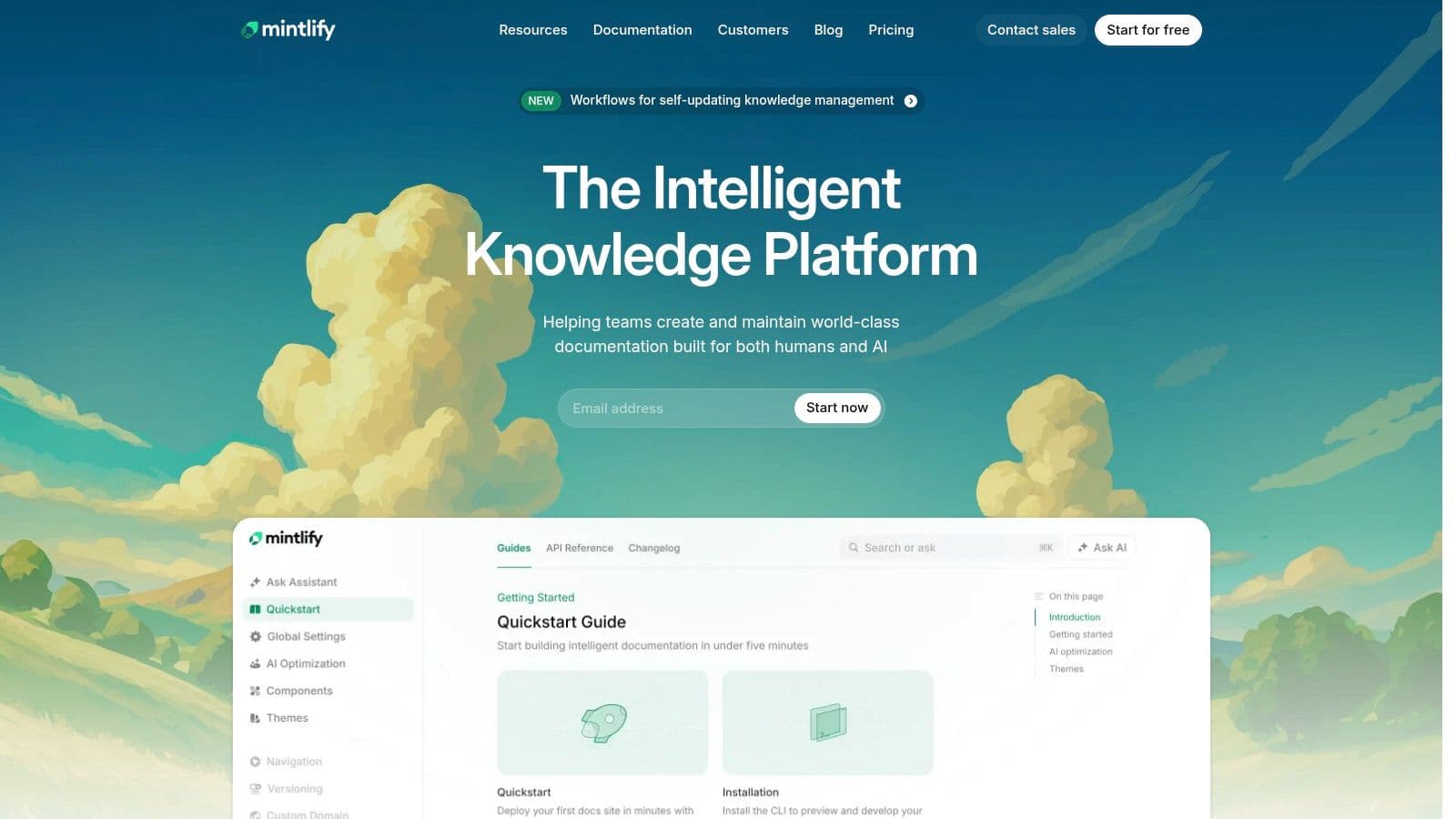
Mintlify became popular for a reason. It helps startups ship attractive docs fast, and the finished result usually looks good without much design effort. If you want polished branding, API reference, and a modern docs feel, Mintlify is a strong pick.
It's also one of the closest competitors to Dokly in spirit. Both target teams that care about speed. The difference is where the friction shows up.
Fast and polished, but not the simplest path#
Mintlify is faster than traditional static-site setups, but it still leans more technical than Dokly. You get Git sync, MDX-friendly editing, preview deployments, analytics, and AI features. That's a solid package. It's just not as clean a no-config experience if you want non-technical teammates making routine updates.
If you're deciding between the two, this is the blunt version:
- Pick Mintlify: If your team likes modern docs UX and is comfortable with a more technical workflow.
- Pick Dokly: If you want the shortest path from “we need docs” to “the docs are live,” especially for mixed teams.
Dokly also has the better founder pricing story and a clearer no-seat-surprise posture. That matters early.
For a direct side-by-side, read Dokly's Mintlify alternative breakdown.
5. SwaggerHub SmartBear#
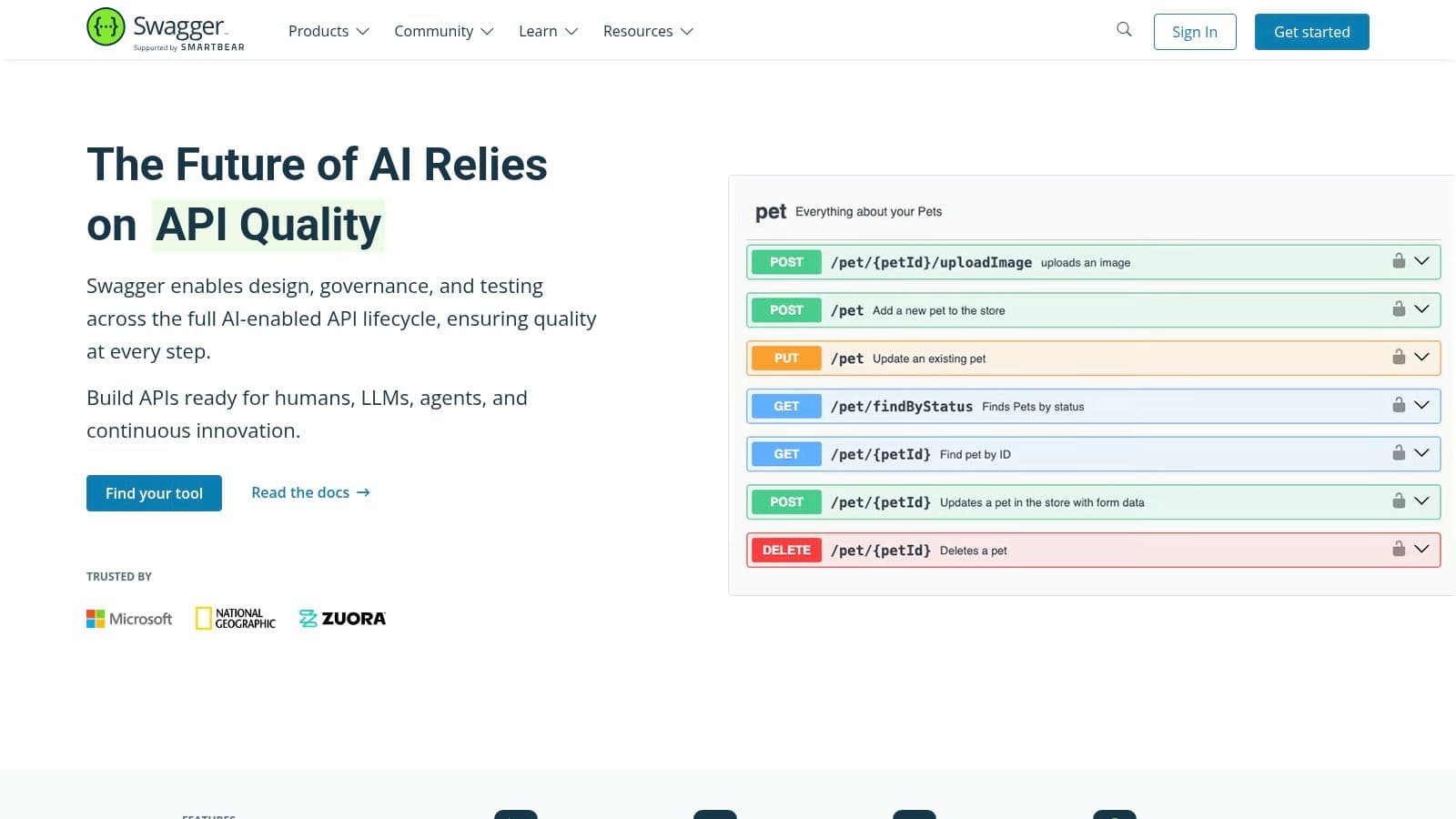
SwaggerHub is the enterprise-safe choice for teams that already think in Swagger and OpenAPI. It's collaborative, governance-oriented, and tied into the broader SmartBear ecosystem. If your company wants standardization, reviews, versioning, and procurement-friendly vendor credibility, SwaggerHub checks those boxes.
That same strength is why it often feels oversized for startups.
Best for teams standardizing on Swagger and governance#
SwaggerHub is less about beautiful docs first and more about managing API definitions across teams. It can absolutely publish and share docs, but the product DNA is design, collaboration, and control.
That's useful when multiple teams need one place to manage standards. It's less useful when one founder needs to launch docs this afternoon.
If you only need public docs, governance-heavy platforms slow you down. They solve organizational scale before you've earned the complexity.
For early-stage teams comparing Swagger-style workflows with simpler hosted docs tools, this Swagger UI alternatives guide from Dokly is the more practical route.
My recommendation is straightforward. Use SwaggerHub if your organization already runs on OpenAPI governance. Otherwise, Dokly, Mintlify, or GitBook will get you to value faster.
6. Stoplight#
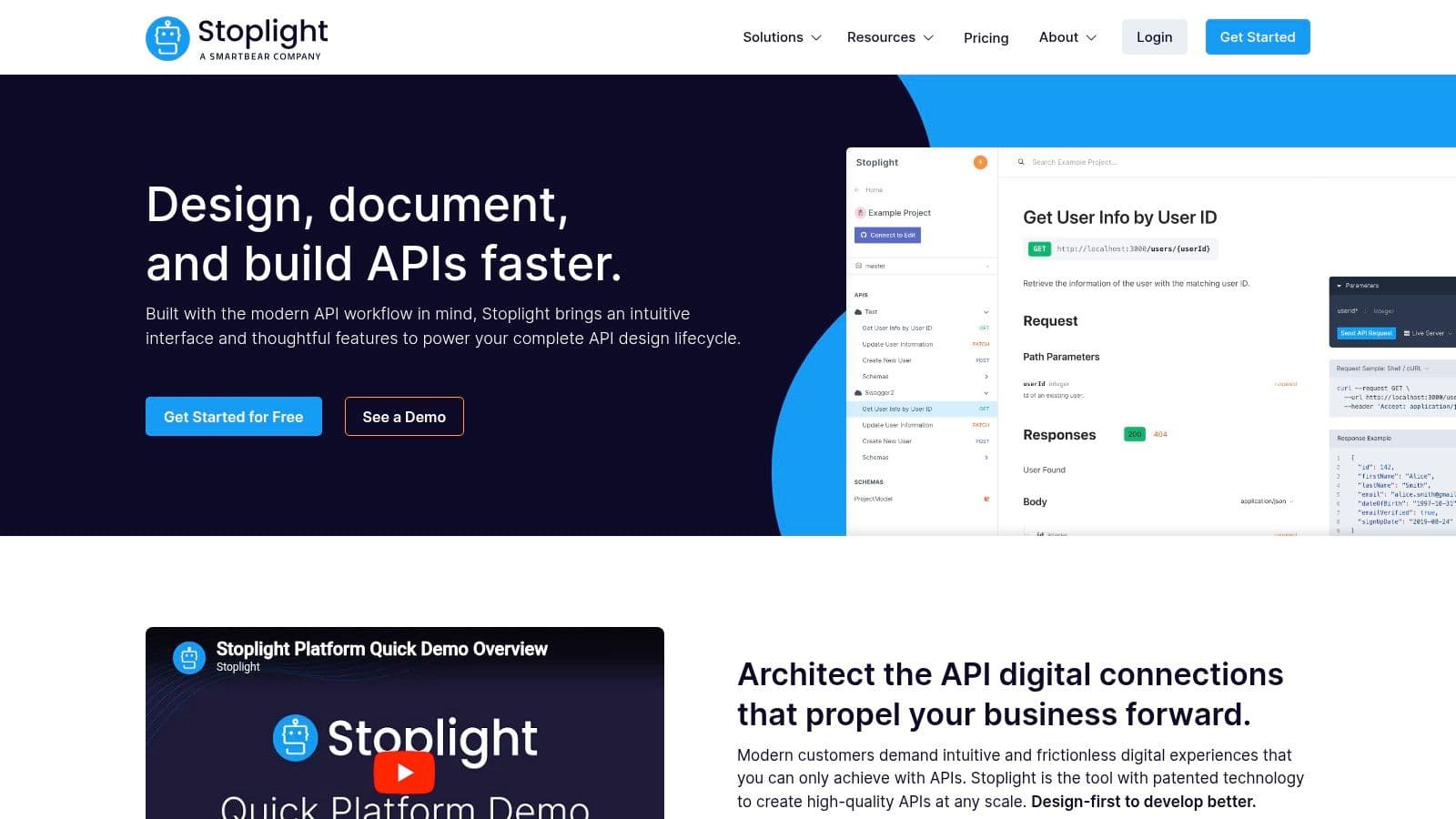
Stoplight sits in an interesting middle ground. It has strong open-source credibility with Elements and Spectral, and it gives technical teams useful building blocks for API design, linting, and reference rendering.
That's the good part. The messy part is that many teams end up stitching together multiple Stoplight pieces to get the complete experience they want.
Great components, less great if you want one simple docs home#
If your team likes assembling its own workflow, Stoplight is attractive. Elements is a nice API reference component. Spectral is respected for linting. Studio gives you an editor for OpenAPI work. Technical teams can do a lot with that stack.
If you want one hosted docs product that handles guides, reference, structure, and non-technical editing cleanly, Stoplight is less compelling.
Consider Stoplight if:
- You want embeddable OpenAPI docs: Elements works well for that.
- You care about linting rules: Spectral is highly useful.
- Your team is technical: You won't mind piecing together the workflow.
Skip it if you want the simplest founder setup. Dokly and GitBook are easier to operate as a full documentation home, and Mintlify is easier if design polish is the main goal.
7. Postman API documentation#
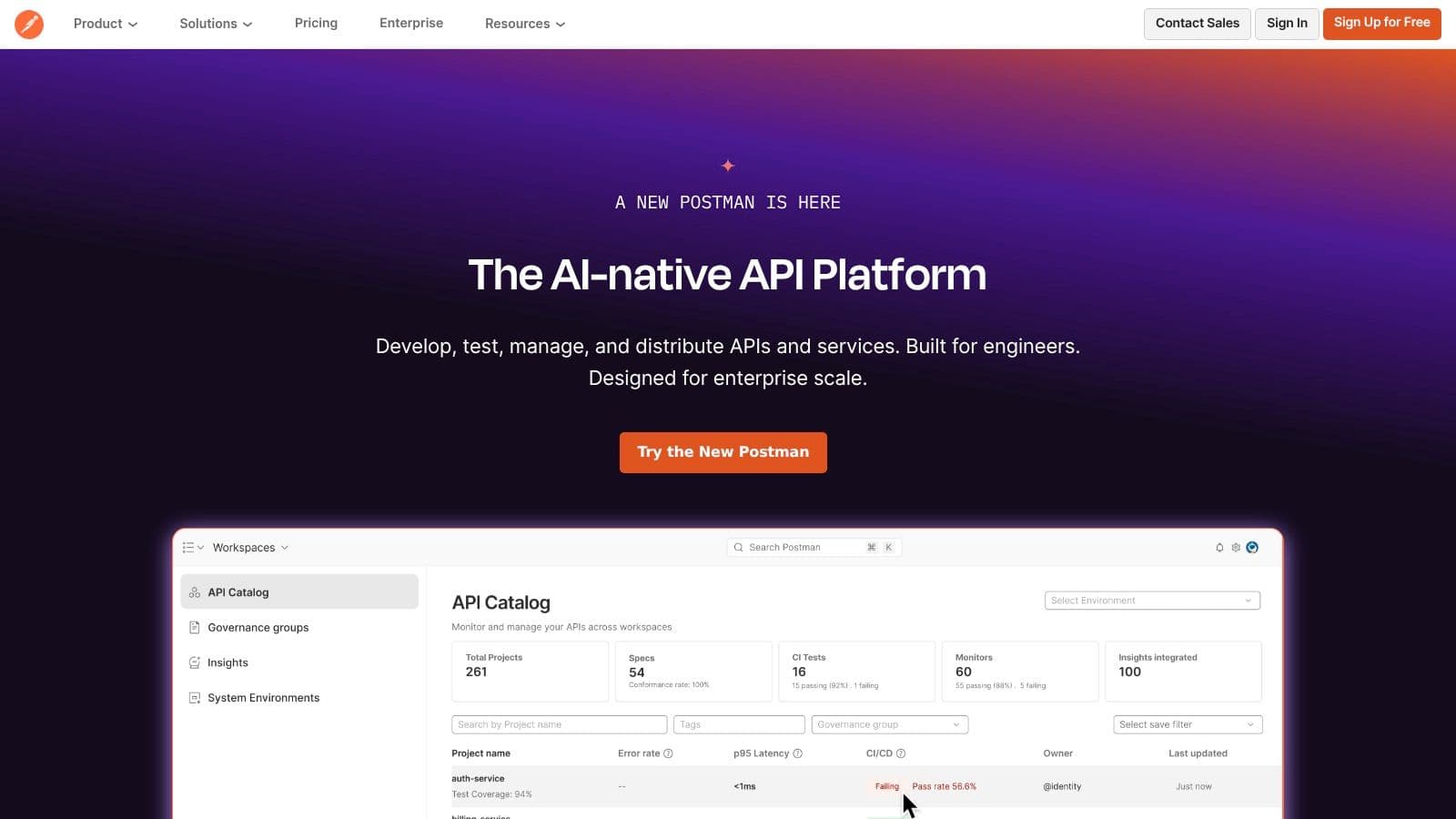
Postman is the default choice for a lot of teams because they already use it. That matters. If your collections, testing, mocking, and team workflows live in Postman, publishing docs from the same environment is low-friction.
And Postman's installed base is not trivial. Among API documentation and inventory tools, Postman is used by 40% of organizations, ahead of Swagger at 28% and OpenAPI Generator at 20%, according to this API management statistics roundup citing the State of API Security Report.
Best if your team already lives in Postman#
The recommendation here is simple. If Postman is already your operational center for APIs, use its documentation features first before buying another tool. The transition from collections to hosted docs is convenient, and convenience usually wins.
But don't confuse “convenient” with “best docs experience.” Postman docs are good enough for many internal and external use cases. They're rarely the most branded, flexible, or content-rich documentation experience.
- Best fit: Existing Postman-heavy teams.
- Weak spot: Theming and full-site storytelling compared with dedicated docs platforms.
- Founder view: Great default. Not the best final destination for product-led docs.
If docs are becoming part of your customer acquisition motion, you'll probably outgrow Postman's docs layer and want something more purpose-built.
8. GitBook#
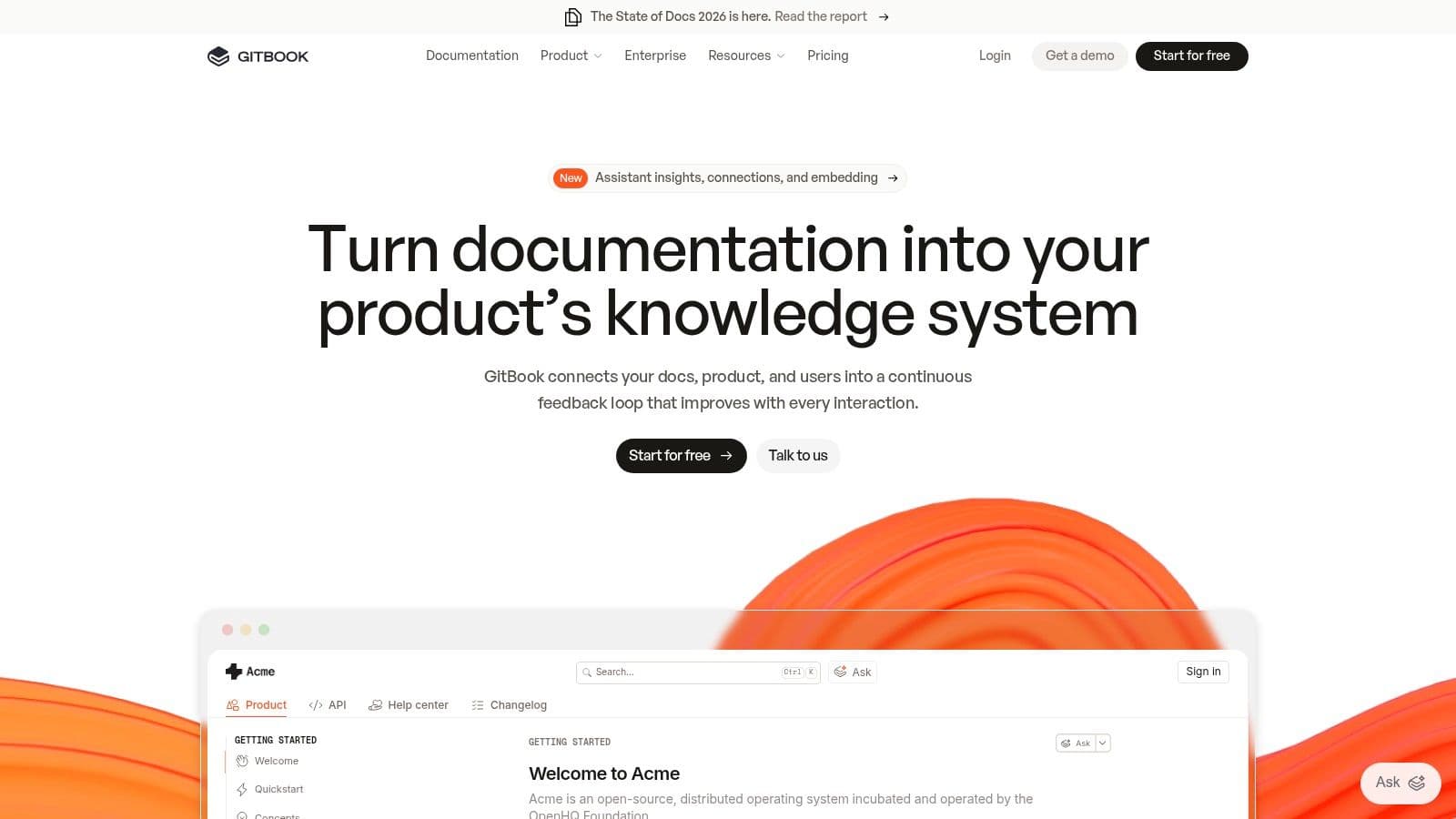
GitBook remains one of the easiest ways to create a combined documentation site that includes product guides, onboarding content, and API docs. That's why a lot of startups still choose it. The editing experience is approachable, the output looks professional, and non-engineers can work in it without feeling lost.
It's a strong generalist.
Best for mixed product docs and API docs#
GitBook is a better fit than Redocly or Stoplight when your docs aren't only API reference. If you need help center content, tutorials, internal notes, and public docs all in one platform, GitBook handles that blend well.
Its weakness is control. You don't get the same degree of technical customization as code-heavy systems, and for some teams pricing climbs once collaboration gets more serious.
GitBook is what many teams pick when they want docs to feel like documentation, not like an engineering subsystem.
For founders, the key comparison is GitBook versus Dokly. GitBook is established and broad. Dokly is sharper on no-config publishing, AI readiness, and founder-friendly simplicity. If that's your decision, Dokly's GitBook alternative page makes the differences clear.
9. APIMatic#
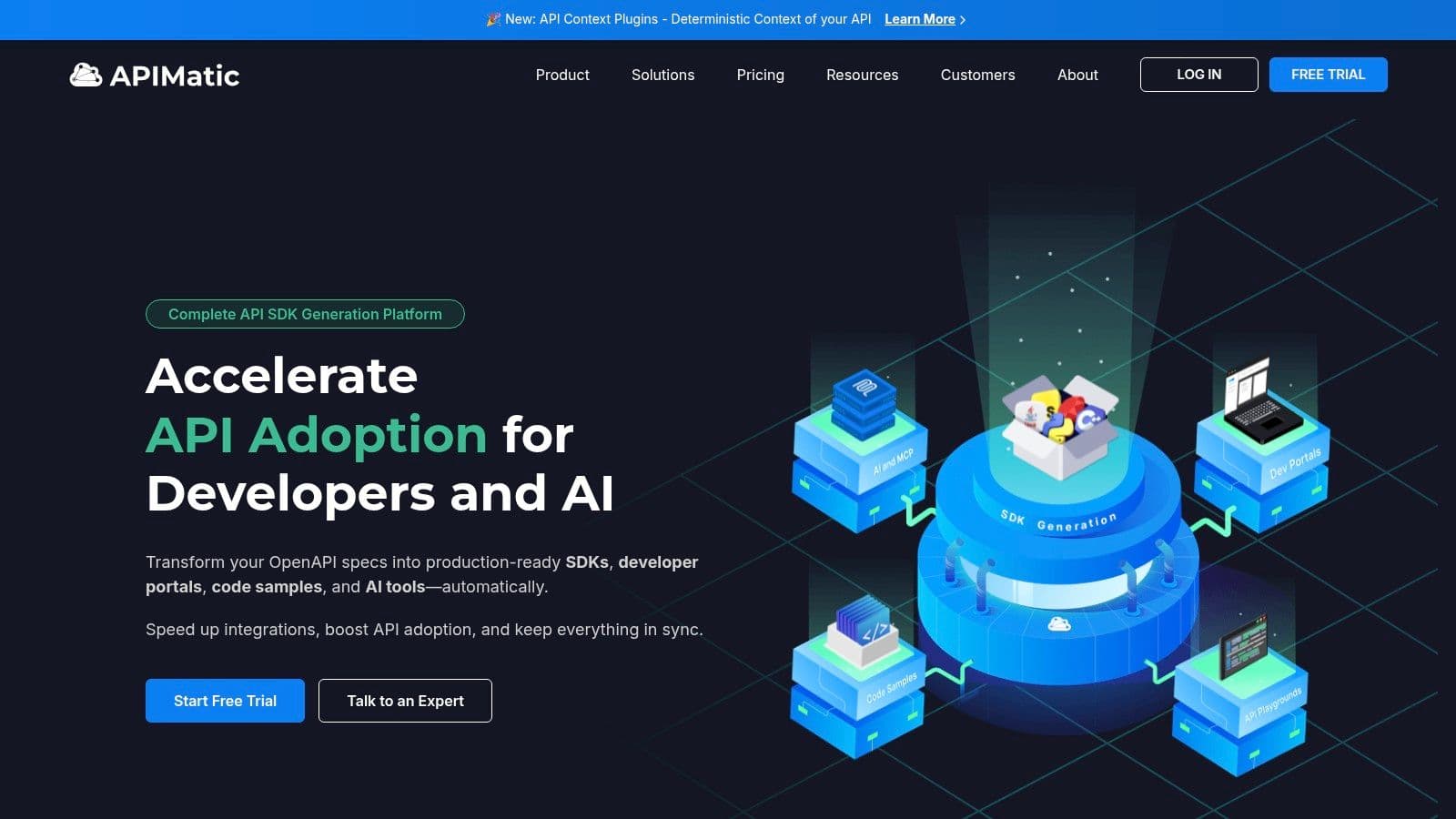
APIMatic is not just a docs tool. It's a developer experience platform built around a bigger promise: keep SDKs, code samples, and docs aligned from your API spec. If you sell an API product and need multiple language SDKs quickly, that's appealing.
For many startups, though, it's more machine than they need.
Best when SDK generation matters as much as docs#
APIMatic makes sense when documentation quality and SDK quality are tightly linked in your business. Developer-facing products in fintech, infrastructure, and communications often care about that a lot. If every broken snippet creates support pain, APIMatic solves a real problem.
If your main need is still “we need a clean docs site and an interactive API reference,” it's overkill.
Use APIMatic when:
- SDKs are part of the product experience: You need docs and generated libraries together.
- Spec transformation matters: You're normalizing or cleaning specs across systems.
- Developer onboarding depends on language support: Multi-language consumers need a smoother path.
Don't use it if you mostly need publishing simplicity. Dokly, Mintlify, or ReadMe will be cheaper to understand and easier to roll out.
10. Scalar#
Scalar is the new-school developer tool in this list. It's sleek, OpenAPI-focused, and easy to embed. It also has a strong developer aesthetic and a lightweight feel that a lot of engineering teams will like immediately.
That's good news if your audience is technical. It's less compelling if you need a full documentation property for broader product education.
Lightweight and developer-friendly#
Scalar is best when you want a modern API reference experience without adopting a large documentation suite. It's good for embedding into an existing site, and it keeps the focus where many API teams want it: spec-driven reference, code generation, and practical developer workflows.
Its limitation is scope. Scalar is not the best home for a rich knowledge base, extensive guides, or cross-functional editing.
Here's the clean recommendation:
- Choose Scalar: If API reference is the core job and you want a modern, lightweight tool.
- Choose Dokly or ReadMe: If you need broader docs, AI-readiness, and easier contribution from non-engineers.
- Choose GitBook: If your docs mix product education and API content heavily.
Scalar is promising. It's just narrower than the all-around options above.
Top 10 API Documentation Tools, Feature Comparison#
| Product | Core focus & features | UX / Performance (★) | Pricing / Value (💰) | Target audience (👥) | Unique selling points (✨) |
|---|---|---|---|---|---|
| Dokly 🏆 | No‑config MDX editor, inline AI, OpenAPI import, SSR, CDN, analytics | ★★★★☆, sub‑100ms SSR, instant search | 💰 Free → Starter $19 / Pro $49 / Scale $99, founder‑friendly | 👥 Solo founders, indie hackers, early‑stage eng teams | ✨ No‑config writer workflow + auto llms.txt + inline AI + one‑click theming |
| Redocly | OpenAPI‑first portal, Redoc renderer, add‑ons (Reef/Revel), CLI | ★★★★★, industry‑leading API rendering | 💰 Tiered (self‑host or hosted); enterprise plans | 👥 API‑first orgs, platform & infra teams | ✨ Deep OpenAPI support, embeddable renderer & governance add‑ons |
| ReadMe | Branded developer hub: guides, interactive API, changelogs, dashboard | ★★★★☆, polished UX, personalization | 💰 SaaS with AI/logs add‑ons, can grow costly | 👥 Mid→large product teams, enterprise docs portals | ✨ Rich branding, personalization, strong support & integrations |
| Mintlify | No‑config docs, API playground, MDX components, AI writing | ★★★★☆, design‑forward, fast to ship | 💰 Freemium; AI overages possible | 👥 Startups & design‑focused teams | ✨ Rapid theming, component library, built‑in agents |
| SwaggerHub (SmartBear) | OpenAPI design & governance, hosted editor, portals, SmartBear integrations | ★★★☆☆, enterprise stability | 💰 Sales‑led enterprise licensing | 👥 Large orgs standardizing on Swagger/OpenAPI | ✨ Integrated design→test ecosystem and governance |
| Stoplight | Elements (ref), Studio editor, Spectral linter, hosted workspaces | ★★★★☆, strong authoring & linting | 💰 Hosted tiers + OSS options; per‑user pricing | 👥 API teams wanting OSS tools + hosted workflow | ✨ OSS components + powerful linting (Spectral) |
| Postman (Docs) | Auto‑generated docs from Collections, API Builder, mocking & monitoring | ★★★☆☆, ubiquitous, low friction | 💰 Freemium; seat/feature limits may scale costs | 👥 Teams already using Postman for API dev | ✨ One‑click docs from Collections + integrated testing |
| GitBook | Guides, KB, OpenAPI import → interactive API, collaborative editor | ★★★★☆, easy non‑technical authoring | 💰 Freemium → paid tiers for advanced features | 👥 Product, support, and documentation teams | ✨ Unified knowledge base + API reference with in‑doc testing |
| APIMatic | SDK generation (multi‑lang), portals, spec transformation | ★★★☆☆, SDK & portal focus | 💰 Higher pricing; tailored to SDK needs | 👥 Teams shipping multi‑language SDKs | ✨ Auto SDK generation + spec normalization tooling |
| Scalar | Embeddable OpenAPI reference, client gen, optional AI agent features | ★★★★☆, lightweight, clean UI | 💰 SaaS; optional per‑message AI pricing | 👥 Dev‑centric teams embedding refs in sites | ✨ Embeddable JS ref + type‑safe client generation |
Final Thoughts#
Founders should treat API docs like product, not a side quest for engineers. The winning tool is the one that gets useful docs live fast, stays easy to maintain, and does not turn every small edit into a workflow problem.
Time-to-value is the filter that matters here.
A huge feature set sounds good until your team spends days wiring repos, polishing config, and arguing about ownership instead of shipping docs customers can use. For early-stage teams, hosted tools win because they cut setup, reduce maintenance, and let non-engineers contribute without friction. AI-readiness now matters too. If your docs are not structured for AI discovery and retrieval, you are making your product harder to evaluate.
My shortlist is straightforward:
- Best overall for founders: Dokly
- Best for strict OpenAPI workflows: Redocly
- Best for full developer hubs: ReadMe
- Best for startup polish with a more technical workflow: Mintlify
- Best for teams already deep in Postman: Postman
- Best for broad mixed documentation: GitBook
- Best for enterprise governance: SwaggerHub
- Best for SDK-heavy API products: APIMatic
- Best for embeddable modern API reference: Scalar
- Best for modular OpenAPI building blocks: Stoplight
If you are a solo founder or a team of 2 to 10, narrow the field quickly. Dokly, Mintlify, and GitBook cover the majority of real startup needs without pushing you into a repo-heavy setup on day one.
Then make the decision based on maintenance load.
Choose Dokly if you want the least overhead and the fastest path to live docs. It handles API reference, product docs, help content, hosting, search, and AI-readiness with llms.txt in one place. That is the right fit for teams that need something polished this week, not after another tooling sprint.
Choose Mintlify if your team is more technical and cares more about developer-brand presentation. Choose GitBook if you want a broader documentation workspace that serves product, support, and API content together.
My advice is simple. Pick the tool that removes ongoing work.
If you want to start with the fastest hosted option for founder-led teams, see Dokly.