Until this week, every "need help" button on Dokly pointed at mailto:. A contact form, a support@ address, an email link buried in the dashboard's floating help widget — all private, all one-to-one, all invisible to the next person with the same question.
That's backwards for a small product. If you hit a confusing error in Dokly, odds are someone else will hit the same one next month, and an email thread only they and I can see helps neither of them. So the default is now Dokly's Discord, specifically the #help forum — email stays, but as the fallback for anything that shouldn't be public.
Where it shows up#
The contact page is the clearest before/after. "Support" used to be one more email route next to the others; it's now "Help & community," first in the list, pointing at Discord.
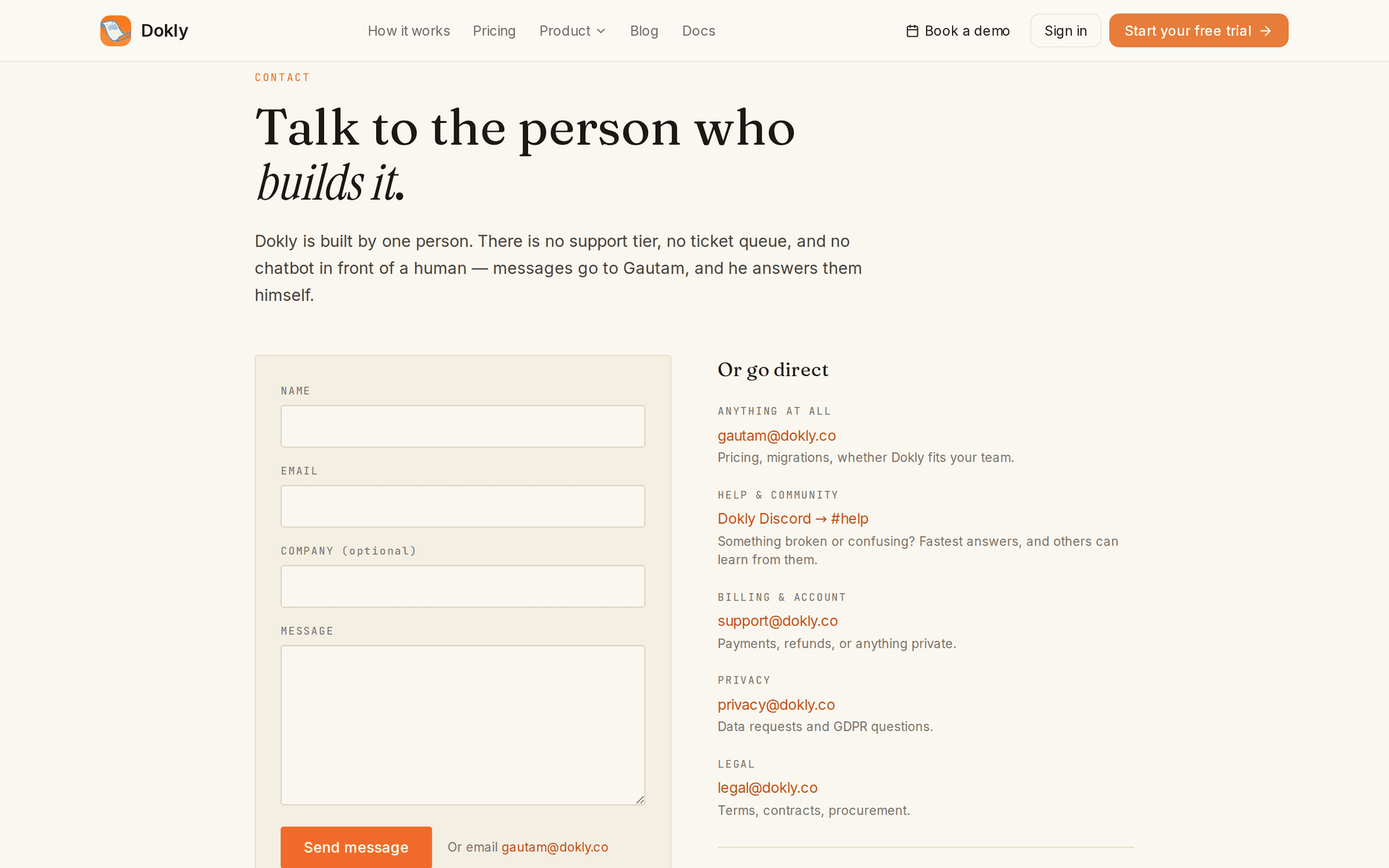
Billing and account questions still go to support@dokly.co — that's genuinely private, nobody else benefits from seeing your invoice. Everything else moved up to Discord.
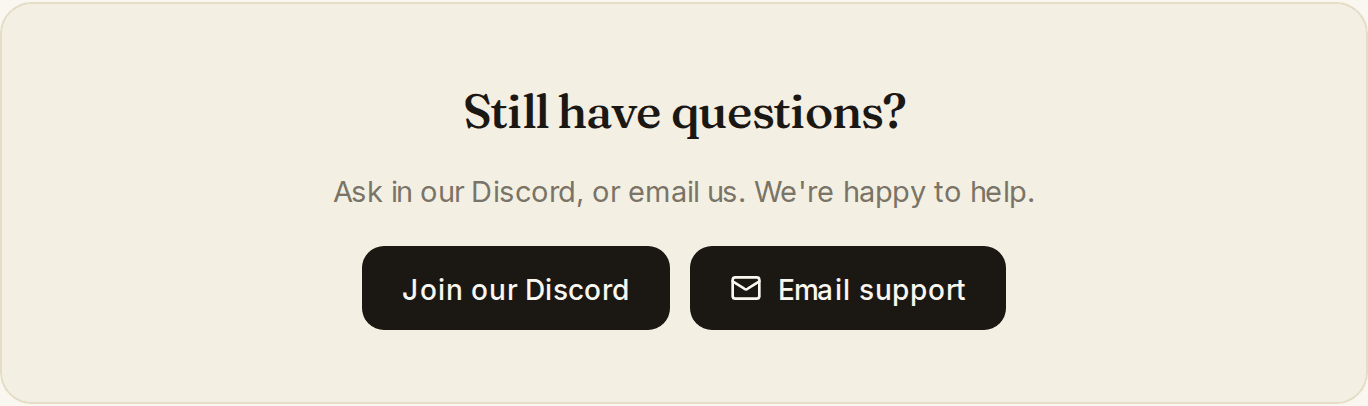
The pricing page's "Still have questions?" card got the same treatment: a Discord button sits next to email support now instead of email being the only option.
Two places this doesn't show in a screenshot, because both need a logged-in dashboard to see:
- The floating help button on every dashboard page now opens with "Ask on Discord" as the first option, with the private email form kept underneath for billing and account issues.
- The dashboard's error screen — the one you see if something breaks — now links to Discord and asks you to include the Error ID if one is shown, so I can find the matching server log instead of guessing.
Why not just add Discord as another option#
We could have left email as the default and added Discord as an alternative. We didn't, on purpose: a second "also, try this" option doesn't change anyone's habits — it sits there unused while everyone still defaults to the button that was already there.
Making Discord the first thing people see is the only way the public-answer benefit actually happens. An email you could have asked in public is a missed chance for someone else to find the answer later via search, or by scrolling the same channel.
What deliberately didn't change#
Email isn't gone. gautam@dokly.co for anything at all, support@dokly.co for billing and account matters, plus the usual privacy@ and legal@ routes. Private questions are still private.
There's no bot, no tiered support, no SLA. Dokly is built by one person. Discord doesn't change who answers — it changes who else can see the answer.
Try it#
Join the Dokly Discord and post in #help if something's broken or confusing. If it's about billing, your account, or anything you'd rather keep private, the contact page still routes straight to an inbox.
Changelog entries#
Discord as the main support channel · Added · The marketing footer, pricing page, contact page, and dashboard help widget now lead with the Dokly Discord's #help forum; email remains for billing and private questions. Dashboard error screen links to Discord · Changed · The "something broke" screen now points to Discord instead of only offering a retry button, and asks for the Error ID when one is available.