Most advice about a technical documentation template is stuck in the old world. It treats the template like a document file, a checklist, or a prettified page with placeholders. That misses the actual job.
In 2026, a technical documentation template is an operating system for knowledge. It defines structure, yes, but it also defines authoring workflow, publishing model, ownership, revision habits, and whether your docs can be discovered by the systems people now use to find answers. Software documentation has become a living artifact, not a static manual, and best-practice guidance has shifted with it toward maintainable, searchable, continuously updated docs that live close to the work itself, use tags for discoverability, and stay easy to revise as products change (AltexSoft on technical documentation best practices).
That changes how you should evaluate tools. A nice-looking template isn't enough. You need to know if it works for hosted docs or docs-as-code, whether it's stronger for API reference or general product docs, and whether the output is readable by AI agents, not just humans.
The market direction also makes this more than a niche concern. One forecast projects the global technical writing tool market will reach USD 2.55 billion by 2035, growing at a 7% CAGR from 2026 to 2035, with software documentation as the largest application segment and Asia-Pacific growing fastest (WiseGuy Reports technical writing tool market forecast).
So skip the downloadable Word-template mindset. These are the 10 best technical documentation template options if you care about shipping fast, staying current, and making your docs usable by both people and machines.
Table of Contents#
- 1. Dokly
- 2. Mintlify
- 3. Docusaurus
- 4. Material for MkDocs
- 5. GitBook
- 6. ReadMe
- 7. Redocly
- 8. Stoplight Elements
- 9. Read the Docs
- 10. Slate
- Top 10 Technical Documentation Template Comparison
- The Best Template Is a System, Not a File
1. Dokly#
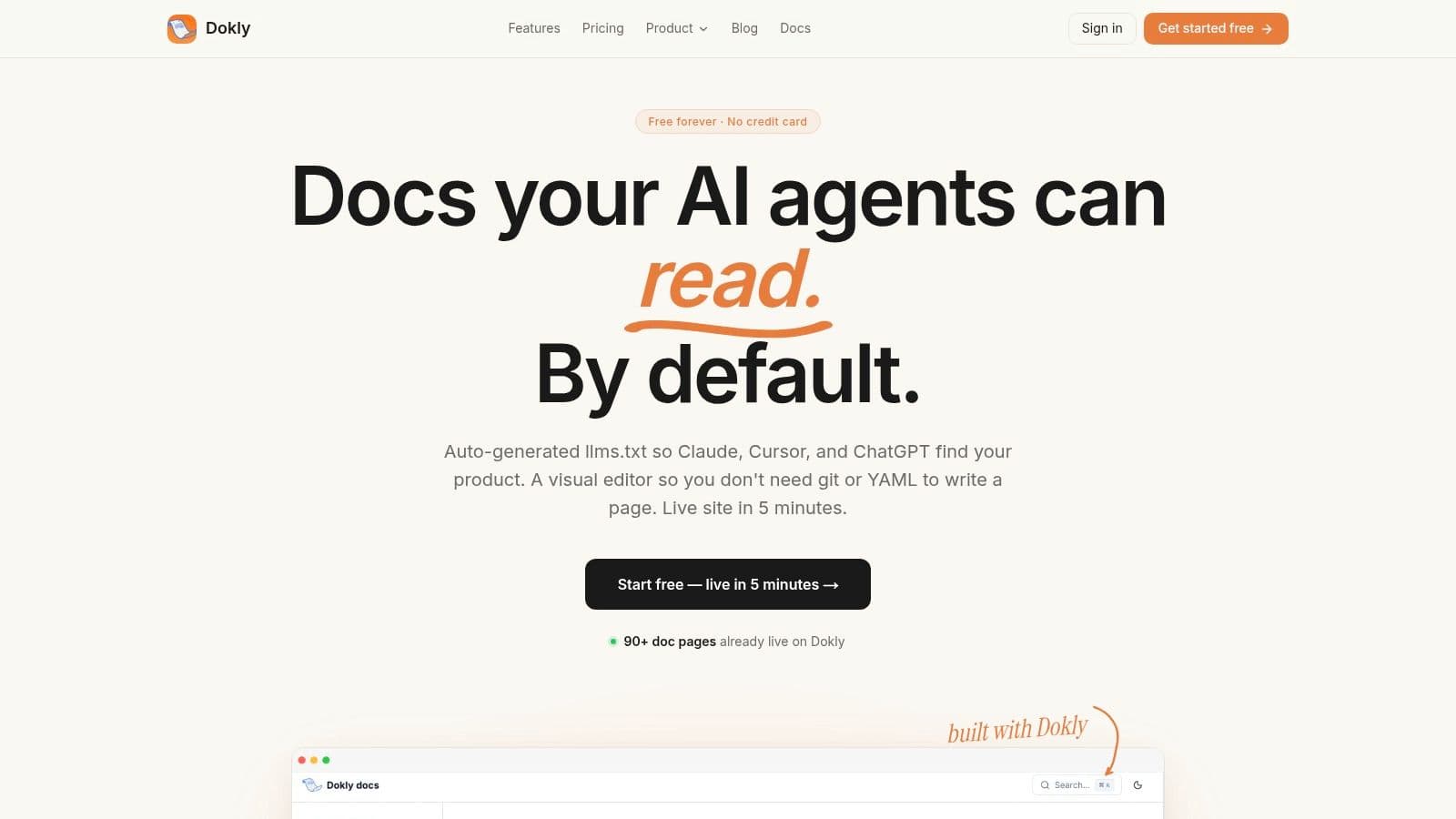
Dokly is the one I'd put first if you're evaluating a technical documentation template through a 2026 lens instead of a 2020 one. Most tools still optimize for "publish a docs site." Dokly optimizes for "publish docs that humans can read and AI agents can parse."
That sounds subtle. It isn't. If ChatGPT, Claude, Cursor, Perplexity, Gemini, or Copilot can't reliably understand your docs structure, your docs won't help much when buyers or developers ask those tools what product to use.
Why Dokly stands out#
Dokly is a hosted, zero-config platform with a Notion-style editor, drag-and-drop assets, instant publishing, built-in search, analytics, custom domains, automatic SSL, and an interactive OpenAPI playground. The bigger differentiator is underneath the surface. It outputs machine-friendly docs with clean llms.txt and semantic MDX, which is exactly the kind of structure AI systems handle better than rendered soup.
For a small team, that matters more than another shiny theme. You can ship docs without Git, YAML, CI setup, or React theming. You also don't have to bolt on half your stack just to get from draft to live site.
If you want a broader primer before choosing a platform, Dokly's guide on what technical documentation is and how teams use it is worth reading.
A quick look at the product helps:
Dokly official YouTube channel
Practical rule: If your documentation workflow needs a frontend engineer before a writer can publish, your template system is too expensive.
Pricing is refreshingly clear. Free gives you 1 project with unlimited pages on a subdomain. Team is $99 per month with custom domain, 5 projects, AI writing credits, and analytics. Business is $199 per month for 25 projects. No per-seat surprises.
Who should pick it#
Dokly is strongest for solo founders, indie hackers, startup engineering teams, support teams building a help center, and API-first products that want clean docs fast. It also fits teams that know documentation maintenance matters and don't want to create a tax around it. That issue gets ignored in most template roundups, even though the hard part isn't deciding on sections. It's keeping docs current through releases, contributors, and product changes, a gap that shows up repeatedly in practical documentation guidance (Asana technical documentation template guidance).
The trade-off is straightforward. Dokly is focused and founder-led. If you need enterprise procurement theater, deep compliance checklists, or a giant ecosystem of enterprise integrations, you should verify those needs directly.
Still, for many organizations, Dokly is the cleanest answer here. It gives you the speed of hosted docs, avoids the setup tax of Docusaurus or MkDocs, and takes AI readability more seriously than tools that treat it like an add-on.
2. Mintlify#
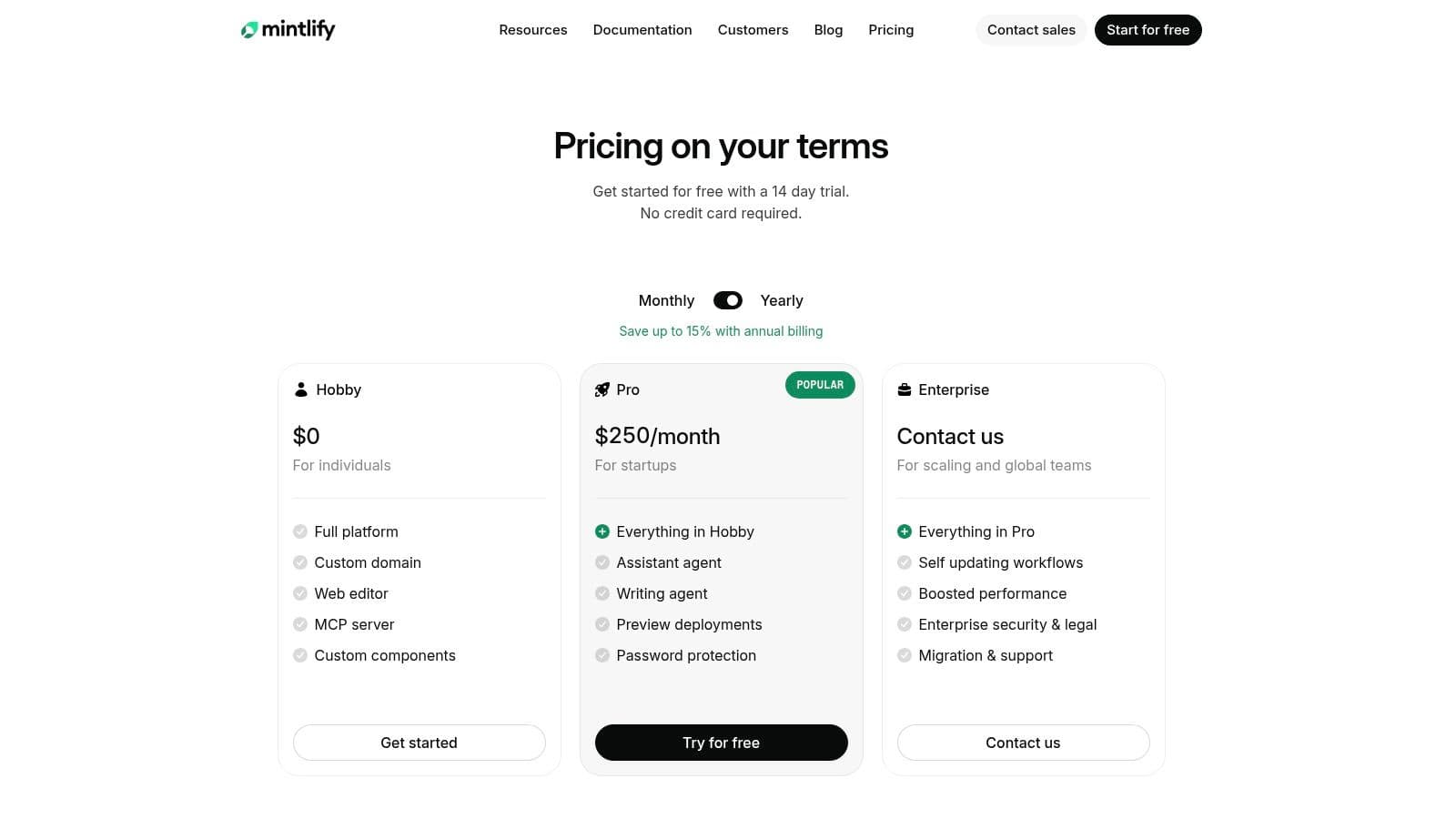
Mintlify is what many startups reach for when they want polished developer docs without building a stack themselves. That's understandable. It looks good fast, ships with strong components, and gives you a hosted workflow with less setup than open-source frameworks.
Its template story is solid for product docs, guides, and API references. You get a visual editor, component library, API playground, Git sync, AI assistant features, and preview-style workflows that help teams move quickly.
Best fit#
Mintlify works best for teams that want batteries included and don't mind staying inside a hosted product model. It feels opinionated in a good way. You can get to a presentable documentation site quickly, which is often more important than theoretical flexibility.
The catch is control. Hosted convenience always comes with some ceiling on customization and workflow ownership. Once you outgrow the free tier, cost can also become part of the discussion.
For AI readability, Mintlify is better positioned than old-school static docs tools, but Dokly has the clearer product thesis here. Mintlify is a polished docs platform with AI features. Dokly is built around machine-readable documentation as a core output. If that distinction matters to your acquisition and discoverability strategy, it matters a lot.
- Pick Mintlify if: You want polished hosted docs, quick launch, and good built-in UI components.
- Skip it if: You want simpler pricing, less hosted lock-in anxiety, or a stronger AI-native documentation angle.
3. Docusaurus#
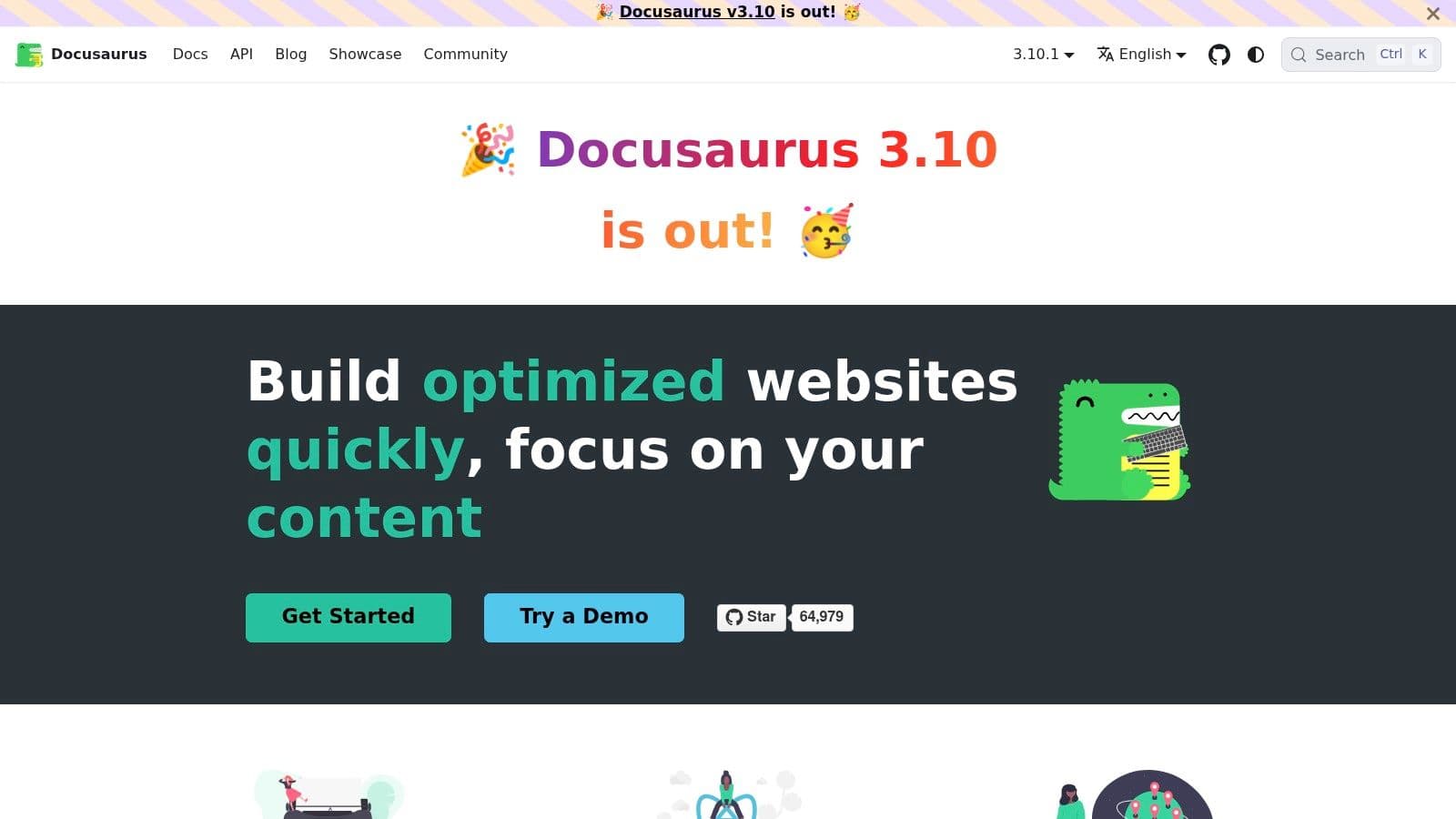
Docusaurus is still one of the best docs-as-code choices if your team likes Git, MDX, and React. It gives you versioning, i18n, a plugin ecosystem, and static output that can be hosted anywhere.
This is not the easiest technical documentation template option on the list. It's the most "engineering team" option.
Where it wins#
If your docs live next to the codebase, your team already knows React, and you want full control over structure and rendering, Docusaurus is excellent. You can shape the site around your product instead of shaping your product docs around the platform.
That's the upside. The downside is the cost of ownership. Search, deployment flow, previews, analytics, theming polish, and content operations still need work from your team. Writers who don't like Git workflows will feel that friction immediately.
Good docs-as-code setups work well when engineers and writers already share the same release discipline. They fail when writers become blocked on build tooling.
For AI readability, Docusaurus can produce clean results if your team structures content well. But it won't save you from messy information architecture. Dokly is better when you want the same machine-friendly output without assigning someone to babysit config files and build steps.
4. Material for MkDocs#
Material for MkDocs is the practical engineer's favorite for a reason. Markdown in. Clean docs site out. It feels faster and simpler than many React-based stacks, and it produces documentation that is usually easy to scan.
For teams that want a strong technical documentation template without overbuilding, this is a serious option.
What it does well#
The theme gives you a polished UI, search, tabs, admonitions, code annotations, multilingual support, and easy YAML-driven theming. You don't need a heavy frontend mindset to get something useful online.
Its biggest strength is discipline. MkDocs tends to keep teams close to plain Markdown and predictable structure. That often leads to clearer docs than highly customized systems that sprawl over time.
Its weaknesses are familiar. You're still managing a Python-based toolchain. You're still doing hosting and workflow setup yourself. And once people ask for custom behavior beyond the common patterns, you'll spend time in plugins and config.
- Strong choice for: Internal platforms, API docs, ops runbooks, and engineering-heavy teams.
- Weak fit for: Non-technical writers who want a visual editor and instant publishing.
If you're choosing between MkDocs and Dokly, it comes down to whether you want ownership or speed. MkDocs gives ownership. Dokly gives speed with far less setup pain.
5. GitBook#
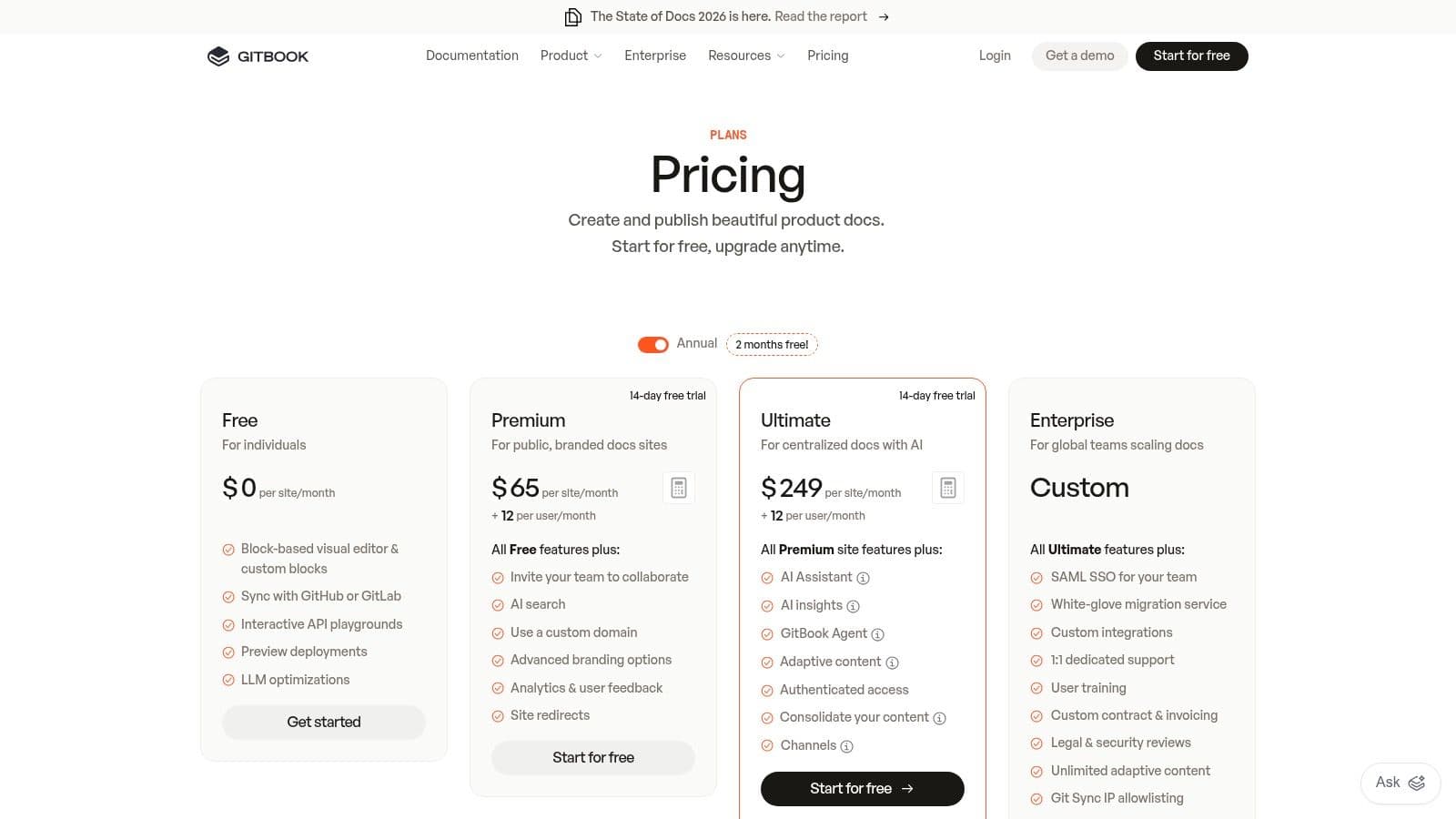
GitBook has become the default answer for a lot of teams that want to standardize documentation quickly. That's because it solves the obvious problems well. The editor is friendly. Permissions are straightforward. Publishing doesn't require infrastructure work.
It works well for public docs, internal knowledge bases, and product knowledge that needs collaboration more than code-level customization.
Where teams like it#
GitBook's block-based editor, review flow, Git sync, version history, search, analytics, and API support make it a good all-around hosted platform. It's especially useful when product, support, and engineering all need to touch the same documentation.
That lines up with the broader shift in documentation itself. Modern template libraries now segment docs into product documentation, process documentation, API docs, onboarding guides, and troubleshooting knowledge bases, rather than forcing everything into one giant manual (Slite on technical documentation template categories). GitBook fits that modular model well.
If you're comparing hosted knowledge tools, Dokly's own roundup of knowledge base platforms for modern teams is a helpful companion read.
The trade-off is mostly cost and flexibility. GitBook gets expensive for some startups as usage expands, and it doesn't give you the same freedom as open-source stacks.
Hosted collaboration is great until your docs workflow starts bending around the vendor's pricing model.
GitBook is strong. Dokly feels sharper if you care about AI-readable output, transparent pricing, and avoiding seat-based surprises.
6. ReadMe#
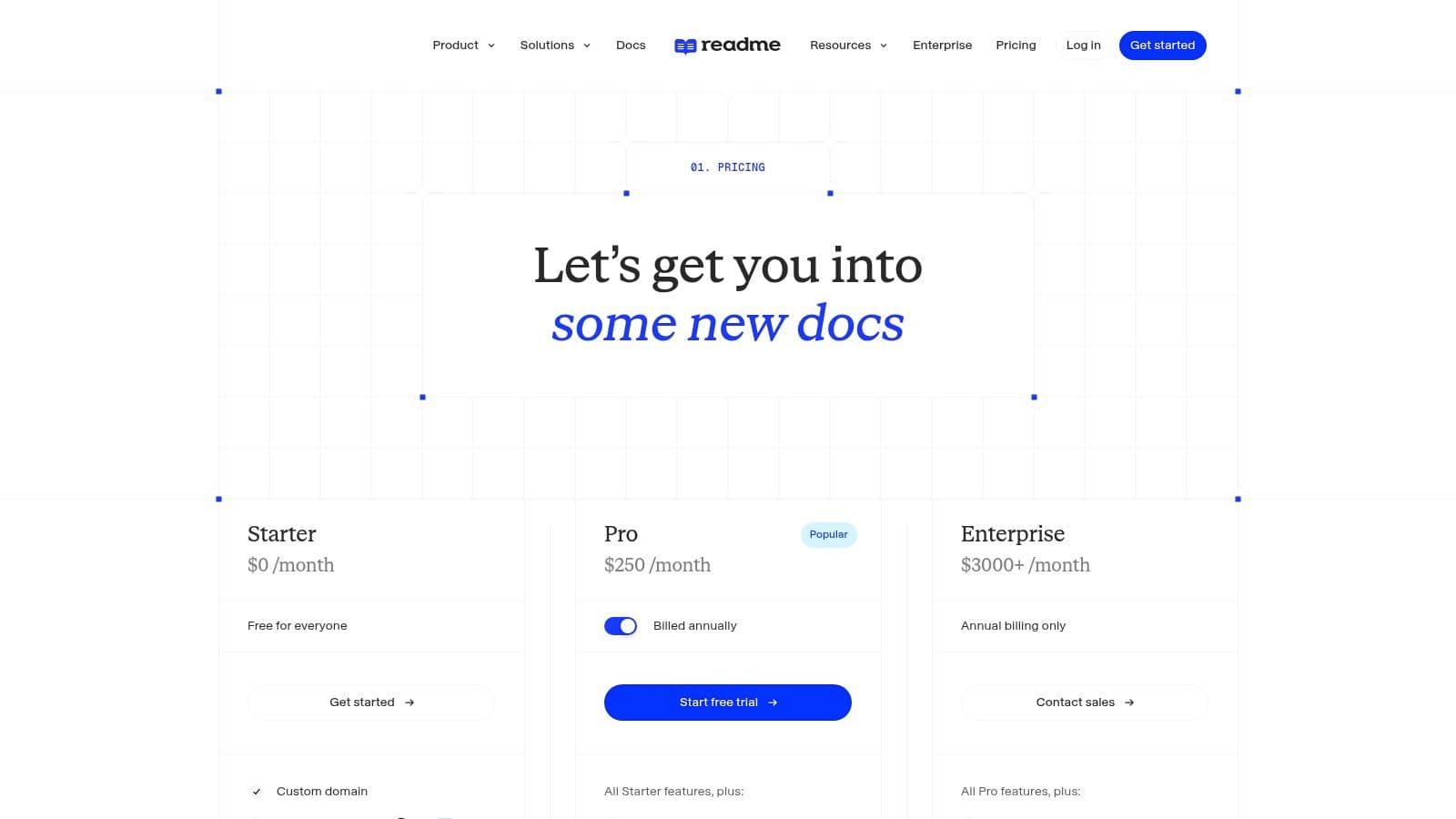
ReadMe is built for developer-facing API documentation. If your technical documentation template mostly means reference docs, endpoint exploration, and onboarding developers into an API, ReadMe makes immediate sense.
This is not the broadest platform in the list. It's one of the more focused ones.
Why API teams choose it#
The interactive API explorer is the headline feature. Developers can try requests, inspect responses, and move from reading to testing without context switching. That improves onboarding because the docs act like a working surface, not just a reference shelf.
ReadMe also supports CLI and API-based updates, changelogs, and developer usage analytics. For API companies, that's useful because it connects publishing workflow with actual developer behavior.
Where it falls short is narrative breadth. If you need lots of product education, support content, onboarding guides, and mixed audience docs, ReadMe can feel narrower than GitBook or Dokly. It also isn't the first choice for docs-as-code purists.
- Best for: API products, developer platforms, and teams that want live reference experiences.
- Less ideal for: Mixed knowledge bases with lots of procedural, support, and non-developer content.
If your docs are mostly API-first, ReadMe is worth a hard look. If you want one platform that handles API docs and general product docs without making AI readability an afterthought, Dokly has the more balanced approach.
7. Redocly#
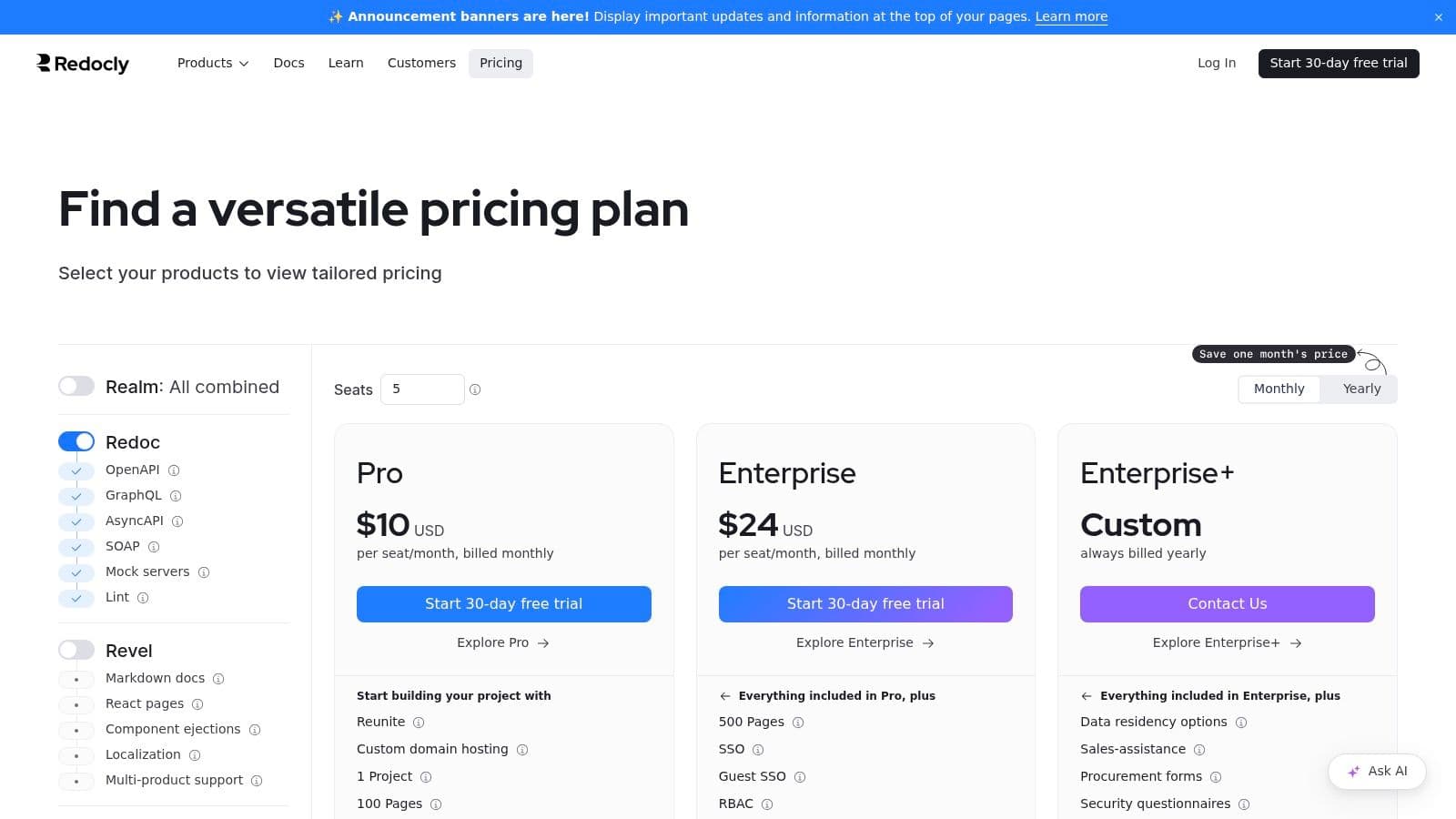
Redocly is a serious API documentation stack. It shines when your source of truth is OpenAPI and your team cares about governance, linting, reference quality, and more formal documentation controls.
For a technical documentation template focused on API programs, this is one of the more mature choices.
Best for governed API docs#
Redocly's strengths are clear. It can render clean API reference from OpenAPI. It offers CLI tooling, a VS Code extension, and hosted portal options with features like role-based access and SSO. Larger teams often care about those workflow controls more than visual editing.
The trade-off is equally clear. Redocly is best when API reference is the center of your docs universe. If your team needs a more blended setup with onboarding, help center content, product education, and fast non-technical editing, it can feel heavy.
If you're comparing API-focused stacks, Dokly's roundup of the best API documentation tools for developer products gives useful context.
I like Redocly most when engineering owns the docs system and wants stricter OpenAPI governance. I like Dokly more when a startup needs API docs plus general docs, wants less setup friction, and cares that the published output is easy for AI agents to ingest.
8. Stoplight Elements#
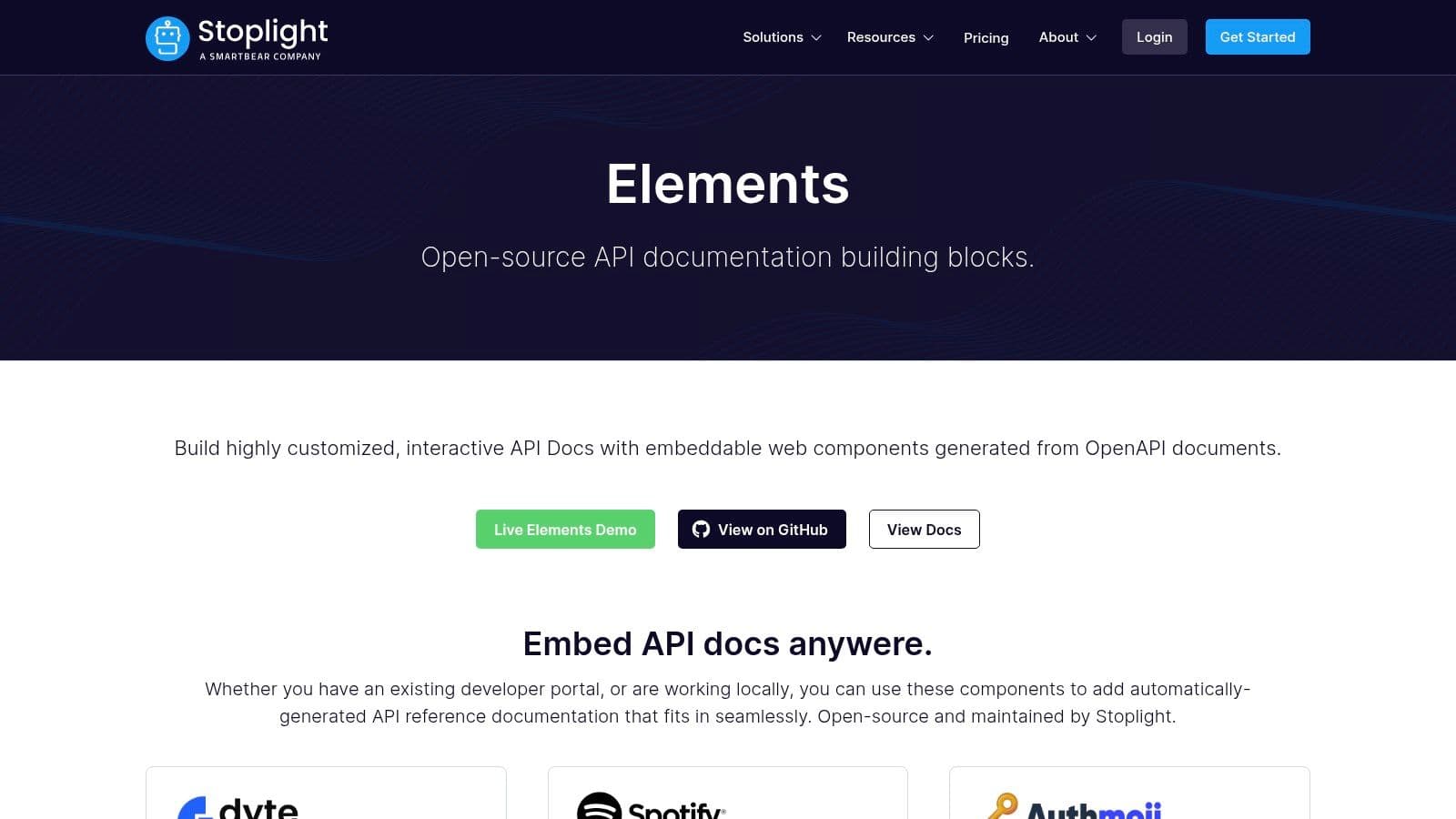
Stoplight Elements is not a full documentation platform. That's why it belongs on this list. Sometimes the right technical documentation template isn't a platform at all. It's a reusable component layer inside a site you already own.
Elements gives you embeddable web components for API documentation generated from OpenAPI.
When it makes sense#
If you already have a developer portal, marketing site, or product site and just need interactive API reference dropped into it, Stoplight Elements is a clean answer. It's flexible and open source, and it avoids forcing a bigger platform migration.
That flexibility comes with missing pieces. You still need to handle navigation, narrative docs, search, hosting, and authoring workflow elsewhere. So this is a building block, not a complete operating model.
The moment your team says "we'll just embed the API reference and figure out the rest later," you're no longer choosing a template. You're choosing future integration work.
Use Elements when your site architecture is already settled. Skip it if you need one coherent docs experience for guides, reference, tutorials, and support content in the same place.
9. Read the Docs#
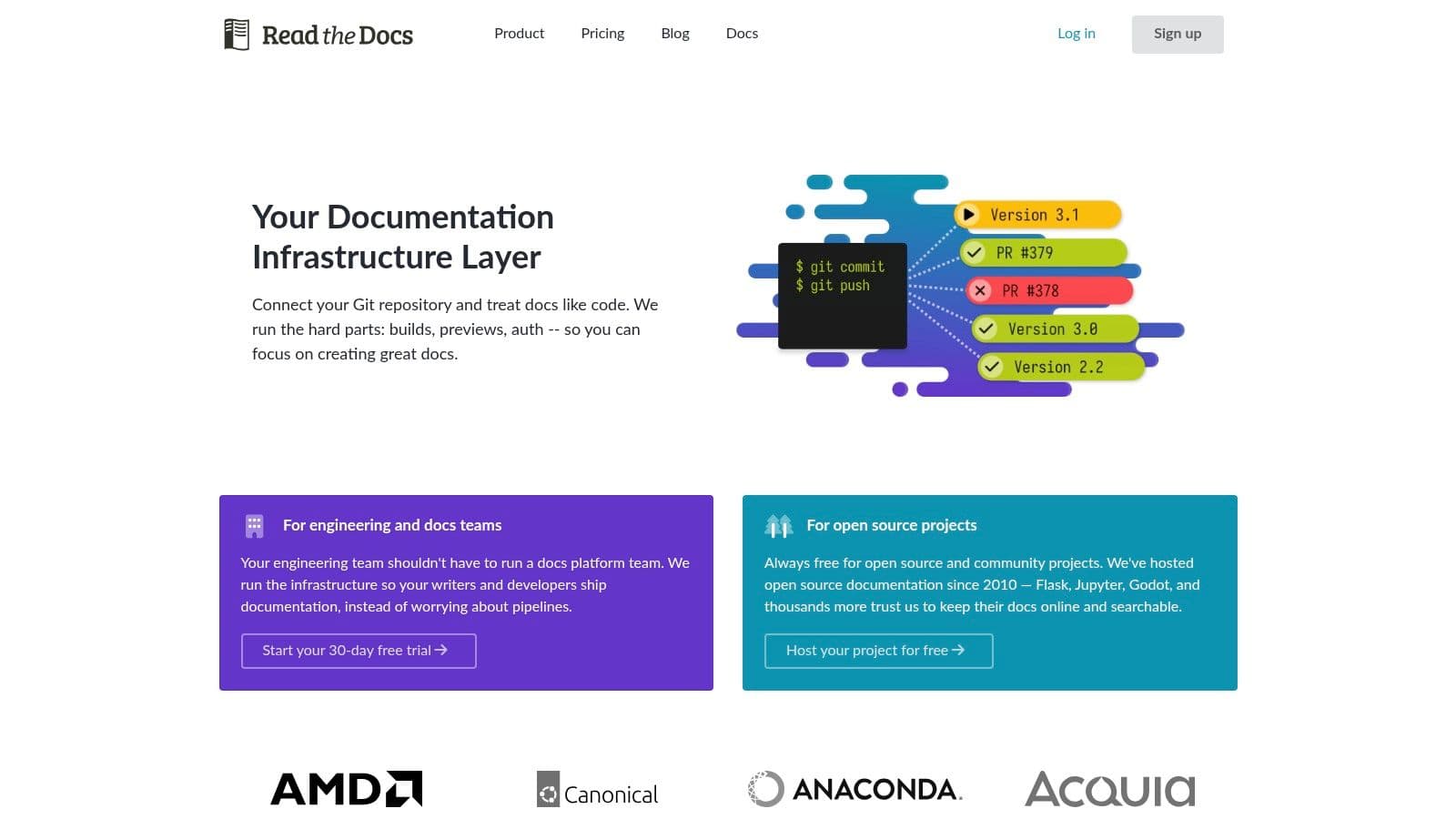
Read the Docs is the old reliable option for teams using Sphinx or MkDocs who want managed builds and publishing. It has deep roots in open-source documentation, especially in Python-heavy ecosystems.
That history matters because a lot of technical documentation habits still come from this world.
Where it fits best#
If your team already writes in Sphinx or MkDocs, wants versioned docs from Git, and doesn't care much about having the trendiest editing experience, Read the Docs remains a good fit. It handles the hosting and build pipeline while preserving an open-source style workflow.
It's less compelling if you want highly custom branded docs, a modern block editor, or a system that non-technical contributors will enjoy using. Theming can feel constrained compared with fully custom static sites or newer hosted tools.
A useful template isn't just about structure. It's about making docs maintainable. The best-practice guidance across software documentation keeps coming back to the same basics: keep docs close to the source, make them easy to update, and treat them as living artifacts rather than frozen manuals. Read the Docs supports that mindset well when your team already works in Git.
10. Slate#
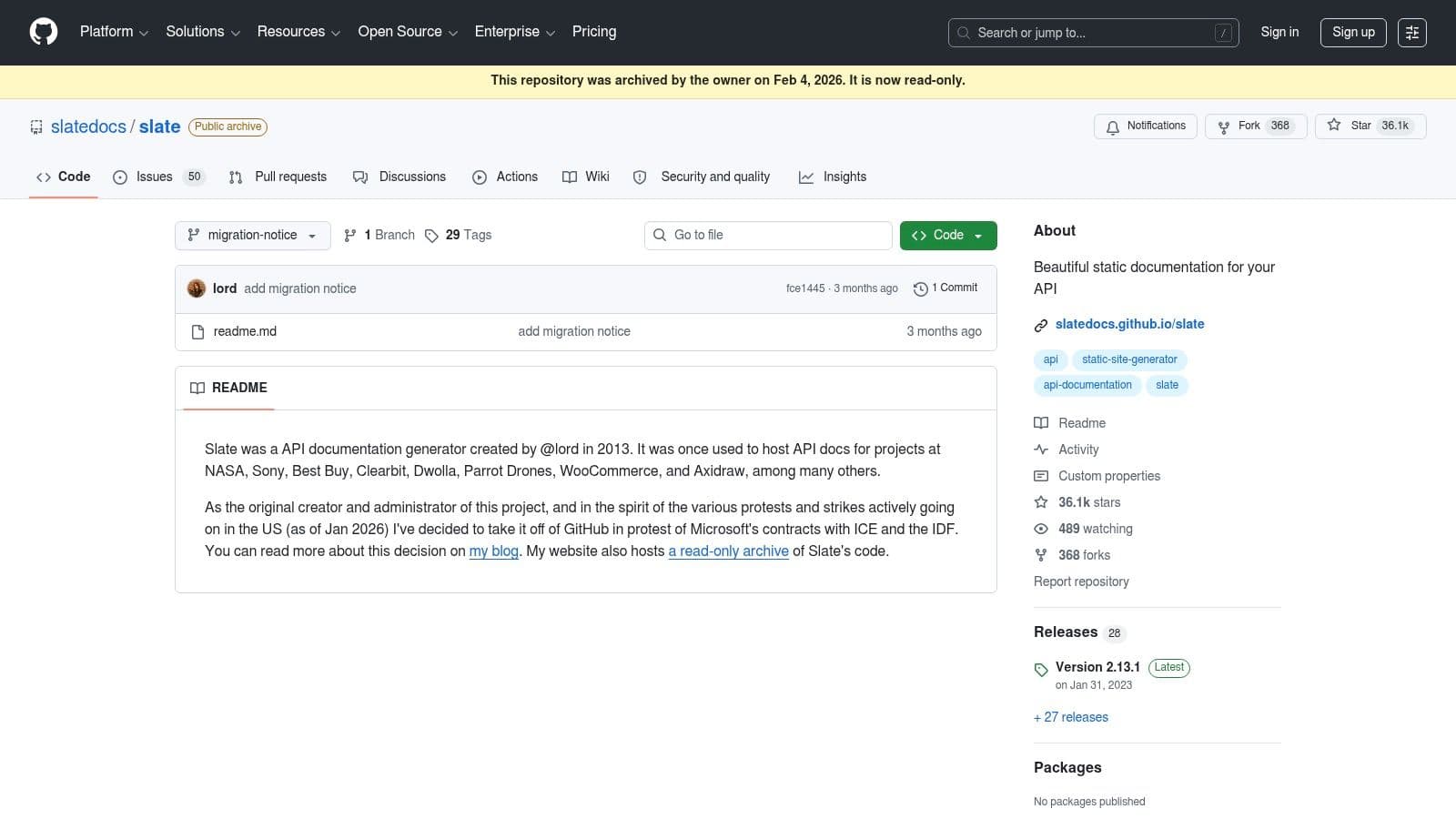
Slate is the classic Stripe-style API doc layout. Left navigation. Right-side code samples. Long single-page reference flow. People still use it because that pattern is familiar and easy for developers to scan.
It's old, but not irrelevant.
Why people still use it#
Slate is good when your needs are narrow and stable. You want a recognizable API documentation template. You want Markdown authoring. You want code samples in multiple languages. You want static hosting and not much else.
That simplicity is its strength and its ceiling. Slate isn't trying to be a full documentation platform, and it shows. Narrative guides, changelog workflow, advanced integrations, team collaboration, and richer information architecture all need support elsewhere.
If your API surface is modest and you just need a clean reference site, Slate still works. If you're building a broader documentation system for product docs, onboarding, troubleshooting, and AI-readable discoverability, it's too limited for most teams.
Top 10 Technical Documentation Template Comparison#
| Product | Core features | UX / Quality ★ | Price / Value 💰 | Target audience 👥 | Unique points ✨ |
|---|---|---|---|---|---|
| Dokly 🏆 | Auto llms.txt & semantic MDX; Notion‑style visual editor; SSR <100ms; OpenAPI playground; search & analytics | ★★★★★ sub-100ms loads; agent‑cited results | Free → Team $99 / Business $199, transparent, AI credits included 💰 | Solo founders, indie hackers, early-stage eng, API‑first teams | ✨ Machine‑readable docs for LLMs; zero‑config MDX; inline AI writing |
| Mintlify | Visual editor + component library; interactive API playground; Git sync; AI assistant | ★★★★ Polished templates; fast to launch | Free → paid tiers; can scale with usage 💰 | Small teams wanting polished, low‑setup docs | ✨ Opinionated templates & built‑in components for speedy launch |
| Docusaurus | React + MDX; versioning; plugin ecosystem; static export | ★★★★ Highly extensible; dev‑centric | Free (OSS), hosting/CI/search self‑managed 💰 | Engineering teams preferring docs‑as‑code (Git/React) | ✨ Large community; full MDX/component flexibility |
| Material for MkDocs | MkDocs + Material theme; client search; rich components; i18n | ★★★★ Mature, fast static sites | Free, requires Python/MkDocs toolchain; plugins for advanced features 💰 | Markdown‑first teams and Python shops | ✨ Extensive UI components; mobile‑friendly, themeable via YAML |
| GitBook | Block editor; GitHub/GitLab sync; search & analytics; reviews | ★★★★ Collaborative, quick to standardize | Free → per‑user/site pricing (can scale) 💰 | Cross‑functional teams avoiding infra | ✨ Simple permissions, review/merge workflows |
| ReadMe | Interactive API explorer; CLI/API updates; developer analytics | ★★★★ Purpose‑built for API onboarding | Paid (higher than DIY stacks) 💰 | API teams needing live try‑it docs & analytics | ✨ Polished OpenAPI integration and dev analytics |
| Redocly | Redocly Reference from OpenAPI; CLI & VS Code ext; hosted portal | ★★★★ Enterprise‑grade API references | Paid; modular pricing & enterprise options 💰 | Enterprise, API‑first orgs needing governance | ✨ Governance, RBAC/SSO, clear OpenAPI rendering |
| Stoplight Elements | Embeddable web components; OpenAPI‑driven rendering; examples | ★★★ Flexible, embeddable | Free/open‑source; hosting & integration required 💰 | Teams embedding API refs into existing portals | ✨ Lightweight, drop‑in interactive components |
| Read the Docs | Automated builds from Git; versioning; hosting; search | ★★★ Reliable for OSS workflows | Free for OSS; paid for private/SSO/analytics 💰 | OSS projects; Sphinx/MkDocs users | ✨ Managed build pipeline + public community hosting |
| Slate | Two‑column API template; multi‑language code tabs; Markdown | ★★★ Simple, familiar layout | Free, static hosting required 💰 | Teams wanting classic, Stripe‑style API refs | ✨ Clean single‑page reference with language tabs |
The Best Template Is a System, Not a File#
The right technical documentation template isn't the prettiest one. It's the one your team will keep current, your users can effectively use, and AI agents can parse.
That's the big mistake in most roundups. They compare layouts. They compare themes. They compare whether a page looks polished in a screenshot. Real teams need to compare workflow cost, maintenance burden, and output quality.
Open-source stacks like Docusaurus, MkDocs, Read the Docs, and Slate still make sense when you want control and your team is comfortable owning the toolchain. You get flexibility, but you also inherit hosting, deployment, theming, and contributor friction. That trade can be worth it. It often isn't for small teams.
Hosted platforms like GitBook, Mintlify, and ReadMe reduce setup pain. That's why they're popular. You can standardize structure faster, publish faster, and avoid a lot of infrastructure work. But hosted convenience can turn into pricing friction, lock-in, or workflow constraints once your docs become more central to the business.
API-first tools like Redocly and Stoplight Elements are excellent when API reference is the core problem. They're less compelling when you need broader product education, support content, and mixed audiences in the same documentation system.
Dokly is the most interesting option because it doesn't just compete on design or convenience. It competes on output quality for the way docs are discovered now. A lot of teams still publish documentation that looks fine to a human and reads poorly to machines. Then they wonder why AI assistants don't surface or cite their product clearly.
Dokly takes the better approach. It gives you a no-config visual workflow, clean semantic output, AI writing help, built-in hosting features, interactive API support, and pricing that doesn't punish growth with seat creep. It treats AI readability as part of the foundation, not an optional layer.
If your team wants total control and has engineering time to burn, Docusaurus or MkDocs can still be the right move. If you want a polished hosted platform and don't mind the trade-offs, Mintlify or GitBook are strong contenders.
If you want fast, clean, machine-readable docs without the setup tax, Dokly is the easiest recommendation on this list.
If you're choosing a technical documentation template right now, start with Dokly. The free tier is enough to test the workflow, publish real pages, and see whether AI-native docs fit the way your team ships. For most startups and solo builders, that makes the decision pretty simple.