Best Knowledge Base Software in 2026: 7 Tools Compared (Honest Review)#
Knowledge base software prices have gone through the roof. Mintlify is $300/month. GitBook charges $65+/month. ReadMe starts at $99/month.
Most teams need something simpler and cheaper.
Here's an honest comparison of the best knowledge base software in 2026, with real pricing and what you actually get.
Quick Comparison Table#
| Platform | Starting Price | Best For | Key Weakness |
|---|---|---|---|
| Dokly | $49/month | Teams leaving expensive tools | Newer platform |
| Mintlify | $300/month | Enterprise with big budgets | Expensive for small teams |
| GitBook | $65/month | Teams wanting Git + visual editing | Limited customization |
| ReadMe | $99/month | API-heavy documentation | Complex for simple docs |
| Notion | $8/month/user | Teams already using Notion | Not built for public docs |
| Confluence | $6/month/user | Enterprise knowledge management | Slow, bloated interface |
| Slab | $8/month/user | Internal team wikis | No public documentation |
Why Teams Switch Knowledge Base Software#
Three main reasons teams switch in 2026:
- Cost explosion - Legacy platforms raised prices 40-60% since 2024
- AI tax - Many platforms charge huge markups for AI writing features
- Over-complexity - Most teams need docs, not enterprise workflow management
The Top 7 Knowledge Base Software Options#
1. Dokly — Best Value for Developer Teams#
$49/month (unlimited users)
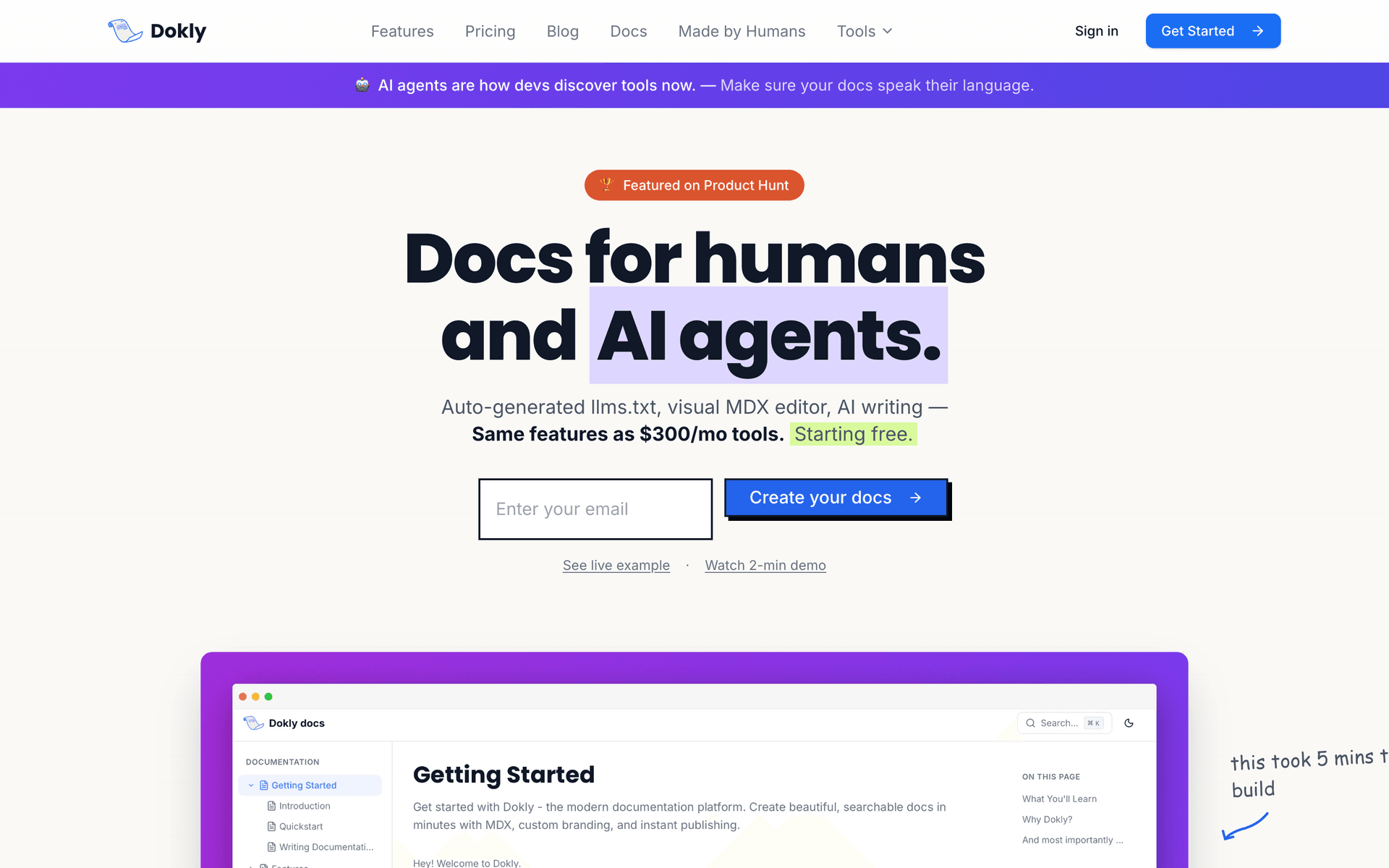
See it in action — building a full knowledge base from scratch in under a minute:
What you get:
- Visual MDX editor (no Git required)
- Unlimited team members
- Custom domain
- Auto-generated llms.txt for AI discoverability
(bring your own OpenAI key)
- Full customization with React components
documentation support
What's missing:
- No SSO yet (coming Q2 2026)
- Smaller brand recognition
- No built-in analytics (uses Google Analytics)
Best for: Developer teams tired of paying $300+/month for basic documentation.
Honest take: Dokly is newer but moves fast. The visual MDX editor is genuinely easier than Git-based workflows, and the pricing beats everyone by 70%+.
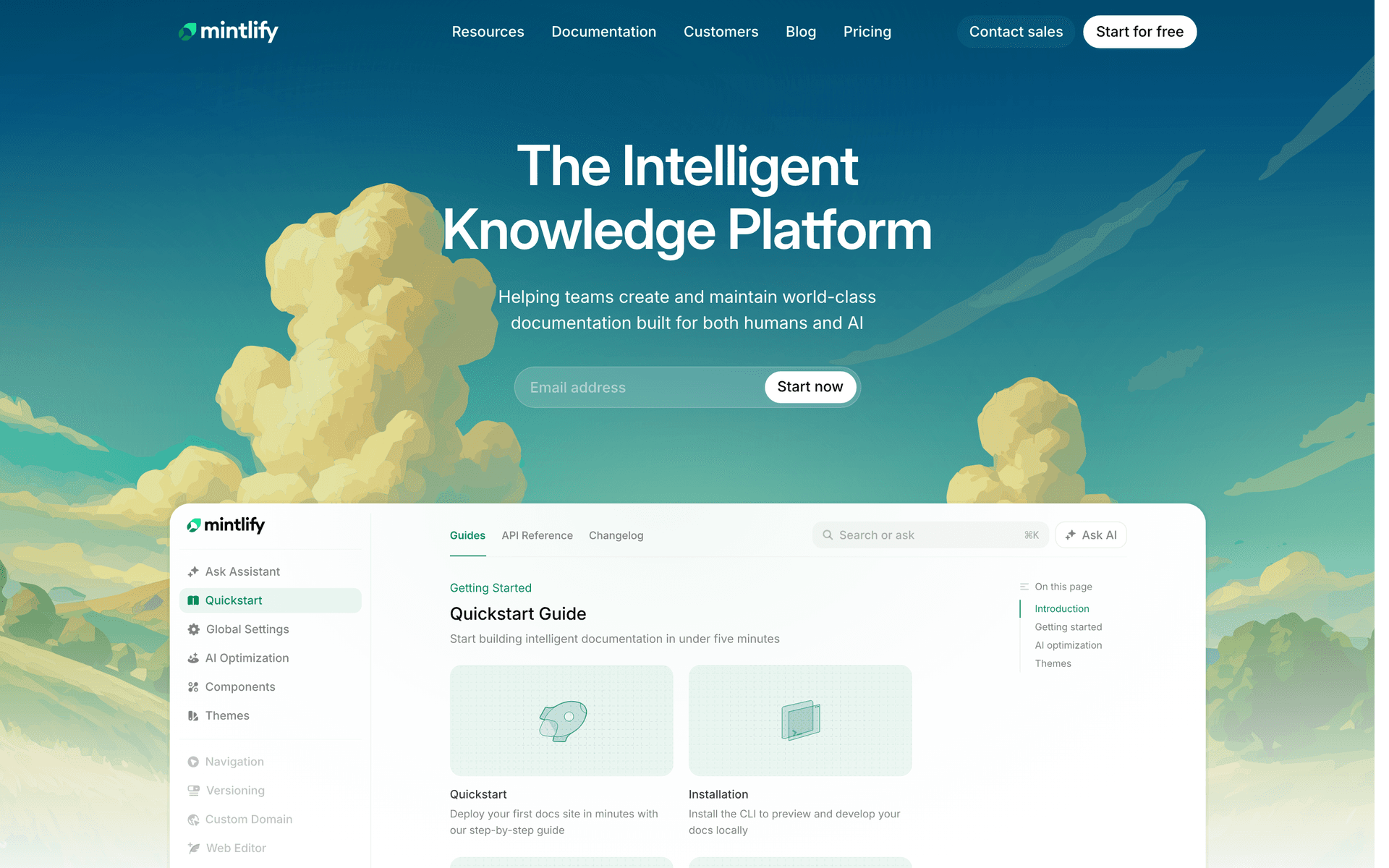
2. Mintlify — Enterprise Standard#
$300/month (up to 5 editors)
What you get:
- Git-based workflow
- Advanced analytics
- SSO and enterprise features
- Strong brand recognition
- API playground
- Custom components
What's missing:
- Expensive for small teams
- Requires Git knowledge
- AI features cost extra
- Per-editor pricing gets expensive
Best for: Enterprise teams with documentation budgets over $5K/year.
Honest take: Mintlify is solid but overpriced. You're paying for brand recognition and enterprise features most teams don't need.
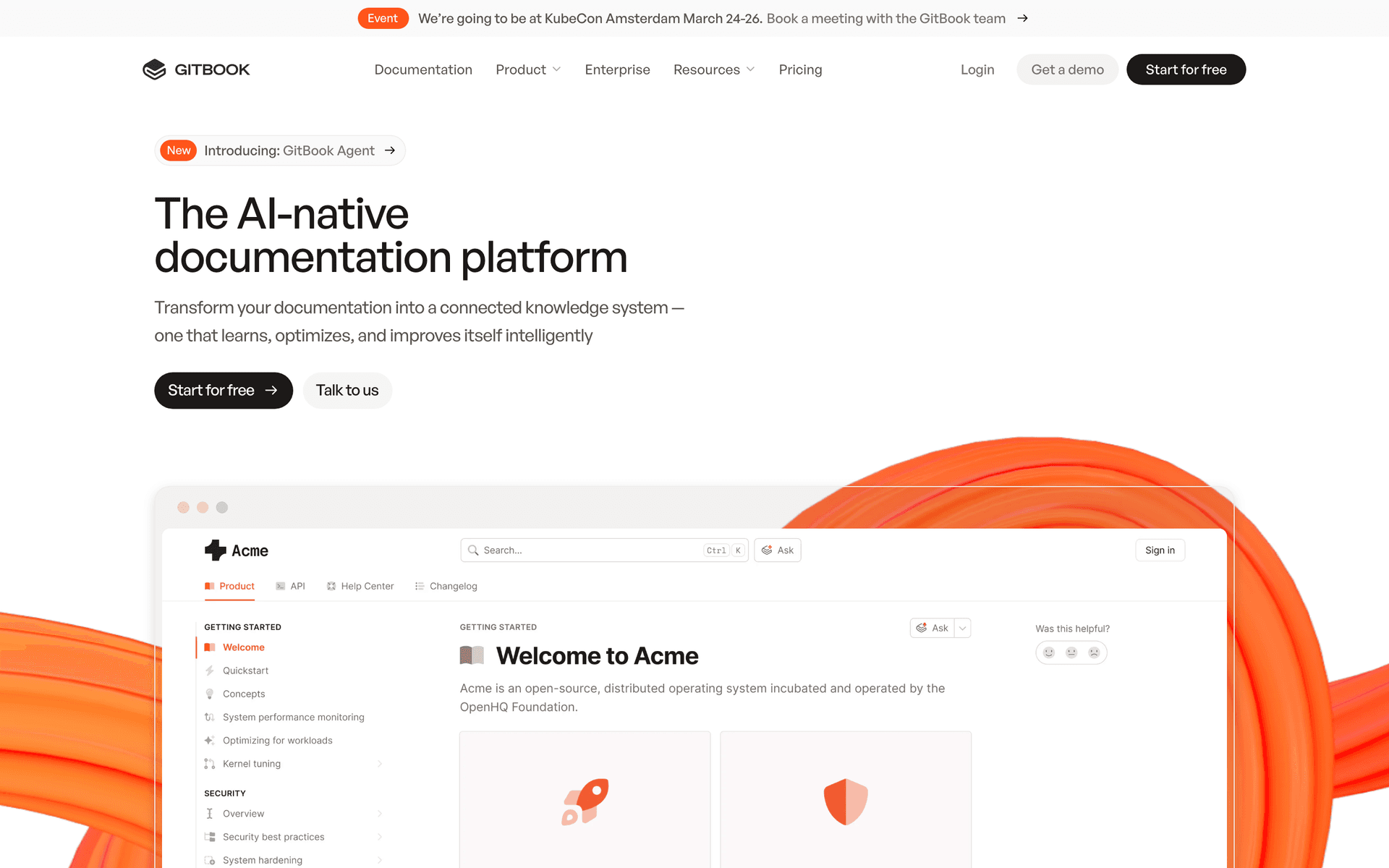
3. GitBook — Visual + Git Hybrid#
$65/month (10 editors)
What you get:
- Visual block editor
- Git synchronization
- Team collaboration
- Custom domains
- Basic analytics
- Public and private spaces
What's missing:
- Limited design customization
- No advanced API docs
- AI features cost extra
- Per-editor limits
Best for: Teams wanting Notion-like editing with Git integration.
Honest take: GitBook sits in the middle - more expensive than simple tools, less powerful than enterprise options. Good if you need the exact feature mix they offer.
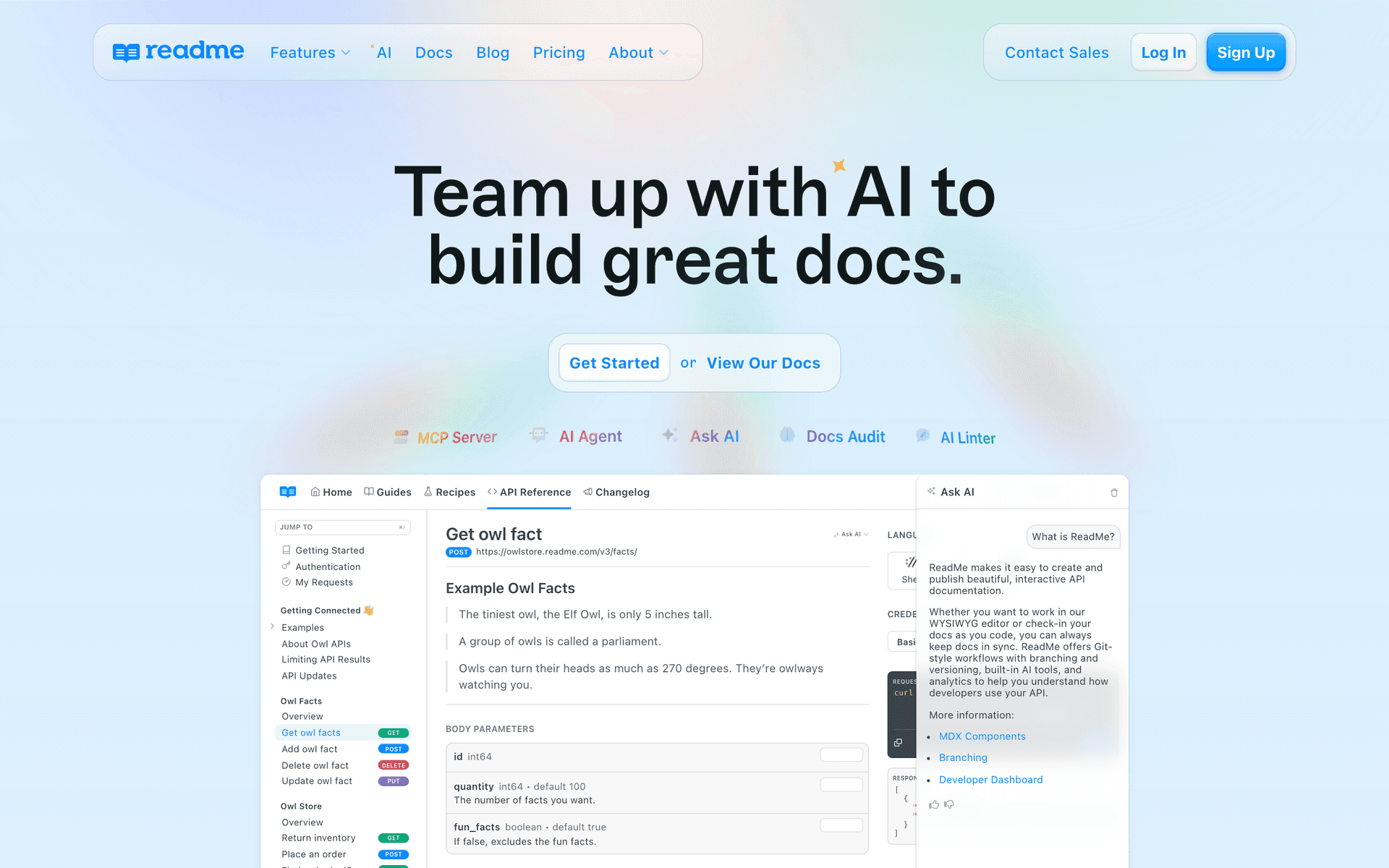
4. ReadMe — API Documentation Focus#
$99/month (3 editors)
What you get:
- Interactive API playground
- Auto-generated docs from OpenAPI
- User authentication
- Advanced analytics
- Custom CSS
- Discussion features
What's missing:
- Expensive for non-API docs
- Complex setup
- Limited markdown support
- Per-editor pricing
Best for: API-first companies with complex documentation needs.
Honest take: ReadMe excels at API docs but overkill for general knowledge bases. The pricing per editor gets expensive fast.
5. Notion — All-in-One Workspace#
$8/month per user
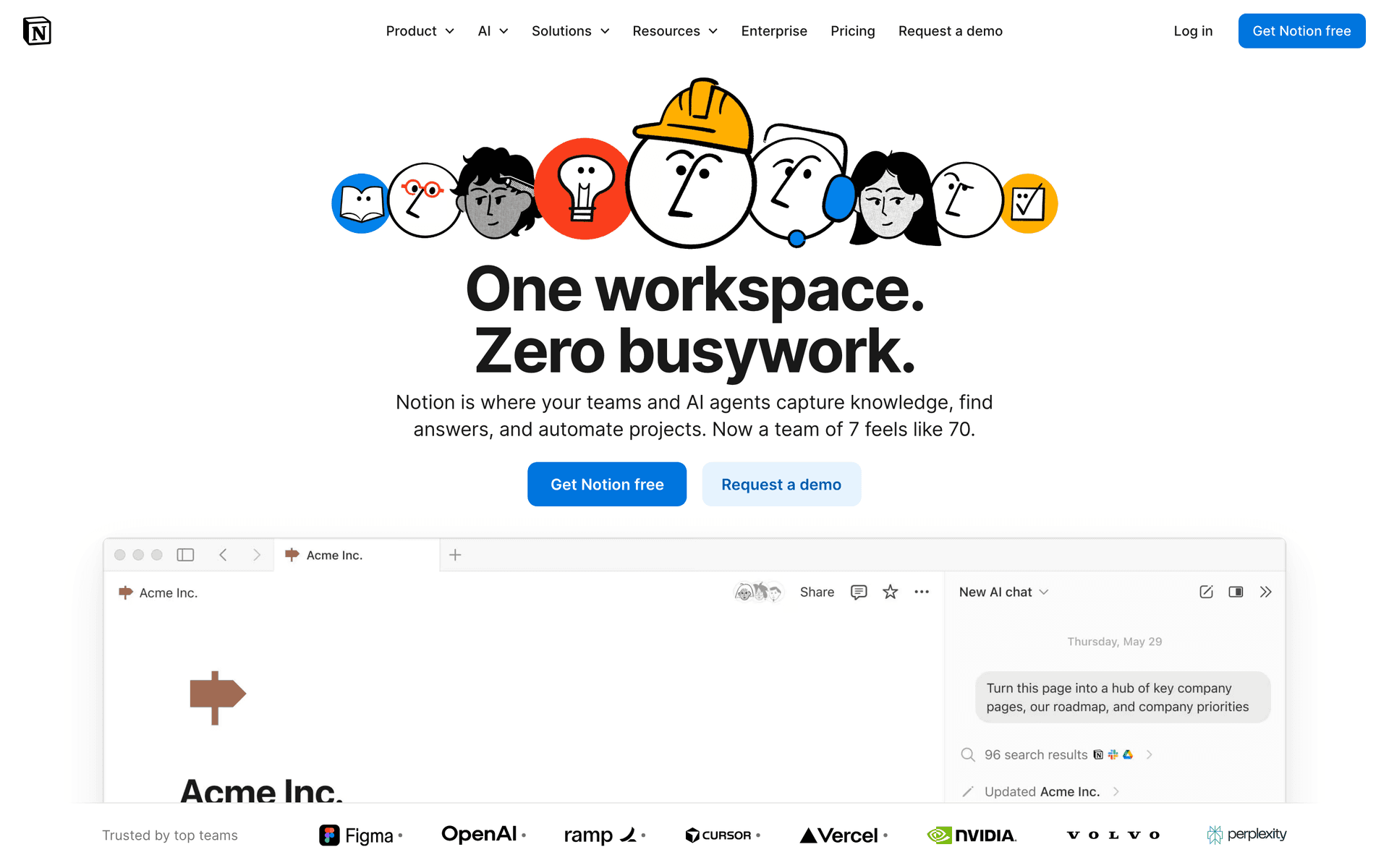
What you get:
- Block-based editor
- Team workspace
- Database functionality
- Template library
- Basic public pages
- Integrations with other tools
What's missing:
- Not optimized for public documentation
- Slow loading times
- Limited customization for external users
- No advanced developer features
Best for: Teams already using Notion who want simple public docs.
Honest take: Notion works for basic knowledge bases but lacks developer-focused features. Per-user pricing adds up for larger teams.
6. Confluence — Enterprise Wiki#
$6/month per user (10+ users)
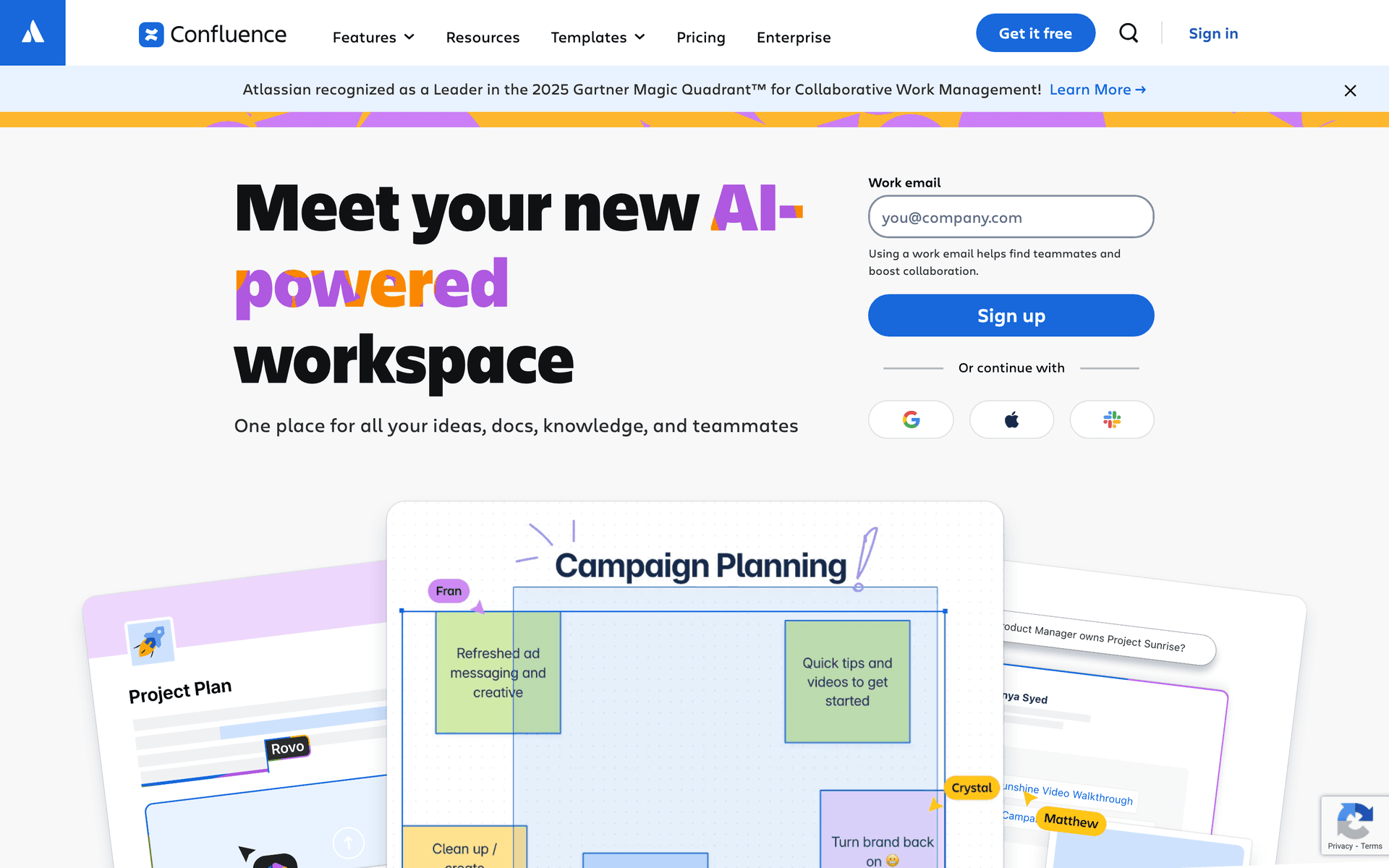
What you get:
- Advanced permissions
- Atlassian ecosystem integration
- Template library
- Enterprise security
- Workflow approvals
- Powerful search
What's missing:
- Slow, clunky interface
- Not great for external documentation
- Requires Atlassian ecosystem
- Complex setup
Best for: Large enterprises already using Jira/Atlassian tools.
Honest take: Confluence is powerful but feels like software from 2015. Good for internal wikis, terrible for customer-facing docs.
7. Slab — Modern Team Wiki#
$8/month per user
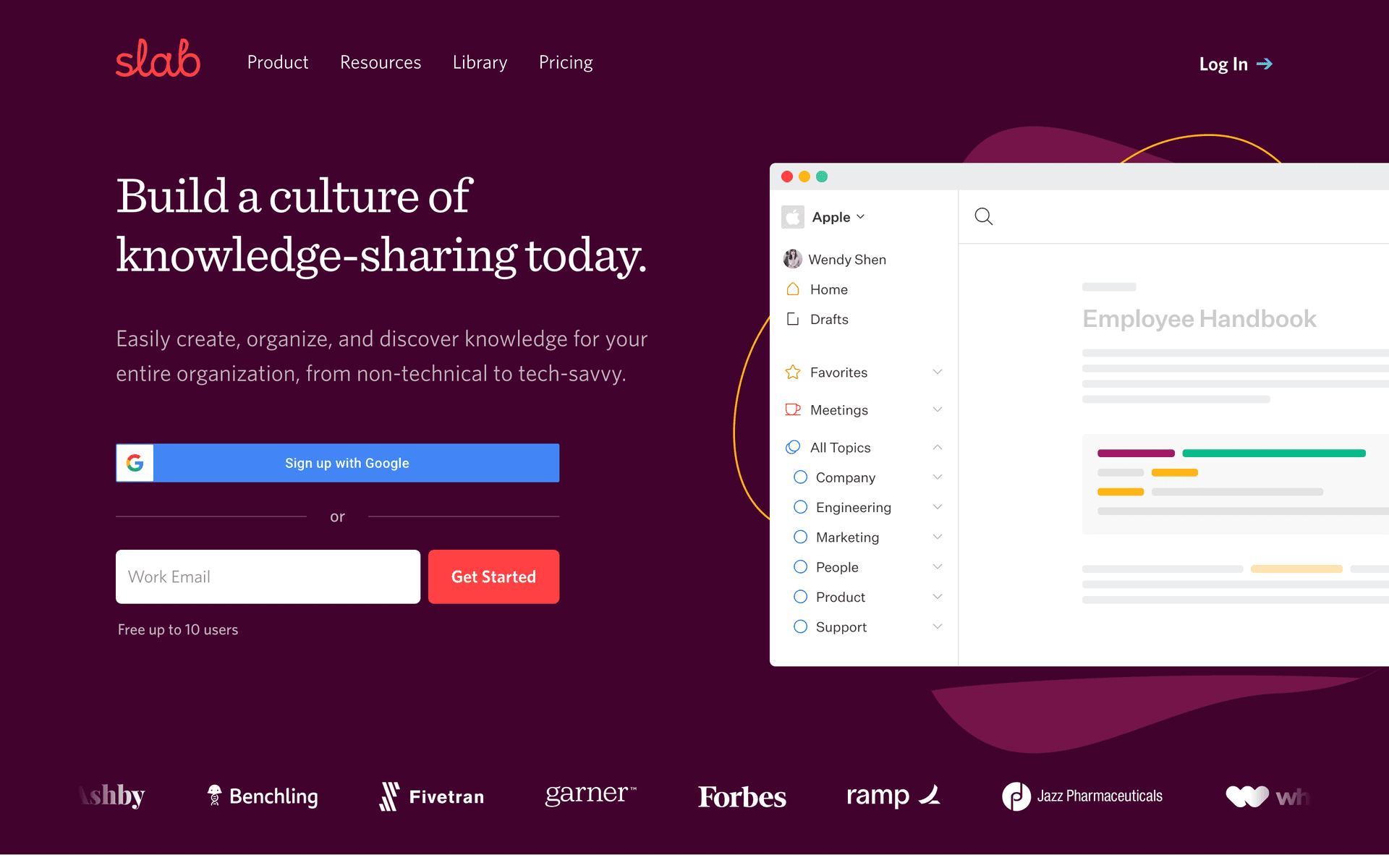
What you get:
- Clean, modern interface
- Team collaboration
- Smart organization
- Integrations with Slack, etc.
- Version history
- Search functionality
What's missing:
- No public documentation
- Limited customization
- Per-user pricing
- No developer-specific features
Best for: Internal team wikis and knowledge sharing.
Honest take: Slab is clean and modern but purely internal. Can't compete with dedicated documentation platforms for external use.
Feature Comparison: What Actually Matters#
| Feature | Dokly | Mintlify | GitBook | ReadMe | Notion | Confluence | Slab |
|---|---|---|---|---|---|---|---|
| Pricing | $49/mo | $300/mo | $65/mo | $99/mo | $8/user | $6/user | $8/user |
| Unlimited users | ✅ | ❌ | ❌ | ❌ | ❌ | ❌ | ❌ |
| Visual editor | ✅ | ❌ | ✅ | ✅ | ✅ | ✅ | ✅ |
| Git integration | ✅ | ✅ | ✅ | ✅ | ❌ | ❌ | ❌ |
| API docs | ✅ | ✅ | ❌ | ✅ | ❌ | ❌ | ❌ |
| Custom domain | ✅ | ✅ | ✅ | ✅ | ❌ | ❌ | ❌ |
| AI writing | ✅ (BYOK) | ✅ | Add-on | Add-on | ❌ | ❌ | ❌ |
| SSO | Coming | ✅ | ✅ | ✅ | ✅ | ✅ | ✅ |
| Analytics | Basic | Advanced | Basic | Advanced | ❌ | Basic | Basic |
The Hidden Costs Nobody Talks About#
Per-seat pricing kills budgets. A 20-person team pays:
- Notion: $160/month
- Confluence: $120/month
- Slab: $160/month
AI writing markups are insane. Most platforms charge 300-500% markup on OpenAI costs. A $20 OpenAI bill becomes $100 through their platform.
Enterprise features you don't need. SSO costs extra $100-200/month on most platforms. Advanced analytics add $50+/month. Most teams never use these features.
How to Choose Knowledge Base Software in 2026#
If you're a developer team on a budget: Dokly wins on price and features. $49/month vs $300+ elsewhere.
If you need enterprise features now: Mintlify or GitBook have SSO and advanced analytics ready.
If you're API-focused: ReadMe has the best API playground, but you'll pay for it.
If you're already in an ecosystem: Notion (if using Notion), Confluence (if using Jira).
If you only need internal docs: Slab has the cleanest interface for team wikis.
What's Coming in 2026#
Three trends shaping knowledge base software:
- AI-first writing - Every platform is adding AI, but most charge huge markups
- llms.txt adoption - New standard for making docs AI-discoverable
- Price wars - New platforms like Dokly forcing legacy players to compete on price
The Bottom Line#
Most teams overpay for knowledge base software because they pick based on brand recognition, not actual needs.
For 80% of developer teams, you need:
- Good editor (visual + markdown)
- Custom domain
- Reasonable pricing
- Fast setup
Dokly hits all four at $49/month. Mintlify and others charge 6x more for features most teams never use.
The knowledge base software market is shifting. Legacy players raised prices, new tools are forcing competition.
Choose based on what you actually need, not what sounds impressive in meetings.
Ready to try modern knowledge base software? Dokly gives you everything the expensive tools do, for $49/month instead of $300+. Try it free → — no credit card required.