Stop searching for downloadable files. If you're looking for technical documents templates, you're probably picturing a Word file, a Google Doc, or a Markdown stub with a few headings and some placeholder text. That's outdated advice.
In practice, modern teams don't need static files. They need systems that give them structure, publishing, review, reuse, and clean output without forcing everyone to reinvent the same doc stack every week. Microsoft's own documentation guidance treats reusable templates as a way to standardize outputs across projects and contributors, and it defines common sections like document overview, background and context, requirements or specifications, technical details, compliance references, implementation guidance, glossary, and change log in its technical documentation template guidance.
That shift matters. A real template system doesn't just tell people what heading to write next. It helps teams publish API references, SOPs, architecture notes, runbooks, and support docs in a format that stays consistent across engineering, product, and support. That's why the best answers to "technical documents templates" in 2026 aren't files. They're platforms.
This list ranks the tools that give you a structured starting point and a usable workflow, not just a blank page with labels.
Table of Contents#
- 1. Dokly
- 2. Mintlify
- 3. GitBook
- 4. ReadMe
- 5. Document360
- 6. Archbee
- 7. Atlassian Confluence
- 8. Docusaurus
- 9. Material for MkDocs
- 10. Notion
- Top 10 Technical Docs Template Comparison
- Your Next Step Ship Documentation That Works
1. Dokly#
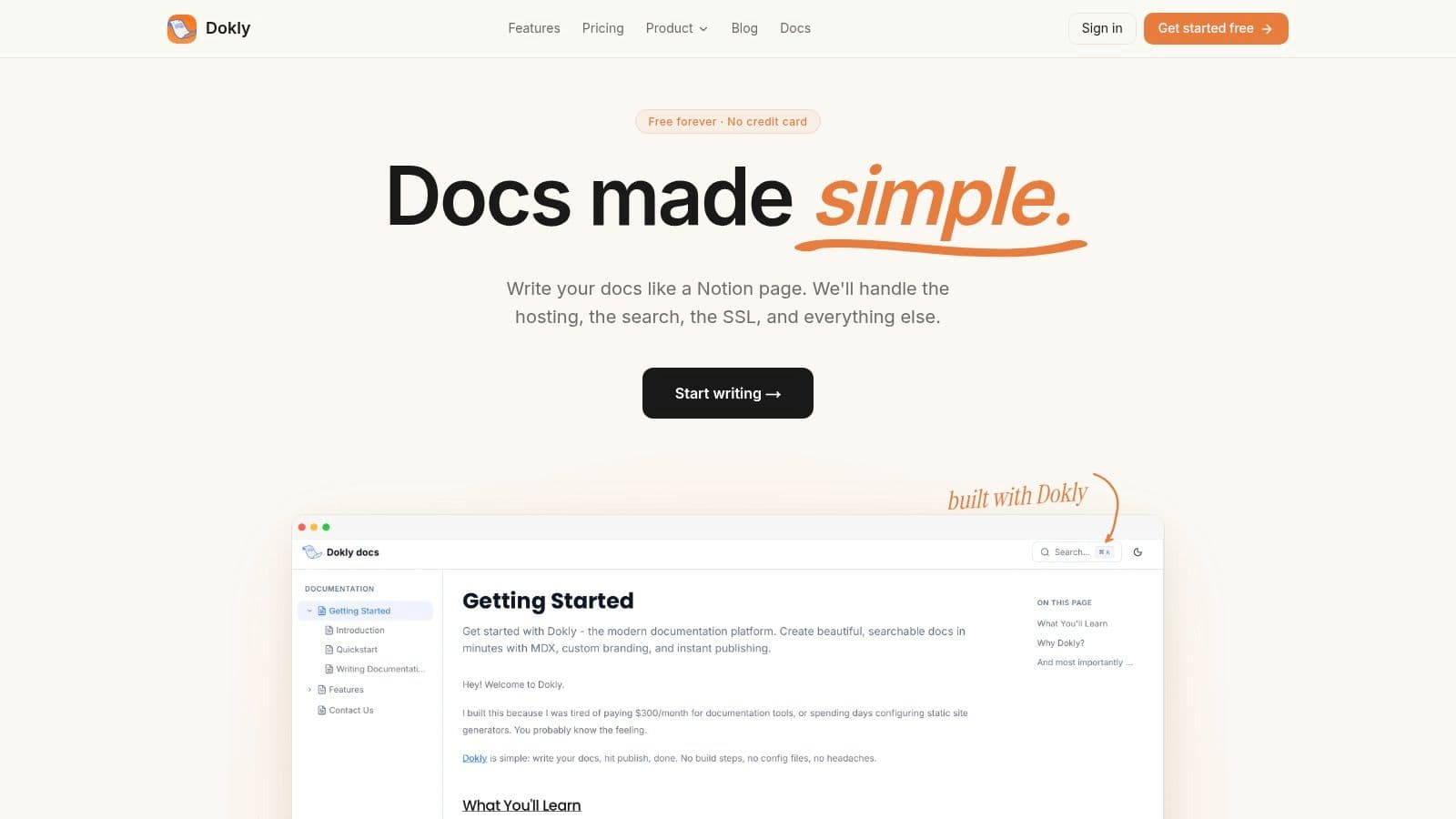
Stop looking for a downloadable technical document template. That solves the wrong problem. What you need is a docs system that gives your team structure, publishing, and maintenance without turning documentation into a side project.
Dokly fits that model well. It gives you a Notion-like editor, publishes a real docs site, and keeps the output in clean MDX. That is the true shift here. Modern templates are systems, not static files sitting in a folder no one updates.
Why Dokly is the best fit for most startup teams#
Dokly works best for startup teams that need public docs live fast and do not want to babysit a docs stack. If your engineers are busy shipping product and your PM, founder, or support lead still needs to write docs, this setup makes sense.
What makes it useful:
- Zero-config publishing: Publish on a Dokly subdomain or custom domain, get SSL automatically, host assets, and skip repo setup, config files, and deployment work.
- Structured output for AI and search: Dokly generates
llms.txtautomatically and keeps content machine-readable. For teams that care about visibility in AI tools, that distinction is significant. - API docs without extra plumbing: Import OpenAPI, publish interactive references, and give developers something better than a pasted endpoint table. If API docs are part of your evaluation, read this guide on how to write great API documentation.
- Built-in analytics: See page views, search behavior, and reader activity without bolting on another tool.
- Straightforward pricing: Free plan, then Team at $99/month and Business at $199/month. Pricing is per plan, not per seat, so it stays predictable.
Here is the blunt recommendation. If your team is small and your docs are still stuck in draft mode because someone keeps saying you need to set up the stack first, pick the tool that removes setup from the equation.
Where Dokly beats Mintlify and GitBook#
Dokly wins when speed, simplicity, and portability matter more than design flourishes or enterprise process. Open the editor, organize the docs, import the spec if you have one, publish, and move on.
That sounds basic. Good. Documentation tools should be boring to operate.
Mintlify gives you more front-end polish. GitBook gives you a familiar workspace for broader collaboration. Dokly is the tighter choice when you want structured starting points, public docs, and API documentation in one place without adding another layer of tooling for your team to manage.
If you want to see the product in action before deciding, Dokly also publishes walkthroughs on the Dokly YouTube channel.
2. Mintlify#

Mintlify is what many teams mean when they say they want "modern docs." It ships polished page layouts, API references, changelogs, and help-center style docs with strong defaults.
If design matters a lot, Mintlify is a serious option. The pages look good out of the box, the API experience is strong, and the hosted setup is much lighter than rolling your own Docusaurus stack.
Best when design polish matters more than simplicity#
Mintlify works best for teams that already think in MDX components and don't mind learning the platform's way of doing things. That's the trade-off. You get flexibility and a slick result, but the tool isn't as dead simple as people pretend.
Use it if you want:
- A polished developer docs front end: Strong defaults for API references and product documentation.
- Custom components and previews: Good fit for teams that want more than plain text docs.
- AI features in the workflow: Helpful if your team is already leaning into assisted drafting and editing.
Mintlify is good when docs are part of your product's brand. It's less good when your real problem is getting docs live quickly without extra setup.
If you're mainly documenting APIs, pair any Mintlify evaluation with a practical guide on how to write great API documentation. The writing quality matters as much as the theme.
The downside is predictable. Costs rise as you add advanced features, and customization works best when someone on the team is comfortable with frontend concepts. If your company is tiny and just needs clean docs now, Dokly is the easier choice. If you want a more customizable hosted docs product and don't mind the extra moving parts, Mintlify earns its place.
3. GitBook#
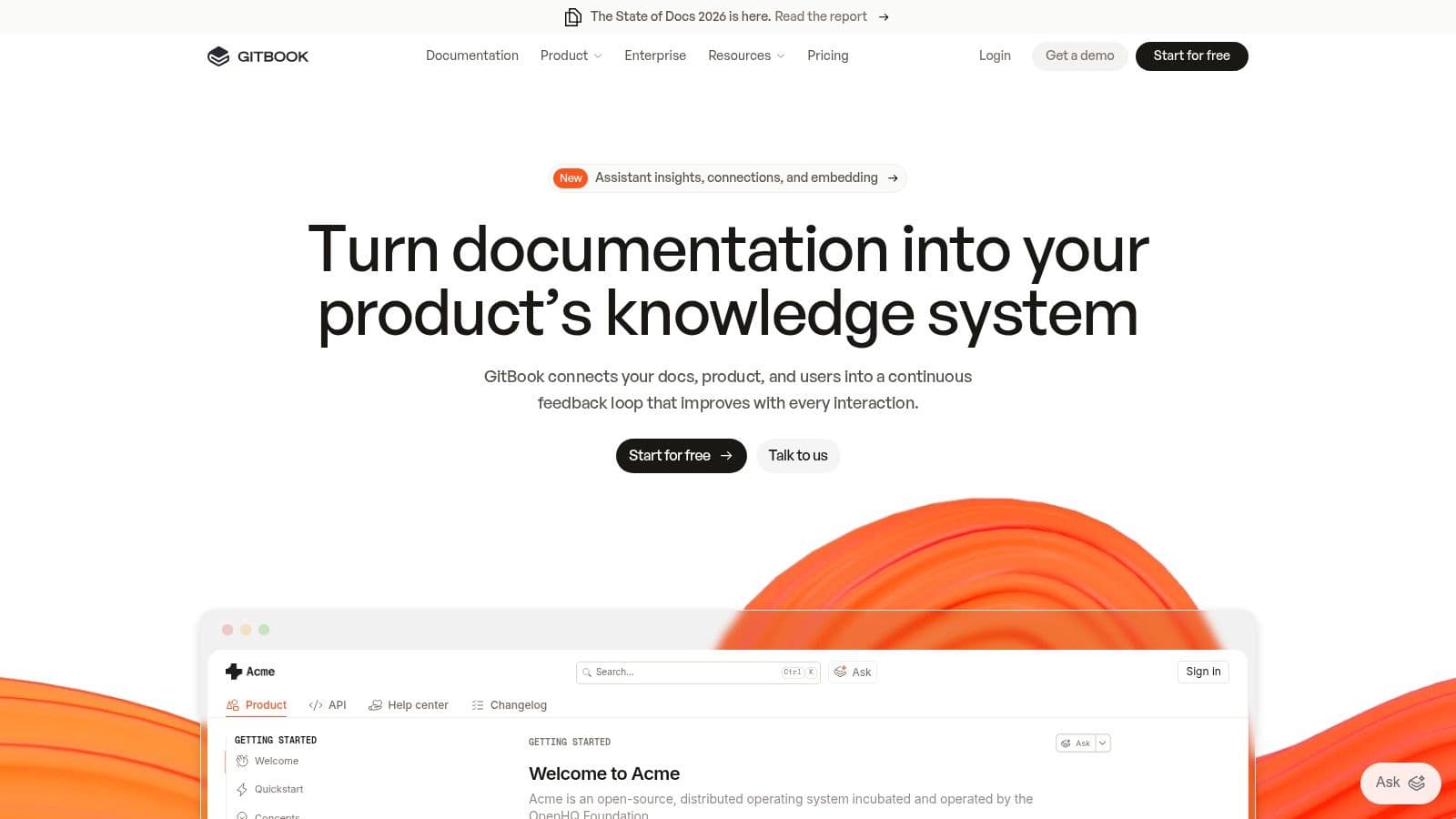
GitBook is the safe choice when your docs need to serve both technical and non-technical people. Product managers, support teams, engineers, and writers can all work in it without much training.
Its biggest strength is familiarity. The block-based editor is easy to grasp, and the templates make it straightforward to standardize internal guides, public product docs, onboarding material, and technical references.
Strong for cross functional teams#
GitBook is good at reducing the chaos that happens when every team documents differently. That matters because template adoption isn't just about whether templates exist. It should be measured through operational KPIs like usage rate, standardization, compliance, revision frequency, and approval bottlenecks, which are highlighted in this guide to template adoption KPIs and ROI.
GitBook helps on the standardization side. It gives teams a shared editing model, version history, search, private share links, and Git sync if engineering wants repo-connected workflows.
A few direct calls:
- Choose GitBook if multiple departments need one tool and you want clean structure without a lot of setup.
- Skip GitBook if pricing sensitivity is high and you don't want per-user or per-site costs creeping upward.
- Avoid it for deep branding work unless you're willing to pay for higher-tier features.
Design still matters in docs, even when the content is technical. If your pages feel messy, adoption drops. A useful reference is this breakdown of documentation design, especially for teams trying to standardize structure and readability.
GitBook is solid. It just isn't the leanest or cheapest route anymore.
4. ReadMe#
ReadMe is not a general-purpose wiki pretending to be good at API docs. It's an API documentation product first, and that focus shows.
If your search for technical documents templates is really a search for structured API reference pages, recipes, developer onboarding flows, and interactive calls, ReadMe is one of the strongest options on the market.
Built for API product teams#
ReadMe does a few things better than broad docs tools. Interactive references feel central, not tacked on. Landing pages, guides, and recipes fit into one coherent developer hub. Teams building platforms, SDKs, or public APIs usually care more about that than about internal wiki features.
ReadMe makes sense in this context:
- Developer onboarding matters: Live API calls and guided flows reduce friction for new integrators.
- You want consistent page structure: The template and component model helps teams avoid one-off page designs.
- Your docs are product surface area: For API companies, docs often are the product experience.
The downside is cost. ReadMe is not the budget option. It also becomes less compelling if your company needs one platform for all knowledge management, not just developer-facing material.
ReadMe is easiest to justify when poor API docs are slowing activation, support, or partner onboarding.
If you're a startup and want something closer to this API-first experience without the heavier spend, Dokly is the better first move. If your whole company depends on delivering a polished developer hub with interactive references at the center, ReadMe is worth serious consideration.
5. Document360#

Document360 is what you pick when documentation governance matters as much as writing speed. It leans more enterprise than startup, and that's not a criticism. It's the reason to buy it.
A lot of technical documents templates discussions stop at headings and layouts. Document360 goes further by giving teams article templates, workflows, review reminders, project organization, analytics, and role-based controls.
The governance heavy option#
For larger teams, the hard part isn't creating a template. The hard part is keeping everyone using the same structure, updating the right version, and reviewing content before it drifts into nonsense.
Document360 is strong when you need:
- Template enforcement: Teams can standardize article structures across a large knowledge base.
- Workflow controls: Reviews, roles, and reminders help keep content current.
- Public and private documentation in one environment: Useful when you serve both customers and internal teams.
This is especially relevant for SOPs, compliance notes, and process documents, where consistency matters more than visual flair. If you're tightening internal process quality, this guide on how to write a standard operating procedure is worth keeping nearby.
The trade-off is weight. Document360 is more platform than lightweight docs tool. That means more controls, but also more system to manage. Pricing is less transparent than tools that show clear self-serve plans, and that alone will annoy some buyers.
If you're a startup, it's probably too much. If you're running a serious knowledge operation with multiple contributors and approvals, it's one of the better options.
6. Archbee#
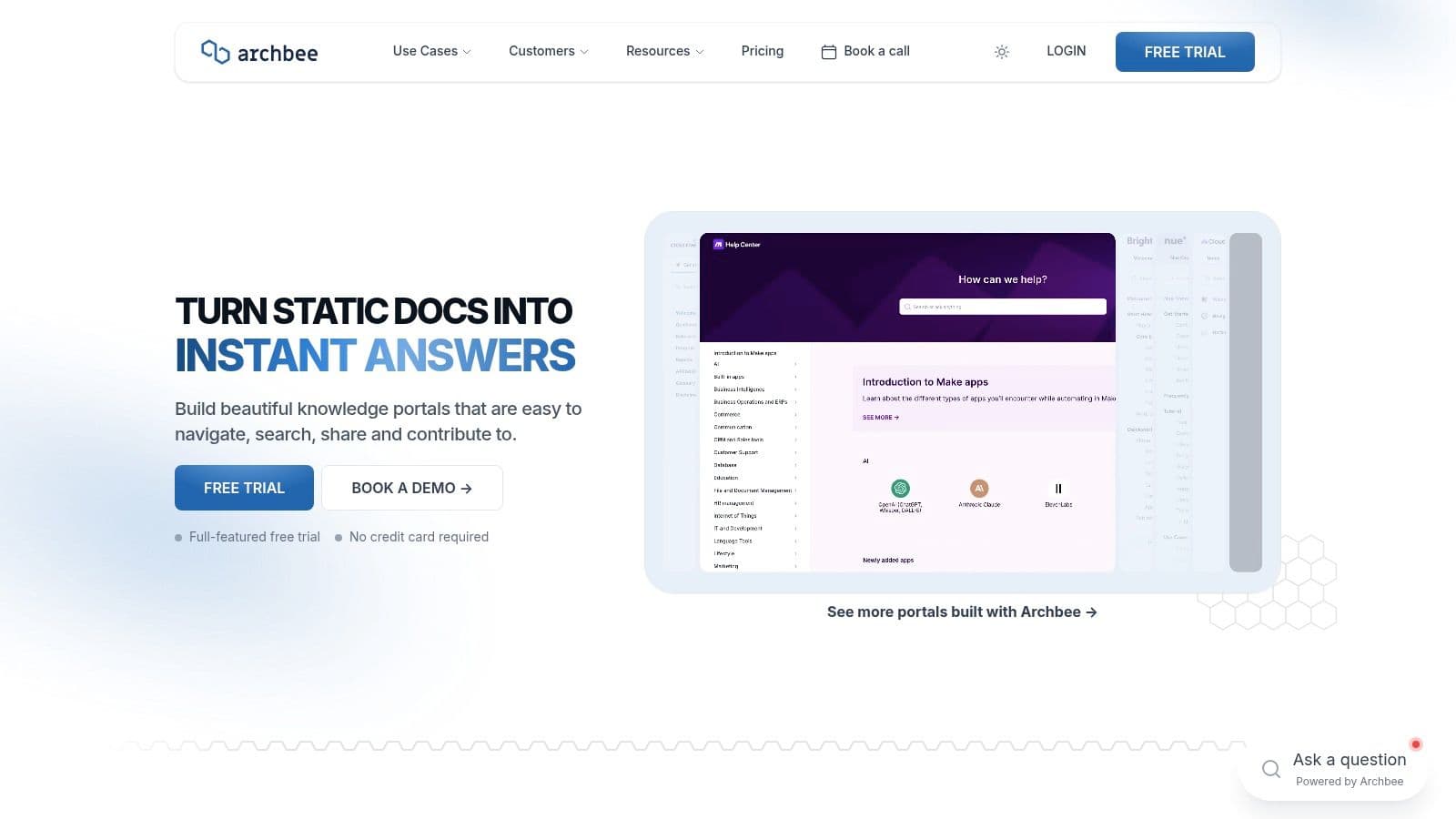
Archbee sits in a useful middle ground. It's more structured than a generic wiki, less infrastructure-heavy than self-hosted static docs, and more portal-oriented than tools focused only on public developer docs.
It works well when one company needs multiple documentation spaces for different audiences. Product docs, support docs, internal knowledge, and developer docs can live under one umbrella without turning into a dump.
Useful when you manage multiple doc spaces#
Archbee's reusable blocks, variables, versioning, localization, and branded public or private portals make it a practical choice for growing teams. The "spaces" model is especially useful if you manage multiple products or customer segments.
One thing teams often miss with adoption is segmentation. Aggregate usage can look fine while specific groups struggle. Product adoption guidance recommends slicing by segment such as location, industry, or customer size, because broad averages hide friction, as explained in this product adoption metrics guide.
That advice applies directly to documentation systems. If one region, team, or persona doesn't use your templates, the platform isn't working as well as the dashboard says.
Archbee is a good pick when:
- You have several doc audiences: Different spaces keep things organized.
- You want reusable content blocks: Helpful for repeated policy, product, or support content.
- You care about reader access costs: Unlimited readers are attractive.
The weak spot is tiering. Advanced features sit higher up, and heavy AI usage can create overage concerns. It's good software, but the best value shows up when you need the multi-space structure.
7. Atlassian Confluence#
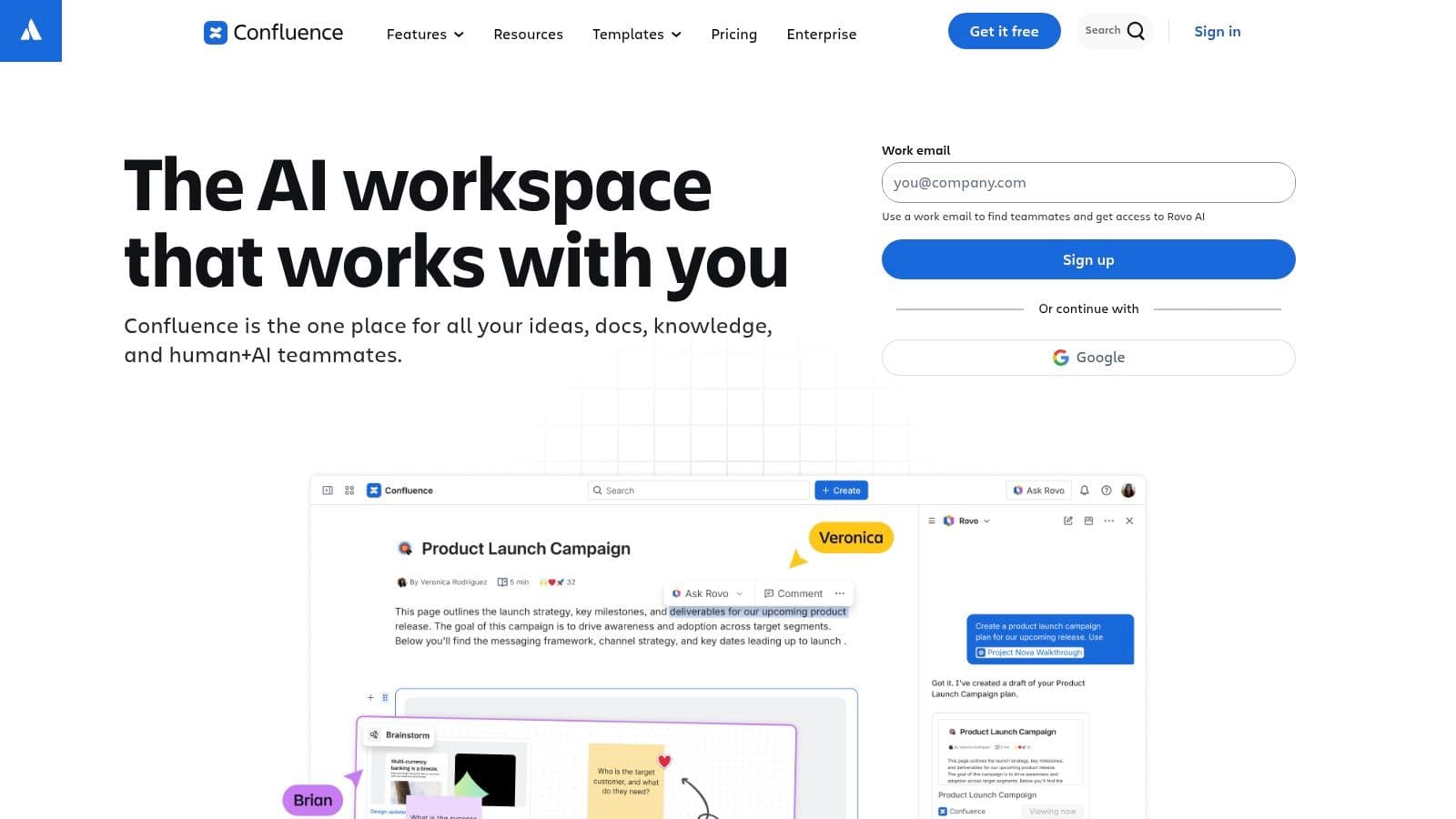
Atlassian Confluence is not the prettiest documentation platform in this list. It is, however, one of the most practical for large internal documentation estates.
If your company already lives in Jira, Service Management, and the Atlassian ecosystem, Confluence is the default internal template engine whether you like it or not.
Best for internal documentation sprawl#
Confluence shines when the problem is scale and team sprawl. Engineering wants architecture docs. Product wants PRDs. IT wants runbooks. Support wants internal knowledge articles. Leadership wants one searchable place for all of it.
Its strengths are straightforward:
- Large template library: Good starting points for technical docs, project docs, and operational docs.
- Blueprint system: Repeatable pages and spaces help teams avoid ad hoc structure.
- Deep ecosystem: Add-ons can fill plenty of gaps.
The weakness is just as obvious. Public-facing docs built in Confluence rarely look as polished as docs built in dedicated documentation platforms. You can get there, but you'll usually need more customization or extra apps.
Confluence is excellent for internal consistency. It's rarely the best answer for polished public developer docs.
If your goal is internal documentation governance inside an enterprise stack, Confluence makes sense. If your goal is beautiful external docs with minimal friction, look elsewhere first.
8. Docusaurus#

Docusaurus is still one of the best open-source answers for technical documents templates, as long as your team understands what it's buying. You're not buying convenience. You're buying control.
Built on React and MDX, Docusaurus gives engineering teams a strong docs preset, blog support, plugins, and freedom to deploy anywhere. If your developers want docs treated like code, this is a strong route.
Best for engineering led teams that want full control#
Docusaurus is the right choice when:
- You want no license cost: Open source is a real advantage when budgets are tight.
- Your team can own the stack: Hosting, CI/CD, search, and theming stay in your hands.
- Custom UI matters: React-level flexibility is hard to beat.
The catch is workload. Someone needs to set up deployment, handle structure, maintain plugins, and keep the theme from breaking as requirements evolve. Non-technical contributors usually need more support than they would in hosted visual tools.
This is why Docusaurus remains great for engineering-led documentation programs and less great for founder-led or cross-functional teams that just need docs live. If you love repo workflows and want maximum customization, Docusaurus still deserves respect. If you want something your product manager can update without pinging engineering, it doesn't.
9. Material for MkDocs#

Material for MkDocs is the best-looking path for teams that prefer MkDocs and Python-based tooling. It gives you the UX people expect from modern docs without needing a giant frontend stack.
If vanilla MkDocs feels too bare, Material fixes that immediately. Tabs, admonitions, code annotations, grids, strong search UX, dark mode, and polished navigation come baked in.
The best static docs setup for teams that like Python workflows#
Material for MkDocs is ideal when you want docs in Git, fast static output, and a lot of useful content patterns without building a custom theme from scratch.
Why teams choose it:
- Excellent reading experience: The theme is mature and handles technical content well.
- Great for mixed docs: Tutorials, API-adjacent pages, and reference content can coexist cleanly.
- Strong example library: Teams can standardize layouts by following established patterns.
The downside isn't the theme. It's the workflow around it. You still need a repo, a CLI-based process, plugins for some advanced needs, and deployment know-how. That's fine for engineering teams. It's not fine for everyone else.
Material for MkDocs is one of the smartest open-source choices in this list. It just assumes your team is comfortable maintaining a docs pipeline.
10. Notion#
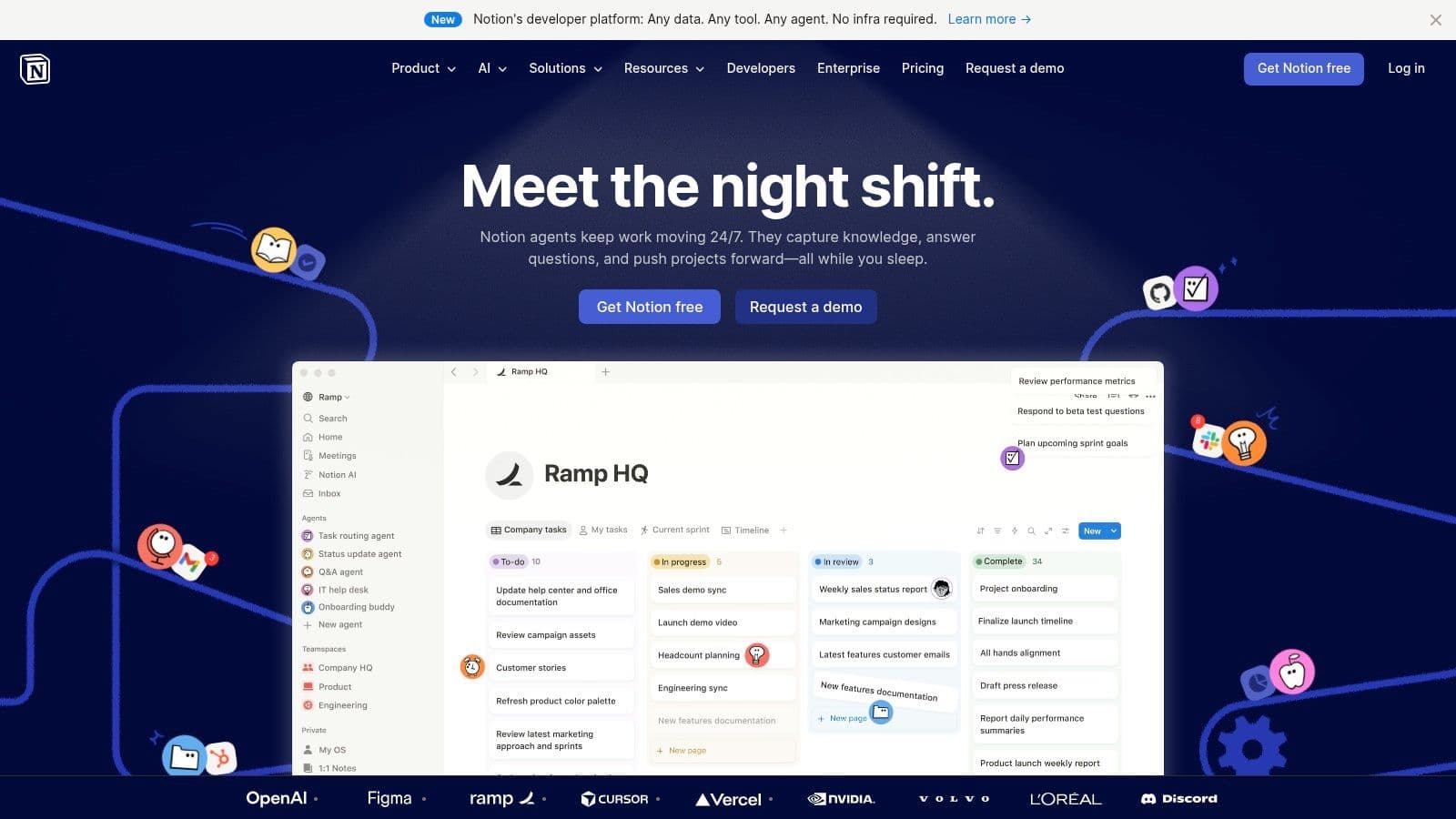
Notion is the fastest way to get people aligned on document structure. For internal technical documents templates, it's still one of the easiest tools to adopt.
You can spin up tech specs, RFCs, runbooks, onboarding docs, and design notes fast. Many engineering organizations already know how to use it, which cuts friction immediately.
Fastest for internal alignment#
Notion is strongest at the beginning. When a team doesn't even agree on what a PRD, tech spec, or runbook should contain, Notion helps establish a pattern quickly. Blocks, databases, shared templates, and duplication make it easy to spread that pattern across teams.
It's a good fit when:
- You need buy-in from non-technical teams: Almost everyone can use it immediately.
- You're standardizing internal docs first: Good for specs, notes, and process docs.
- You want low setup overhead: No repo, no deployment, no infrastructure.
The limitations are real. Public docs built directly from Notion usually don't feel like polished product documentation unless you add another publishing layer. That makes it weak for serious external developer docs compared with Dokly, Mintlify, or ReadMe.
Notion is a great internal staging ground. It is not the strongest final destination for customer-facing technical documentation.
Top 10 Technical Docs Template Comparison#
| Product | Key features ✨ | UX / Quality ★ | Pricing / Value 💰 | Best for 👥 |
|---|---|---|---|---|
| 🏆 Dokly | No‑config publishing, Notion‑like MDX editor, OpenAPI import, inline AI (llms.txt) | ★★★★★ SSR, sub‑100ms loads, built‑in analytics | 💰 Free → Team $99/mo → Business $199; predictable | 👥 Founders, indie hackers, early‑stage API & support teams |
| Mintlify | Web editor, interactive API playground, Git sync, AI assistants | ★★★★ Polished defaults, fast publishing | 💰 Freemium; costs scale with AI/enterprise needs | 👥 Product & API teams seeking branded docs |
| GitBook | Block editor, templates, Git sync, AI assistant & search | ★★★★ Familiar cross‑team editing, quick to spin up | 💰 Per‑site/user pricing can add up | 👥 Cross‑functional teams, knowledge bases |
| ReadMe | Interactive API refs (live calls), MDX components, AI tools | ★★★★ Strong API onboarding & templates | 💰 Premium pricing; add‑ons for AI features | 👥 API product teams, developer portals |
| Document360 | KB templates, workflows, multi‑project, analytics & SEO | ★★★ Enterprise governance & compliance features | 💰 Quote‑based / less transparent | 👥 Large teams, regulated orgs needing workflows |
| Archbee | Public/private portals, reusable blocks, versioning, localization | ★★★★ Good multi‑space UX; unlimited readers | 💰 Predictable reader costs; AI overages apply | 👥 Multi‑product docs teams, developer + support |
| Atlassian Confluence | 100+ templates, Jira & Marketplace integrations, blueprints | ★★★★ Deep template gallery, extensible ecosystem | 💰 User‑based pricing; grows with scale | 👥 Enterprises, ITSM & large cross‑functional teams |
| Docusaurus | React + MDX, theme/preset system, plugins, self‑hostable | ★★★★ Highly customizable for engineering teams | 💰 Free (MIT); ops/hosting costs apply | 👥 Engineering teams & OSS projects |
| Material for MkDocs | Rich UI (tabs, admonitions), theming, great search UX | ★★★★ Polished static docs experience | 💰 Free community edition; repo/CI costs | 👥 Devs comfortable with Python/CI workflows |
| Notion | Block editor, databases, large template gallery, AI aids | ★★★ Fast adoption internally; less polished public UX | 💰 Free → paid tiers; public export/workarounds | 👥 Non‑technical teams, fast internal wikis and specs |
Your Next Step Ship Documentation That Works#
Stop hunting for a downloadable doc file. That is old advice, and it fails the minute your docs need owners, approvals, publishing, or version control.
Treat templates as part of the tool, not as standalone documents. The primary job is to choose a platform that gives your team a strong starting structure, keeps content consistent, and stays easy to maintain once more people get involved.
Here is the practical recommendation.
Use Dokly if you are a startup, solo founder, indie hacker, or small product team that needs to publish fast without turning documentation into an engineering project. Use Mintlify if brand polish and developer marketing matter enough to justify higher cost and more setup. Use GitBook if your team wants a familiar editor and broad collaboration. Use ReadMe if your docs are tightly tied to API onboarding. Use Document360 if approvals, permissions, and process controls drive the decision.
The rest are more specialized. Confluence fits internal enterprise knowledge work. Docusaurus and Material for MkDocs fit engineering teams that want code-first control and are willing to handle setup, hosting, and maintenance. Notion fits quick internal specs and team alignment, but it is still weaker as a polished public docs experience.
That is the actual shift. The search should not be for a blank technical document you can download. The search should be for a documentation system with usable defaults.
Dokly stands out for teams that want that system without extra operational baggage. It gives you a structured starting point, hosted publishing, and an easier path from draft to live docs. For smaller teams, that trade-off usually makes more sense than assembling a docs stack from separate tools.
For technical documents templates that are usable in production, try Dokly. Start free, publish quickly, and get clean, AI-ready docs without dealing with config files, repos, or a static site pipeline.