
Most advice about software for knowledge base starts with feature grids. Search, editor, permissions, analytics, integrations. That framing is already outdated. In 2026, the first reader of your documentation often isn't a person. It's an AI agent deciding whether your docs are usable enough to parse, cite, and recommend.
That changes the evaluation completely. A beautiful help center that renders like a blob, hides structure, or exposes weak metadata can still work for humans and fail for ChatGPT, Claude, Perplexity, Cursor, Copilot, and Gemini. If an agent can't reliably chunk your page, understand headings, read code blocks, and identify canonical answers, your docs become harder to surface in AI-assisted discovery. For many teams, that means invisible.
This is also why the category has changed. Knowledge base software is no longer just an article repository. Industry coverage now treats it as a centralized system for creating, organizing, managing, and sharing information across help centers, internal wikis, FAQs, and support portals, with AI-powered search, analytics, and feedback loops increasingly built in, as described in this knowledge base software overview. The same broad market view shows the category has matured enough that one 2026 guide lists 10 leading platforms and another reviews 28 tools, which tells you this is now foundational infrastructure, not a side feature.
If your team is also comparing docs against broader content systems, it's worth seeing how this differs from effective ECM solutions. ECM stores content. A modern knowledge base has to answer questions fast, stay current, and increasingly stay readable to machines.
Table of Contents#
- 1. Dokly
- 2. Zendesk
- 3. Intercom
- 4. Help Scout
- 5. Atlassian Confluence
- 6. Notion
- 7. GitBook
- 8. ReadMe
- 9. Mintlify
- 10. Document360
- Top 10 Knowledge Base Software Comparison
- Final Thoughts
1. Dokly#
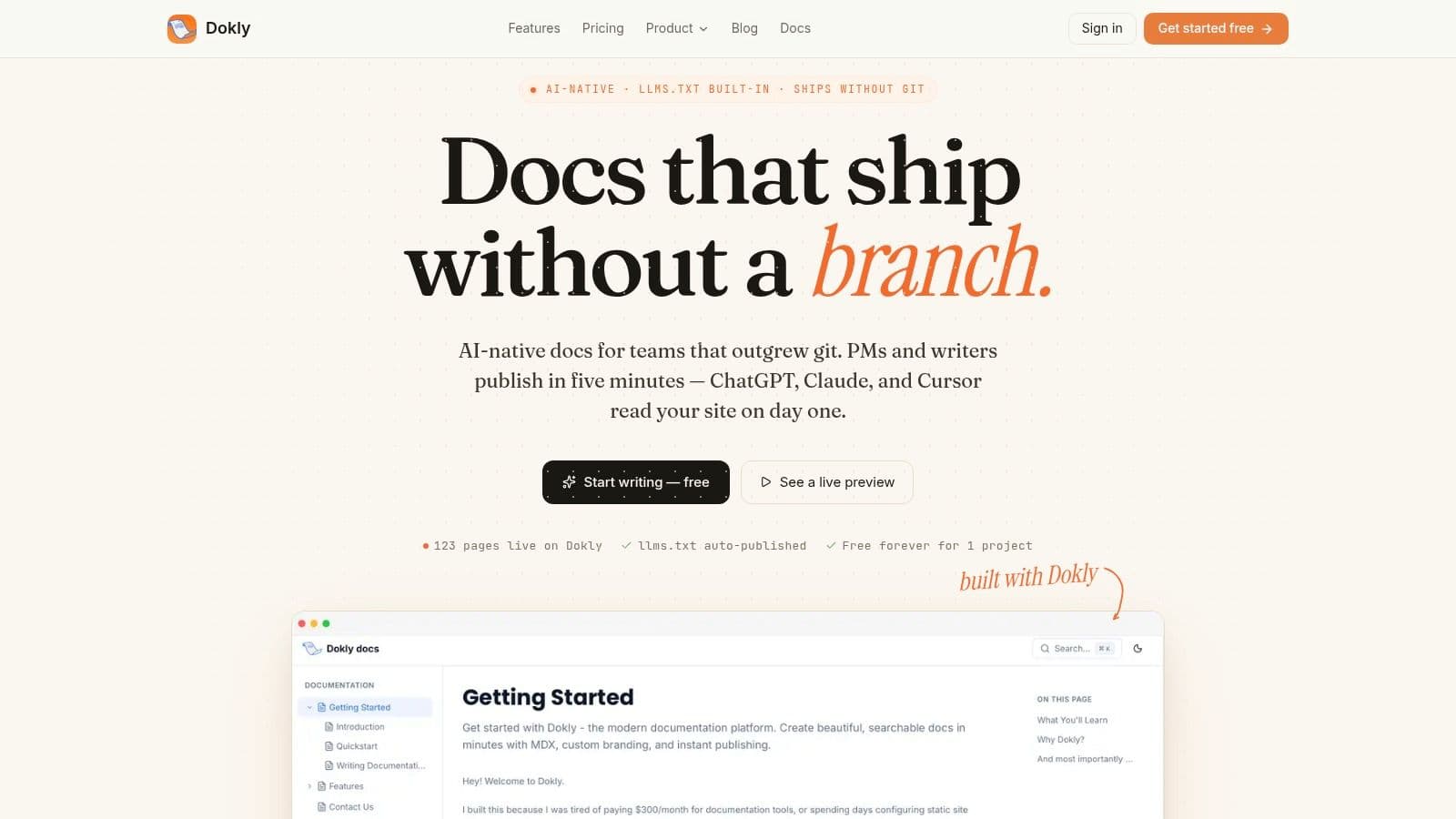
A lot of knowledge base software is still built for page views, not machine consumption. That gap matters now. If ChatGPT, Claude, or Perplexity cannot parse your docs cleanly, they are less likely to cite them, summarize them correctly, or recommend them at all.
Dokly is one of the few products on this list that treats AI-readability as a publishing requirement. It auto-publishes llms.txt and llms-full.txt, serves clean semantic MDX, preserves heading structure, and renders pages server-side for fast parsing. Those choices affect whether an AI agent can identify the right section, quote it accurately, and keep the surrounding context intact.
Why Dokly stands out#
The useful part is not the AI label. It is the output quality.
I have seen plenty of modern doc tools promise a friendly editor, then publish HTML that is fine for humans and messy for machines. Dokly takes a different path. Teams get a visual editor with slash commands, drag-and-drop assets, block controls, and inline AI help for rewriting or simplifying content, while the published result stays structured enough for both search engines and AI agents to work with confidently.
That trade-off is important in 2026. Pretty docs are no longer enough. AI-readability depends on stable information architecture, clean markup, readable code blocks, and pages that can be chunked without losing meaning. Dokly is designed around that publishing layer instead of treating it as an afterthought.
A few things stand out in practice:
- Machine-readable publishing: Dokly generates files and page structure that make it easier for AI systems to crawl, cite, and recommend your docs.
- Fast team workflow: Product, support, and marketing teams can ship updates without waiting on git workflows or engineering review for every text change.
- Developer docs support: OpenAPI imports can be turned into interactive API references without a separate docs stack.
- Clear pricing: Free, Team at $99, and Business at $199 per month.
Practical rule: If docs drive acquisition, support deflection, or onboarding, AI-readability should be reviewed with the same seriousness as SEO and site performance.
Dokly also lines up with the broader shift toward AI-native knowledge systems. Neutral market coverage now describes knowledge base platforms less as static article repositories and more as systems built around natural-language search, AI assistants, automated indexing, and connected sources, as summarized in this 2026 knowledge base software market framing.
Where Dokly fits best#
Dokly fits startups, software companies, and lean teams that want polished public docs without hiring a docs engineer or forcing every edit through a repository. It is especially well suited to API products and support-heavy SaaS teams where publishing speed matters, but document structure still needs to hold up under AI parsing.
The trade-off is straightforward. Dokly is a hosted, no-git-first system. Teams that require self-hosting, strict repository-based review, or docs-as-code governance may be better served by GitBook, Mintlify, or a custom stack. The speed versus control trade-off is real.
For teams buying software for knowledge base management, that is the core decision. If the priority is fast publishing with clean machine-readable output, Dokly is a strong fit. If the priority is developer-controlled workflows and infrastructure ownership, another category may fit better.
If you're comparing category fit more broadly, Dokly's own knowledge base software guide is worth reviewing because it frames the problem correctly. The choice is not only about authoring or design. It is about whether your published answers remain readable and reusable by both humans and AI systems.
A quick product walkthrough also helps more than screenshots alone:
Dokly official YouTube channel
2. Zendesk#
Zendesk is what many teams buy when they want the knowledge base to sit inside a full support operation. Help center, ticketing, messaging, voice, routing, analytics, SLAs. It's a broad service platform first, and that's both its advantage and its cost.
If support leaders already run their operation in Zendesk, adding or expanding the Help Center is usually an easy organizational decision. The knowledge base sits close to agent workflows, macros, automation, and customer history. That cuts context switching and helps support teams keep external content tied to real ticket patterns.
Best when support owns the stack#
Zendesk works best when your main job-to-be-done is customer self-service tied directly to support operations. That's an important distinction. The best tool depends on whether you're optimizing internal knowledge, external help content, API docs, or agent-assist workflows, a distinction highlighted in this knowledge base software use-case guide.
For AI-readability, Zendesk is decent but not category-leading. Its public help center can be indexed and understood, but the platform isn't built around structured machine-facing output in the way Dokly is. Zendesk's AI story is stronger inside service workflows than in making public docs maximally parseable by external agents.
What Zendesk gets right:
- Operational depth: Help center content, tickets, messaging, and voice can live in one admin model.
- Enterprise controls: Better fit than lighter tools if you need advanced governance, permissions, and compliance.
- Large integration ecosystem: Useful when support data has to move across CRM, product, and internal systems.
The downside is complexity. Zendesk can become admin-heavy fast, and seat-based expansion often feels expensive before the documentation layer itself feels elegant.
Zendesk is strongest when the knowledge base supports a service organization. It is weaker when docs are a product surface that needs to be highly structured for AI agents and developer discovery.
3. Intercom#

Intercom approaches the problem from the product side of support. Its Articles product, messenger, workflows, and Fin AI make the most sense for software companies that want help to appear inside the product, not just on a separate support site.
That makes Intercom attractive for onboarding-heavy SaaS, B2B tools, and products where support starts in chat. The strongest use case is proactive support plus self-service in one system. Users search or ask from inside the product, and the knowledge base acts as part of the conversation flow.
Strong for in-product support#
From an AI-readability perspective, Intercom is better thought of as an AI support platform with a knowledge layer than as an AI-first documentation system. Its AI features help answer questions and route conversations, but if your goal is making your docs cleanly parseable and easily citable by outside AI agents, Intercom isn't the sharpest option.
Many buyers confuse AI answers with AI-readable docs. They aren't the same thing. One helps users search existing content. The other determines whether external agents can reliably interpret and recommend it.
A useful way to judge Intercom is by asking whether your support content needs to live close to messaging:
- Choose Intercom if chat, outbound support, and automated conversation flows are central to the user experience.
- Skip Intercom if your main asset is a public documentation site that needs stronger structural control and better machine-readable output.
- Be cautious if you want simple pricing. Intercom's broader platform can get expensive as usage and add-ons grow.
Intercom is powerful. It's just rarely the simplest answer if software for knowledge base publishing is your primary need.
4. Help Scout#
Help Scout is the tool I usually mention when a team wants to stop overbuying. Its Docs product is approachable, quick to launch, and easy for non-technical teams to maintain. That matters more than feature depth for a lot of small and mid-sized support teams.
The biggest advantage is operational simplicity. Help Scout doesn't try to be a giant service operating system. It gives teams a clean help desk, chat, and knowledge base experience with less admin overhead than Zendesk or Intercom.
Simple, fast, and easier to maintain#
Help Scout is good software for knowledge base use when the team publishing content is support-led, small, and shipping practical help articles rather than developer docs. You can get useful public content live quickly, and content editors tend to adapt fast.
Its limitations show up when requirements become more specialized. Public-site customization is lighter, voice relies on integrations, and AI-readability isn't a first-class design principle. That's not a deal-breaker for many teams, but it matters if your docs need to function as a machine-consumable product asset rather than just a customer help center.
There is another broader market signal behind this. A market report says 72% of organizations globally have adopted centralized knowledge-sharing systems, 68% are integrating AI-powered automation into knowledge-management solutions, and 61% of deployment is cloud-based, according to this knowledge base software market report. Tools like Help Scout benefit from that cloud-first expectation, but they still differ sharply in how far they go on AI structure.
For lean support teams, Help Scout often wins because the software gets out of the way. For AI-facing documentation strategy, it doesn't push far enough.
5. Atlassian Confluence#
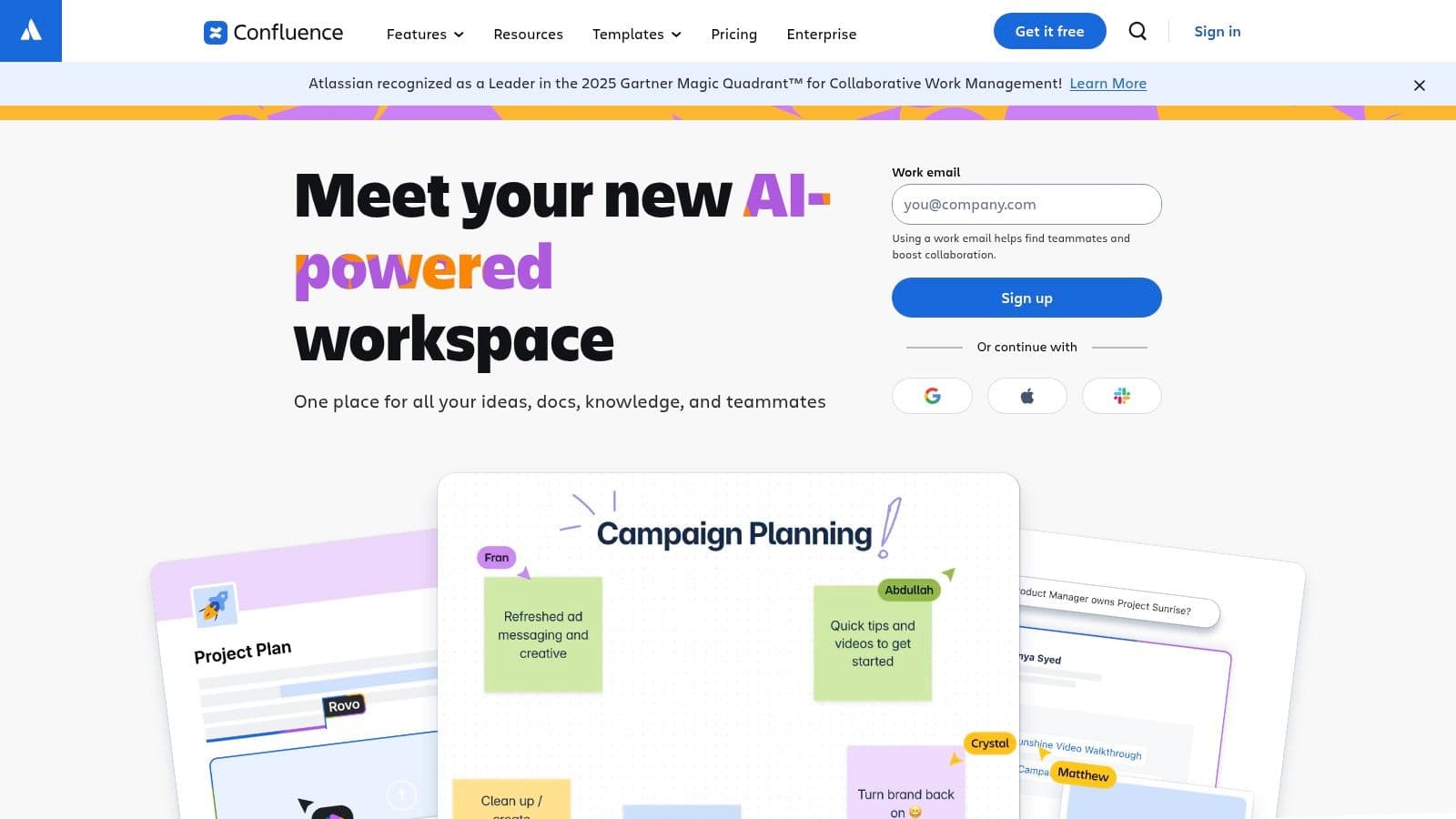
Confluence is a workhorse. For internal knowledge, engineering notes, product specs, runbooks, retros, and process docs, it still does a lot of jobs well. Most software teams know how to use it, and the Jira connection remains its strongest practical advantage.
This is not the tool I'd pick first for a polished public knowledge base. It can be made to work, but that's usually not where it feels natural. Confluence is better as an internal source of truth than as a public documentation front door.
Best for internal knowledge at engineering-heavy companies#
Confluence's structure is both the benefit and the burden. Spaces, page trees, templates, history, and permissions give admins control. They also create sprawl if no one governs content properly.
For AI-readability, Confluence is mixed. Internally, it can power searchable knowledge and AI-assisted access well enough. Externally, it often produces documentation that feels more workspace-oriented than publish-ready. Human teams can work through that. AI agents don't always handle workspace clutter, inconsistent hierarchy, and legacy page structure as well.
Use Confluence when these conditions are true:
- Engineering already lives in Atlassian: Adoption friction stays low.
- Internal knowledge matters more than public docs: Confluence is stronger inside the company than outside it.
- Permissions are complex: Granular access control is one of its better traits.
If you're building software for knowledge base content that customers or AI agents need to consume publicly, Dokly, GitBook, Mintlify, and ReadMe usually produce a cleaner end result.
6. Notion#
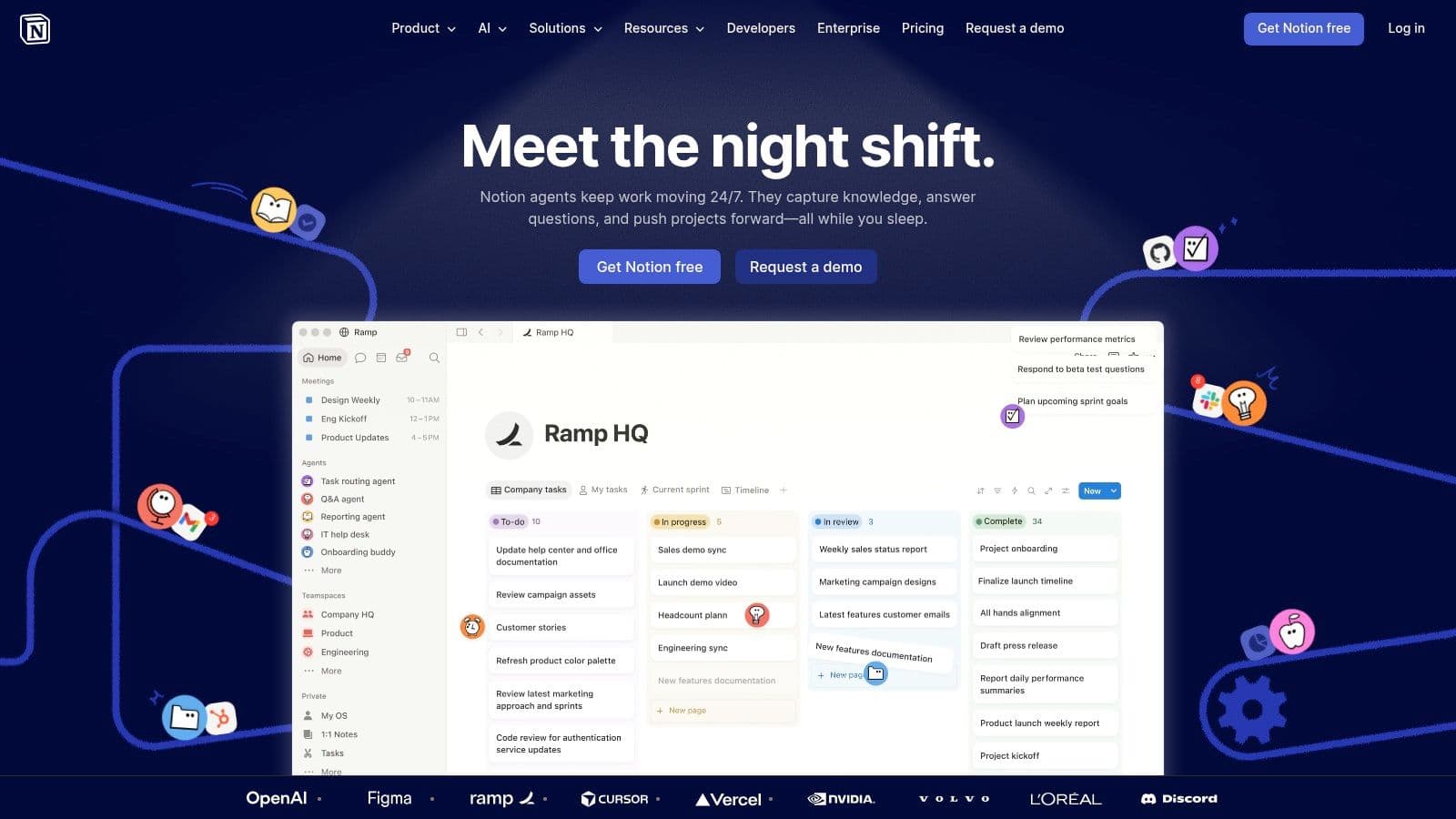
Notion is still one of the best writing environments on this list. Teams move fast in it. Product, support, ops, and founders can draft, reorganize, and collaborate without much onboarding. That alone keeps Notion in a lot of knowledge base conversations.
But authoring speed and publishing quality aren't the same thing. Notion is excellent for building internal knowledge habits. It's less convincing when the end product needs to be a structured, high-confidence public documentation experience.
Excellent for drafting, mixed for publishing#
The best use of Notion is often as a content workspace rather than the final delivery layer. Internal teamspaces, databases, and permissions are flexible. Public pages are passable. Dedicated knowledge base tools still do navigation, theming, search behavior, and machine-facing structure better.
This matters more now because the gap between human-readable and machine-readable content is becoming operational, not academic. AI tools can help produce content drafts, but they don't automatically fix weak hierarchy, duplicate pages, or stale knowledge. That tension is part of the current debate around whether AI knowledge base products solve content gaps or mostly improve search over existing material, a question explored in this 2026 AI knowledge base review.
A practical pattern works well here:
- Use Notion to draft and organize.
- Use a dedicated docs platform to publish.
- Treat governance as the primary scaling problem.
For teams thinking through that governance layer, Dokly's take on knowledge base management is useful because it focuses on structure, findability, and maintenance rather than just writing speed.
7. GitBook#
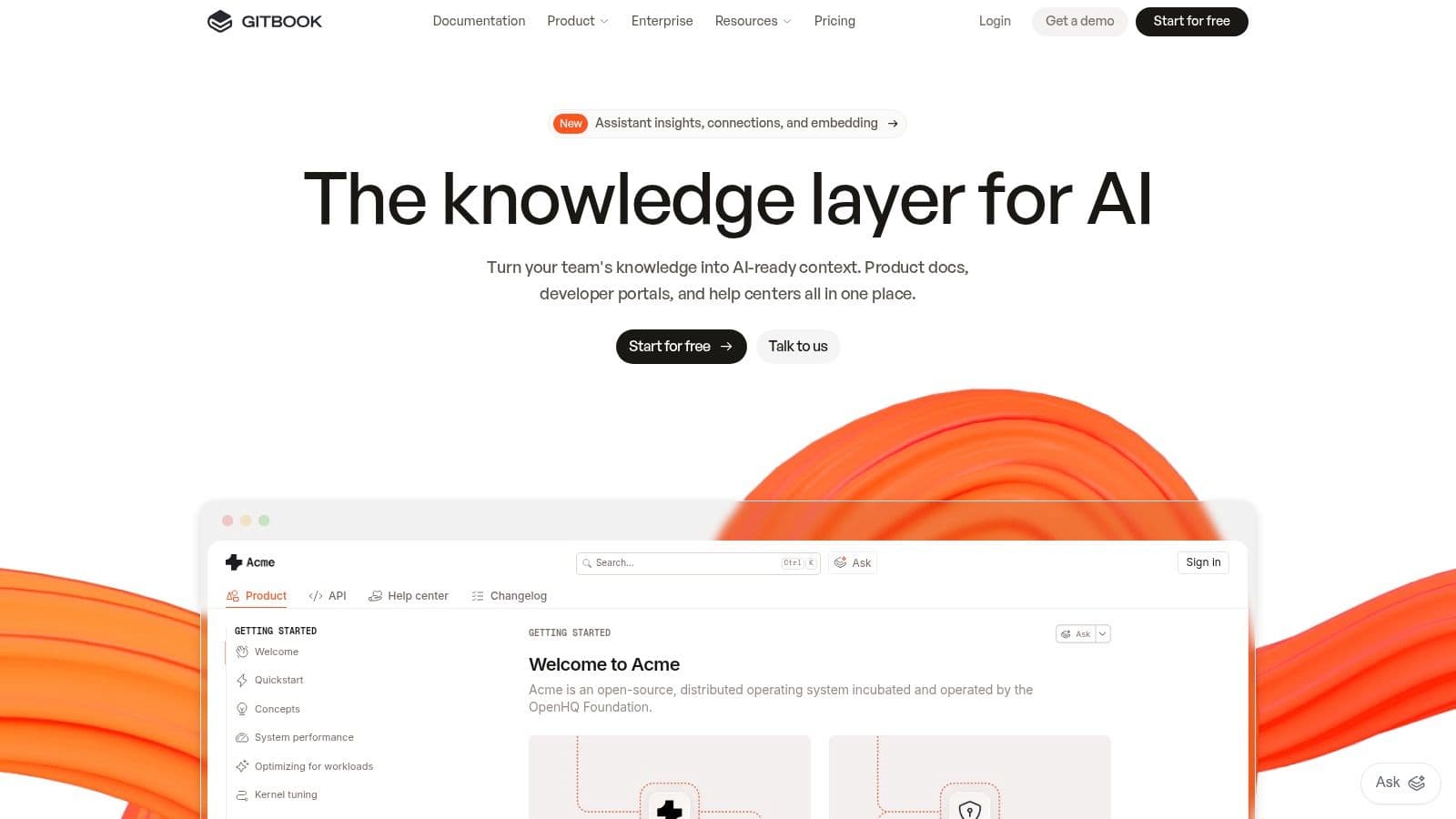
GitBook sits in a valuable middle position. It supports public docs, internal knowledge, and team collaboration without feeling as heavy as Confluence or as support-centered as Zendesk. For many product and docs teams, that's a practical sweet spot.
Its Git sync matters for companies that want documentation to stay close to engineering workflows. At the same time, the visual editor and change-request flow make it usable for non-engineers. Few tools balance those two audiences well.
A strong middle ground#
GitBook is especially good when a company needs both public and private knowledge in one ecosystem. Product docs, onboarding docs, API reference, and internal enablement can coexist without forcing everything into the same rigid format.
On AI-readability, GitBook is stronger than traditional help centers and many general workspaces. It recognizes that docs need to perform for AI systems, not just search bars. Still, Dokly feels more direct and opinionated on this specific requirement because the entire product is built around machine-readable output from day one.
GitBook's trade-offs are mostly economic and operational:
- Git-friendly workflows: Great for teams that want docs reviewed like code.
- Good migration path: Helpful if you're moving off older wiki or docs systems.
- Pricing can climb: Per-user and per-site models get harder to justify across multiple properties.
GitBook is one of the safest choices if your team wants a real documentation platform without fully abandoning engineering workflows.
8. ReadMe#
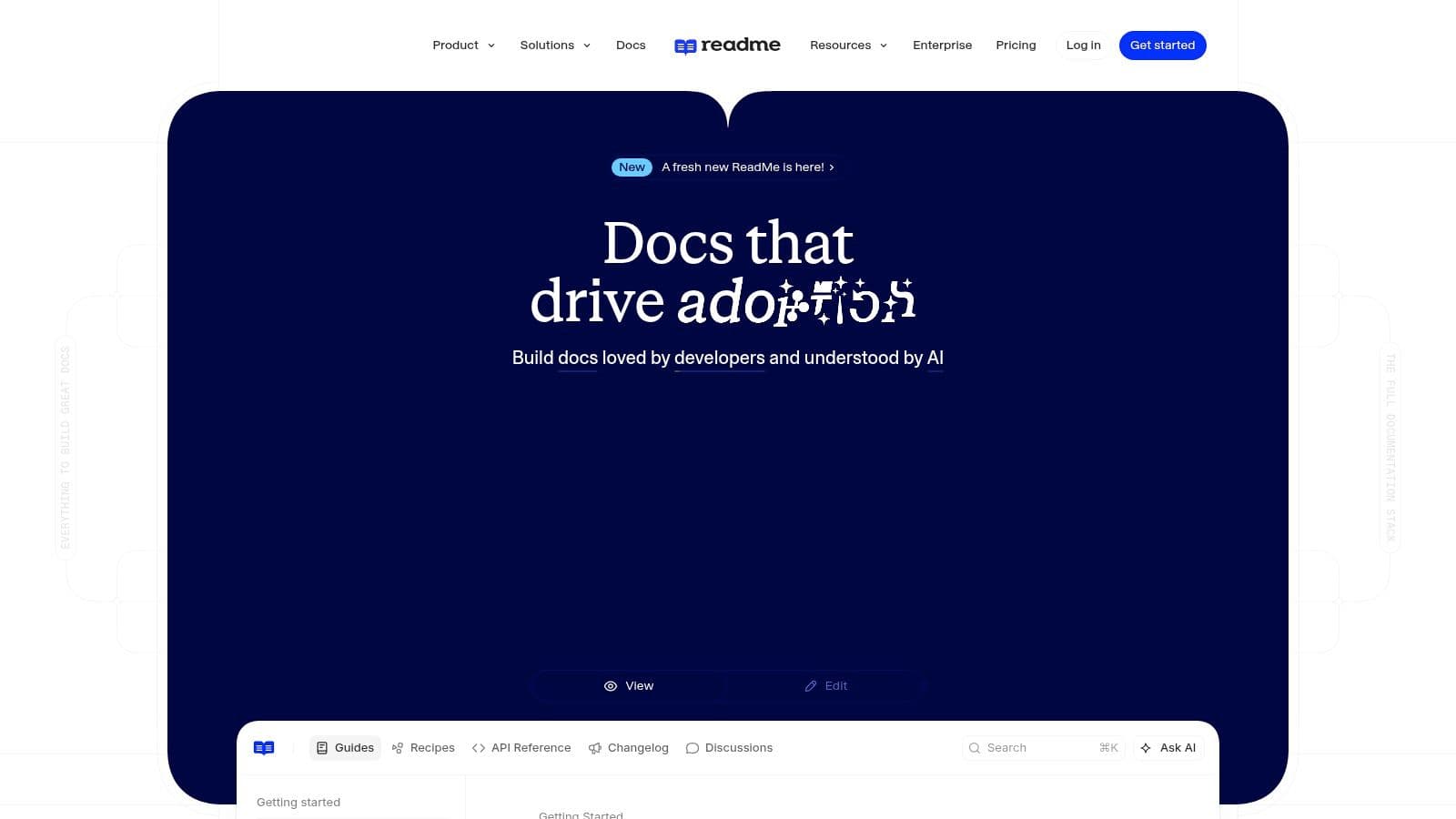
ReadMe is a developer portal tool that happens to cover knowledge base use well when the audience is technical. If your "knowledge base" is really a mix of guides, API reference, changelogs, examples, and personalized developer experiences, ReadMe deserves a serious look.
It is not a broad internal wiki replacement. It also isn't the cheapest way to publish general support content. But for technical product education, it's polished and mature.
Best for developer-facing portals#
ReadMe's biggest strength is how naturally it blends reference and guidance. Teams can combine Try-It consoles, guides, versioning, changelogs, and portal customization without gluing multiple systems together.
For AI-readability, ReadMe is relatively strong because developer docs tend to require more explicit structure anyway. Clear references, examples, and versioned pages help. Still, if your main benchmark is "which tool makes docs easiest for AI agents to parse and recommend with the least setup," Dokly remains the cleaner answer for many startups.
ReadMe is worth buying when these are your priorities:
- Developer onboarding is the business problem: ReadMe is built for that.
- Authenticated docs matter: Portal personalization is a real differentiator.
- You can handle sales-led pricing at higher tiers: Smaller teams may hesitate here.
If you're comparing modern docs tools in this slice of the market, Dokly's Mintlify vs GitBook comparison is relevant because it surfaces the same core trade-off ReadMe buyers face too. Presentation is easy to notice. Structure and operational simplicity are what hold up.
9. Mintlify#
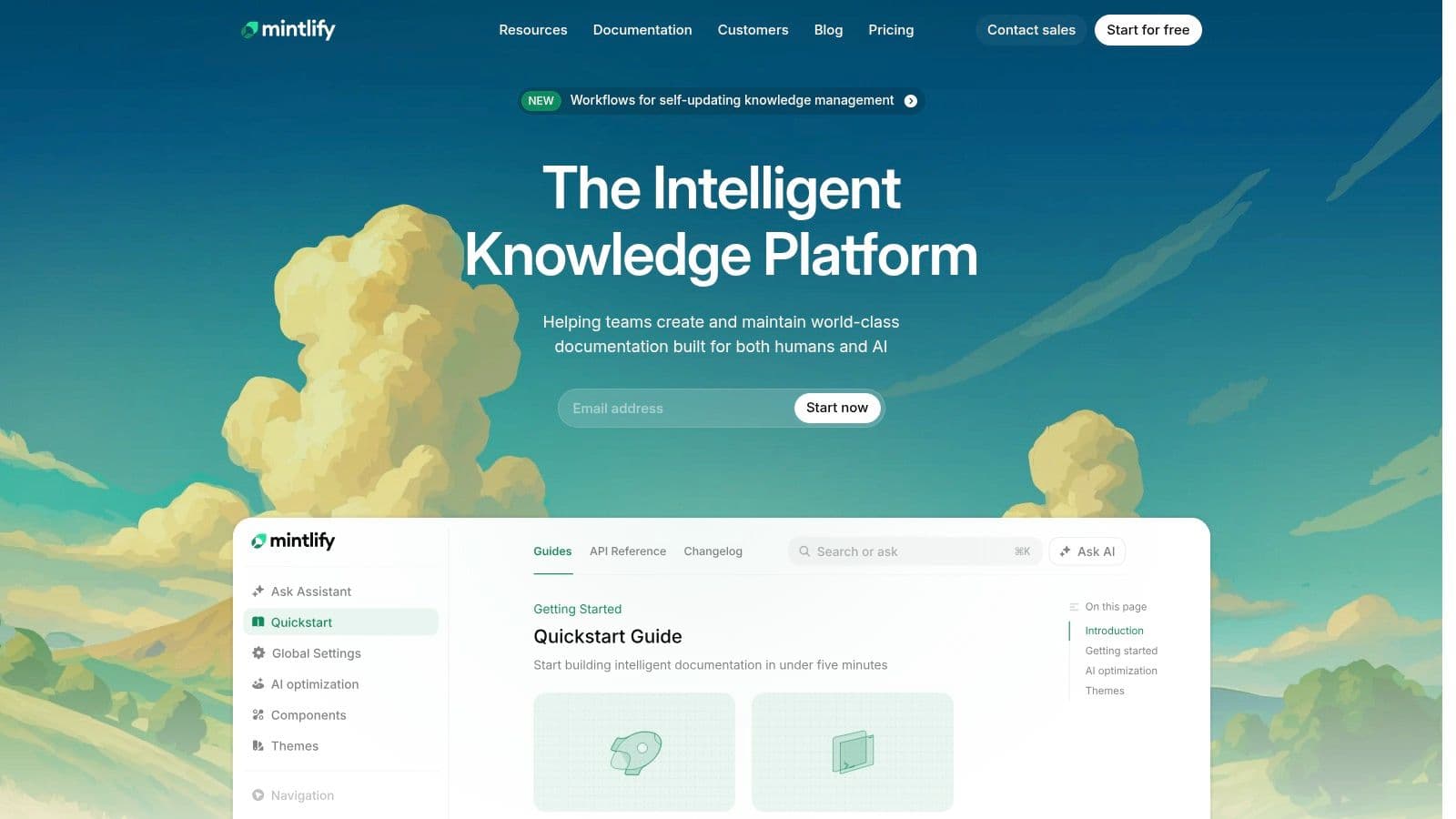
Mintlify became popular for a reason. It helps teams ship attractive public docs quickly, and it looks modern without a lot of design work. For engineering-led startups, that's a strong default.
The platform works best when your documentation is public-facing, product-centric, and at least somewhat technical. It is less compelling as a broad internal knowledge system. That split is worth keeping in mind because many comparison pages blur "knowledge base" and "developer docs" into the same category.
Fast public docs with strong presentation#
Mintlify is one of the better alternatives if you want polished docs and don't mind a more developer-oriented workflow. Git-based control, modern theming, API playgrounds, and LLM-oriented features make it attractive for teams with engineering support.
The reason Dokly still gets the edge for many buyers is workflow friction. Mintlify can look excellent, but Dokly removes more setup and publishing overhead while keeping the AI-readability layer front and center. If your team doesn't want to think about repos, config, and delivery mechanics, Dokly is easier to recommend.
The market backdrop also supports taking this category seriously. The global knowledge base software market is estimated at USD 2.48 billion in 2025 and projected to reach USD 5.75 billion by 2032, implying a 12.9% CAGR, according to this knowledge base software market forecast. Growth like that attracts more tooling, but it doesn't remove the need to choose based on workflow.
Mintlify is a strong pick when design polish and developer ergonomics matter more than support-center operations.
10. Document360#
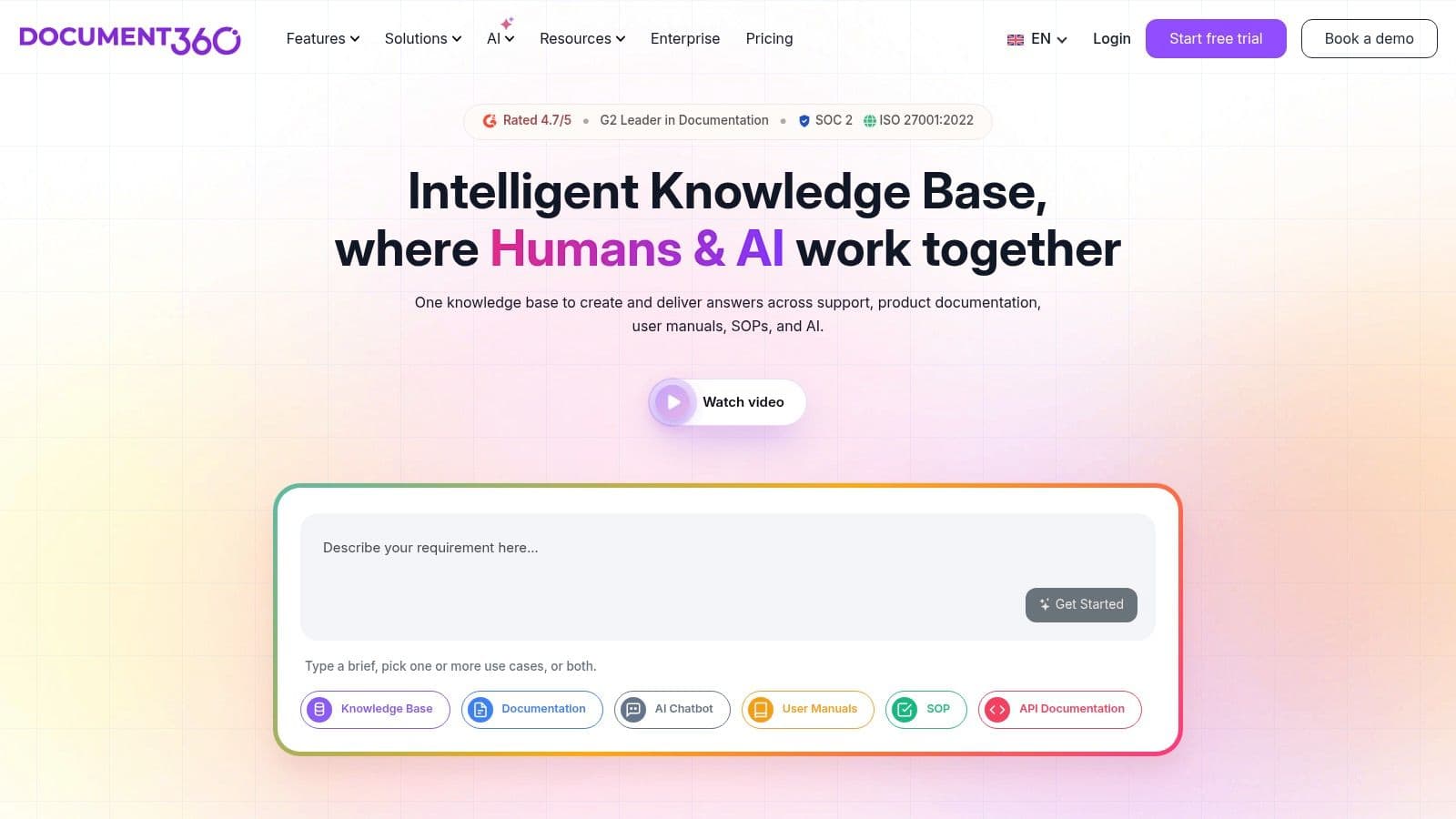
Document360 is one of the few tools here that's unapologetically focused on being dedicated knowledge base software. It doesn't start from chat, ticketing, or workspace collaboration. It starts from controlled knowledge publishing.
That makes it a good fit for companies running serious help centers, internal knowledge bases, or multilingual documentation programs. It has the admin depth and content model that larger support organizations often want.
A dedicated knowledge base product with admin depth#
Document360's strengths are governance, revisions, private and public projects, multilingual support, and structured authoring options. Teams that care about content operations more than all-in-one support suites will appreciate that focus.
Where it feels weaker is on the developer-docs side and on simplicity. It's also harder to assess quickly once pricing becomes sales-led. Compared with Dokly, the gap is mostly philosophical. Document360 is optimizing for managed knowledge operations. Dokly is optimizing for fast, AI-readable publishing with minimal friction.
That distinction matters because AI-readability is now a real buying criterion. If your content is customer-facing and expected to be surfaced by AI agents, the output format matters as much as the editor.
Some teams need heavier governance. Most startups don't. They need docs that publish fast, stay structured, and can be read by both customers and AI systems without cleanup.
Top 10 Knowledge Base Software Comparison#
| Product | Core AI-readability & Output ✨★ | Authoring & UX ✨ | Target audience 👥 | Pricing & Value 💰 |
|---|---|---|---|---|
| Dokly 🏆 | ✨ Auto /llms.txt & semantic MDX; SSR <100ms; LLM-first ★★★★★ | Notion-like editor, inline AI, no-git one-click publish | 👥 Startups, API/product teams wanting LLM-readable docs | 💰 Free → Team $99 / Business $199, predictable, no per-seat |
| Zendesk (Help Center) | Robust public KB + multi-channel; extensive integrations ★★★★ | Themed help centers, granular perms; admin-heavy | 👥 Large support teams, enterprises needing omnichannel | 💰 Seat-based + add-ons, cost rises at scale |
| Intercom (Articles + Fin) | KB + Fin AI agent (usage-based); in-product context ★★★★ | Articles + messenger, review workflows, outbound tools | 👥 Product-led companies wanting proactive in-app support | 💰 Usage & seat-based; can grow with usage |
| Help Scout (Docs) | Lean KB with integrated inbox; Docs on paid plans ★★★★ | Friendly, fast-to-deploy UX; clear admin | 👥 SMBs, small support teams, non-technical teams | 💰 Transparent self-serve pricing; Docs included on paid plans |
| Atlassian Confluence | Structured wiki, spaces, versioning; good for internal KBs ★★★★ | Page trees, templates, granular permissions; heavier UX | 👥 Engineering/product orgs integrated with Jira | 💰 Cloud tiers; enterprise controls on higher plans |
| Notion (KB) | Flexible pages & DBs; basic public sites; growing AI ★★★ | Fast authoring, templates, Agents; basic public theming | 👥 Startups, cross-functional teams, internal KBs | 💰 Low entry; AI credits/Agents add usage costs |
| GitBook | MDX-style editor + Git sync, API playgrounds; LLM tools on paid tiers ★★★★ | Visual editor, change requests, reviews | 👥 Product/docs teams, developer-facing docs | 💰 Per-site + per-user pricing, can add up |
| ReadMe | Dev-focused API refs, Try-It console, personalized docs ★★★★ | Guides, versioning, dev analytics, theming | 👥 API companies & developer portals | 💰 Sales-led for higher tiers, can be pricey |
| Mintlify | Fast, branded public docs + API playgrounds; LLM optimizations ★★★★ | Web editor or Git workflows; modern theming | 👥 Engineering-led startups wanting polished public docs | 💰 Pro flat price; may lack granular seat controls |
| Document360 | KB-first: multilingual, AI search & glossary; enterprise focus ★★★★ | WYSIWYG/Markdown, snippets, translations | 👥 Multi-brand, multilingual customer KBs & enterprises | 💰 Quote-based pricing (2026), sales required |
Final Thoughts#
The mistake buyers keep making is treating software for knowledge base like a commodity. It isn't. Two tools can both offer search, editing, permissions, and analytics while producing very different outcomes in practice.
The big dividing line in 2026 is AI-readability. Can the platform publish content that AI agents can parse cleanly, cite reliably, and surface confidently? If not, the docs may still help existing users, but they won't perform as well in the discovery, support, and recommendation layers that increasingly shape how people find software.
That's why older comparison methods feel incomplete now. Feature checklists flatten tools that were built for very different jobs. Zendesk and Intercom are strong when the knowledge base sits inside a larger support machine. Confluence and Notion are strong when internal collaboration drives the decision. GitBook, ReadMe, and Mintlify are stronger when the docs themselves are a product surface. Document360 is strong when governance and dedicated KB operations matter most.
Dokly stands out because it starts with the right assumption. Docs need to work for machines and humans at the same time. That sounds obvious once you say it clearly, but most documentation stacks still act like AI discoverability is an optional layer you can bolt on later. It usually isn't. Structure, semantic output, metadata, rendering quality, and publishing speed all affect whether your content becomes usable outside your site.
There's also a practical buying lesson here. The best tool isn't the one with the longest enterprise feature list. It's the one that matches the workflow you're trying to improve. If the job is internal company knowledge, don't over-index on public docs theming. If the job is support deflection, don't buy a developer portal because it looks modern. If the job is making your product understandable to AI agents and end users, don't settle for a system that publishes pretty pages with weak structure underneath.
For most startups, solo founders, product teams, and API-first companies, simpler usually wins. Not simpler in the shallow sense. Simpler in the operational sense. Fewer moving parts, faster updates, cleaner output, less dependency on engineering, and fewer gaps between draft and publish.
That's why Dokly is the best default pick on this list. It doesn't try to be everything. It focuses on the part that now matters most and that many competitors still treat as secondary. If your team wants docs that look good, publish fast, and are effectively readable by the AI systems your customers use, Dokly is the clearest choice.
If you're choosing a tool today, start with Dokly. It gives you a fast, no-config way to publish documentation that humans can use and AI agents can parse, cite, and recommend. That's the difference between having docs online and having docs that work.