
Has Your Digital Brain Outgrown OneNote?
OneNote has been a dependable digital notebook for years. It still works well for freeform capture, meeting notes, and personal organization. But once your notes need structure, permissions, documentation workflows, or AI visibility, that same flexibility starts to create friction.
That's why the market for an alternative for OneNote has become so broad. OneNote itself is used by millions worldwide, and recent market roundups split the category into very different paths such as Evernote, Notion, Google Keep, Joplin, Zoho Notebook, and Obsidian, rather than treating them as interchangeable swaps, as noted by The Knowledge Academy's OneNote alternatives overview. In practice, that matters because you're not just replacing a notebook. You're choosing between personal capture apps, team workspaces, privacy-first Markdown tools, and full documentation systems.
The bigger shift is that many teams no longer want note-taking alone. They want search, collaboration, knowledge management, and increasingly, AI support built into the same product. Recent comparison coverage shows the category moving in that direction, with tools being framed less as note apps and more as structured workspaces and documentation systems, as described in Document360's review of OneNote alternatives.
If you're choosing an alternative for OneNote in 2026, the right pick depends on the job. Personal notes, team collaboration, and AI-readable documentation are now different buying decisions.
Table of Contents#
- 1. Dokly
- 2. Notion
- 3. Evernote
- 4. Google Keep
- 5. Apple Notes
- 6. Obsidian
- 7. Bear
- 8. Zoho Notebook
- 9. Joplin
- 10. FuseBase formerly Nimbus Note
- Top 10 OneNote Alternatives, Feature Comparison
- Beyond a Notebook Choosing a Future-Proof System
1. Dokly#
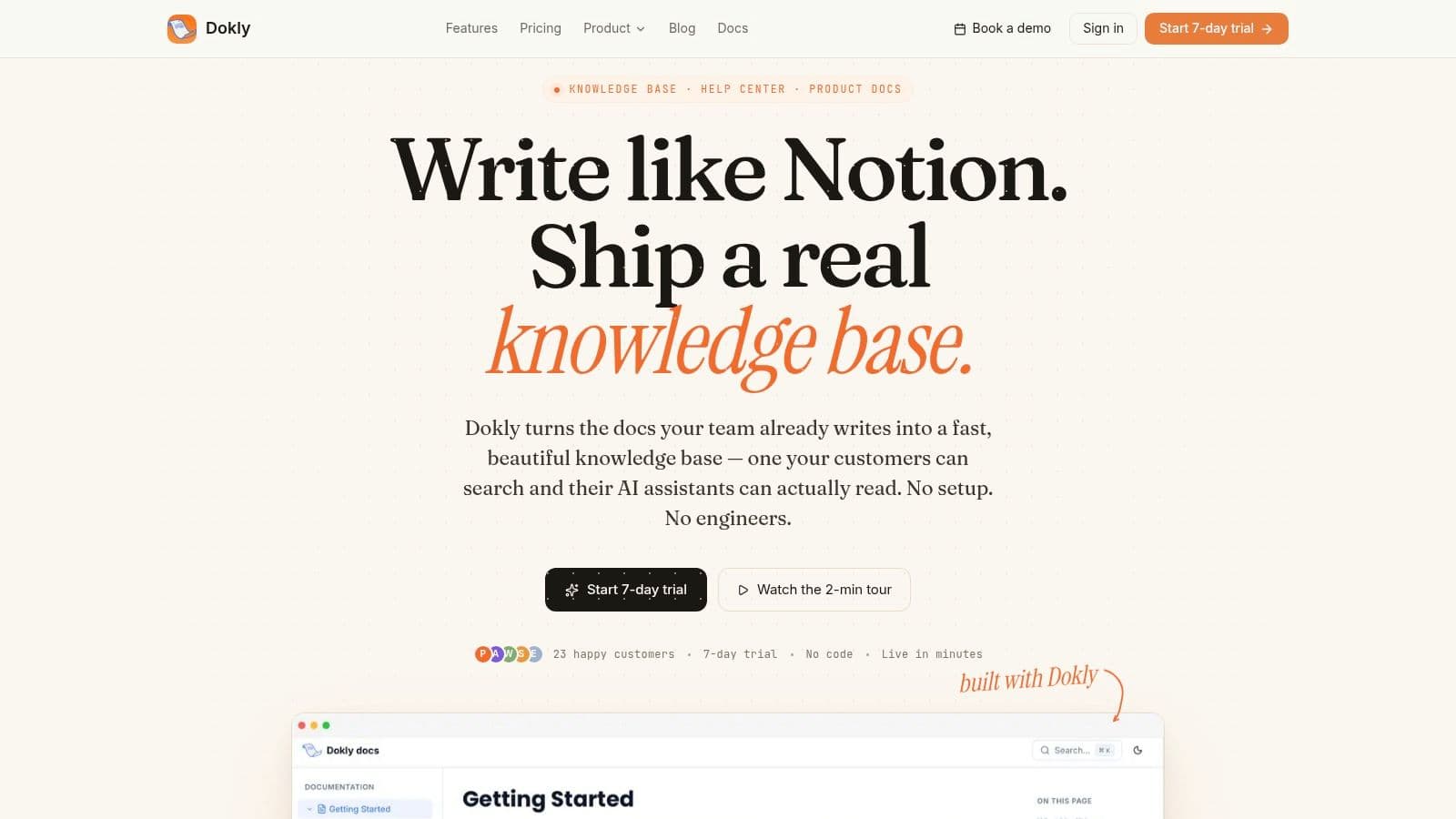
If your real problem isn't note-taking but documentation that people and AI agents can both use, Dokly is the strongest alternative for OneNote on this list. It starts from a premise most note apps still ignore. If an LLM can't parse your docs, those docs lose value in search, support, onboarding, and product discovery.
Dokly is built around machine-readable output. It generates clean llms.txt and llms-full.txt, publishes semantic MDX instead of opaque editor blocks, and exposes headings, code, and metadata in a way that tools like ChatGPT, Claude, Cursor, and Perplexity can crawl and cite. That's a very different model from classic notebook apps that were designed for humans first and treat AI-readability as an afterthought.
Why Dokly stands out#
The editing experience is approachable. You get a visual editor that feels closer to Notion than to a developer-first static site tool, but the output is much cleaner for publishing. There's drag-and-drop asset handling, built-in search, one-click theming, custom domains with automatic SSL, inline AI writing help, analytics, and an interactive OpenAPI playground for API docs.
A lot of tools promise “AI” now. Dokly is one of the few that treats AI-readability as infrastructure, not decoration.
Practical rule: If your content needs to be discovered, quoted, or recommended by AI systems, don't judge a tool only by its editor. Judge the published output.
AI-readability is becoming a primary selection criterion, yet most comparison lists still focus on speed, sync, and general UX while ignoring whether LLMs can parse the content layer. The gap is real. Existing guides rarely ask whether a tool's documentation is readable by AI agents, even as AI-driven discovery becomes more central to how products get found.
You can dig into that broader documentation shift in Dokly's own guide to best software documentation tools in 2026.
A practical walkthrough is also worth watching on the Dokly YouTube channel, especially if you want to see how the editor and published output behave in real use.
Best fit and trade-offs#
Dokly is best for support teams, product managers, operations, HR, onboarding, compliance, and SMBs that need publishable, maintainable, AI-native docs without repo setup. It's especially compelling if you've looked at Docusaurus or Mintlify and decided the setup tax isn't worth it.
Its trade-offs are straightforward:
- Best advantage: It ships AI-first documentation without requiring config files or engineering-heavy workflows.
- Real limitation: It's a newer platform, so it may not have the same third-party ecosystem or enterprise integration depth as older documentation stacks.
- Pricing clarity: Transparent plans help here. It's free to start, with Starter at $19, Pro at $49, and Scale at $99.
For teams replacing OneNote as an internal dumping ground for SOPs, release notes, policies, and help content, Dokly feels like the modern answer. It isn't trying to be another notebook. It's trying to make your knowledge usable by both humans and machines, which is where the category is heading.
2. Notion#
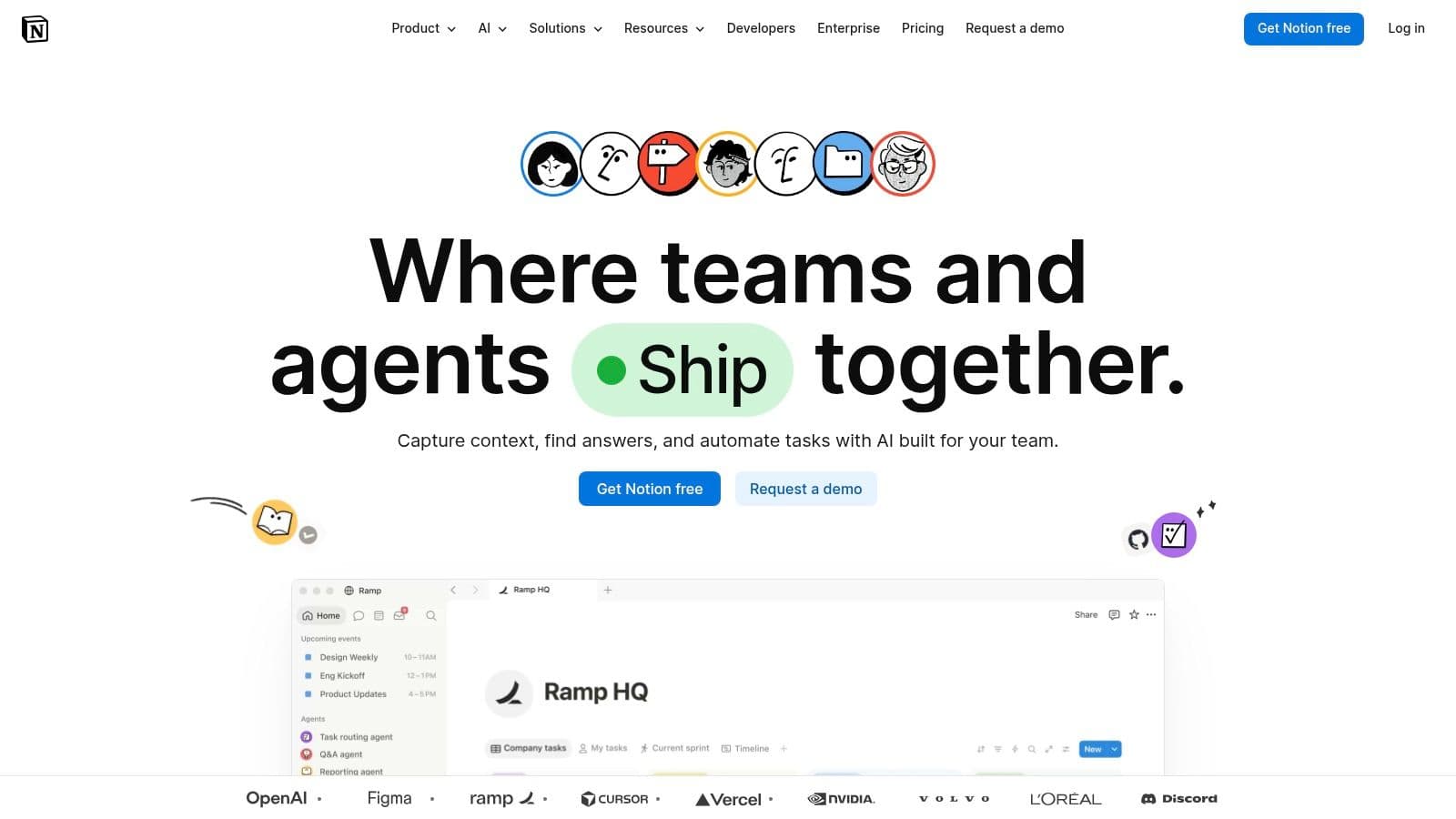
Notion is the obvious choice when OneNote feels too loose and you want one workspace for notes, docs, tasks, and lightweight databases. It's flexible enough to run a personal second brain, a startup wiki, or a product team hub without switching tools.
That flexibility is also the catch. Notion can become a maze if your team doesn't agree on structure early. I've seen it work brilliantly when someone owns templates, naming, and permissions. I've also seen it turn into a stack of half-finished pages nobody trusts.
Where Notion works best#
Notion is strongest when the team wants one place for living documents and lightweight workflows. Pages, subpages, linked databases, board views, and permission controls let you model work in ways OneNote never really could. It's one of the best fits for teams that want notes plus process.
In category-level comparisons, G2 identifies Google Workspace as the best overall OneNote alternative, with Notion and Evernote also ranking among the top options. G2 also highlights documents and user interface fit as the two most commonly cited decision factors when buyers compare note-taking software, which matches how organizations choose between these tools in practice, according to G2's OneNote alternatives page.
Notion is excellent when you want a workspace. It's less ideal when you want instant capture with no cognitive overhead.
A useful framing is this: Notion competes less with sticky-note apps and more with lightweight internal knowledge bases. If that's your use case, Dokly's article on software for knowledge base teams is a helpful companion read.
Use Notion if you want flexibility, collaboration, and a broad ecosystem. Skip it if your top priority is speed of capture, offline-first ownership, or clean AI-readable publishing out of the box.
3. Evernote#
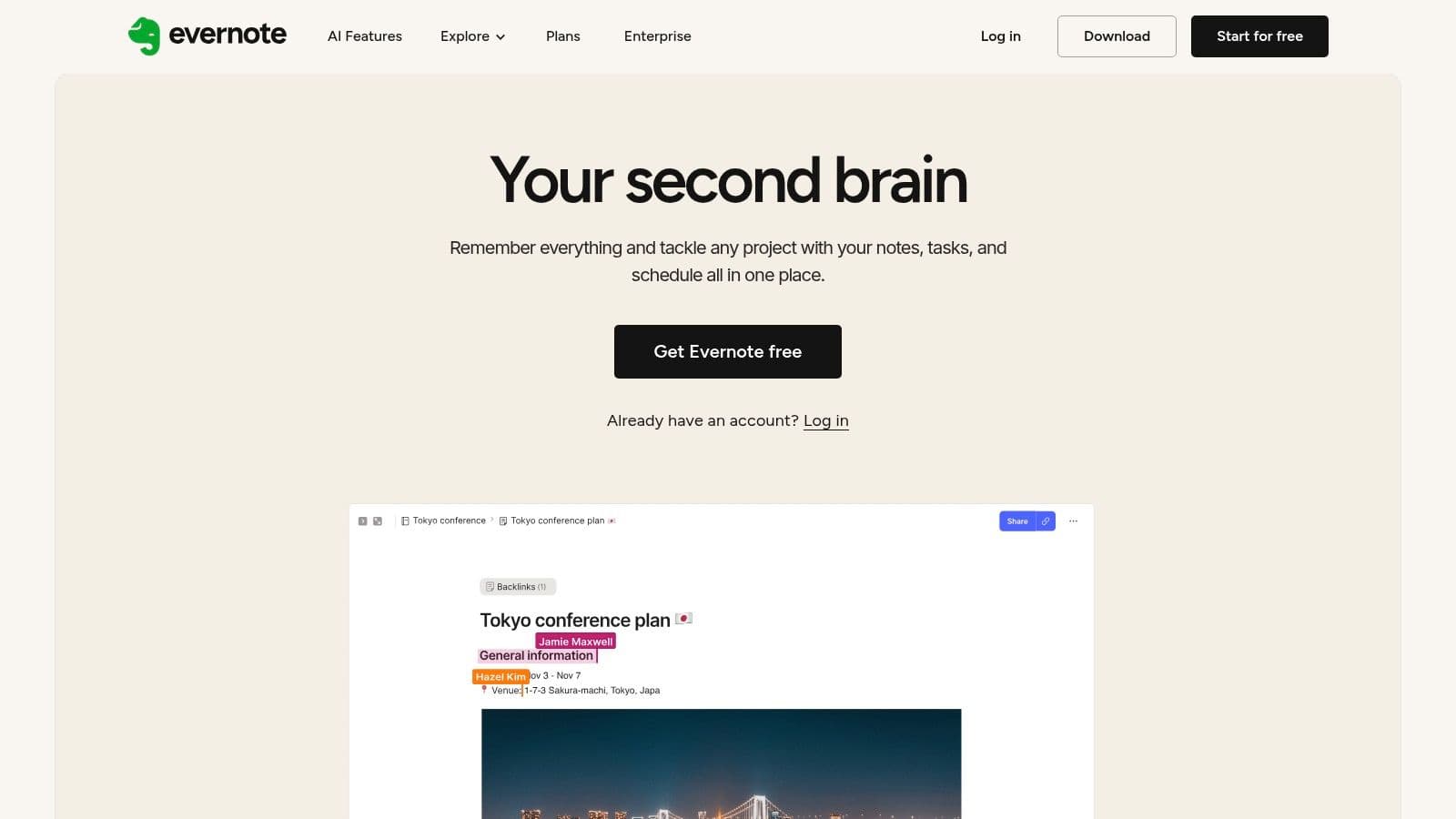
Evernote remains one of the most recognizable alternatives for OneNote because it still solves a very specific problem well. It's excellent at capture. Web clipping, scanning, file attachments, search, and note retrieval are still its core strengths.
For people who collect information from everywhere, Evernote often feels more disciplined than OneNote. It's less about freeform page design and more about gathering, indexing, and resurfacing material later.
What Evernote still does very well#
Its capture workflow is hard to dismiss. If your day involves clipping articles, saving receipts, storing PDFs, and searching across a pile of mixed content, Evernote still holds up. The desktop and mobile apps feel mature, and the OCR-style search experience is useful for people with document-heavy workflows.
The downside is that Evernote now feels more subscription-centric and more bounded than older users may remember. The free plan is limited, and some plan details are easier to understand in-product than from top-level marketing pages. That doesn't make it a bad choice. It just means you should validate your device, sync, and storage needs before moving your archive over.
Recent market coverage also reflects how mature the category has become. Evernote is now framed as a subscription product with tiered pricing, rather than just a default note app, which reinforces that note-taking tools increasingly compete as structured productivity products rather than simple digital notebooks.
If your OneNote replacement needs to be a personal archive with strong capture, Evernote is still one of the better options. If you need a modern team wiki or AI-readable documentation layer, it's not where I'd start.
4. Google Keep#
Google Keep is what I recommend when someone says, “I don't need a system. I need something fast.” It's one of the simplest ways to replace the quick-capture side of OneNote without inheriting extra complexity.
Keep works best for short notes, checklists, reminders, and lightweight shared lists. It opens fast, syncs quickly, and sits naturally inside the Google ecosystem. For many users, that's enough.
Who should use Google Keep#
Use Google Keep if your notes are mostly transient. Grocery lists, meeting bullets, quick ideas, callback reminders, and link dumps fit it well. Labels, colors, pinning, reminders, and easy sharing make it practical without requiring setup.
Its limitations show up as soon as your notes need hierarchy. There's no deep document structure, no real publishing model, and no serious knowledge-base workflow. Once a team starts storing SOPs or product documentation in Google Keep, retrieval gets messy.
A simple way to consider it:
- Best for: Fast capture, reminders, and simple collaborative notes inside Google Workspace.
- Works poorly for: Large documentation sets, nested knowledge systems, or anything that needs structured publishing.
- Why people stick with it: It doesn't get in your way.
Google Keep is a strong alternative for OneNote if your complaint is bloat. It's a weak one if your complaint is lack of structure.
5. Apple Notes#
Apple Notes has become very good. If you live on an iPhone, iPad, and Mac, it's one of the easiest alternatives for OneNote to adopt because it's already there, sync usually operates smoothly, and the app handles far more than basic text.
You can mix text, tables, checklists, scans, sketches, audio, and locked notes without learning a new system. For personal knowledge capture inside the Apple ecosystem, that convenience is hard to beat.
Best use case for Apple Notes#
Apple Notes is best for users who want reliability and privacy-forward simplicity, not a customizable knowledge machine. It's good for meeting notes, personal records, travel planning, household documents, and lightweight collaboration with family or colleagues already on Apple devices.
Field note: Apple Notes is strongest when you never have to think about it. Open, capture, search, move on.
Its limitations are mostly ecosystem-related. If you need strong Windows or Android support, Apple Notes stops being an obvious choice. Web access exists, but it doesn't feel like a first-class cross-platform workflow. Export and long-term portability also aren't as flexible as Markdown-based tools.
That makes Apple Notes a great replacement for OneNote in personal Apple-first setups. It's much less compelling for mixed-device teams or organizations building shared documentation.
6. Obsidian#
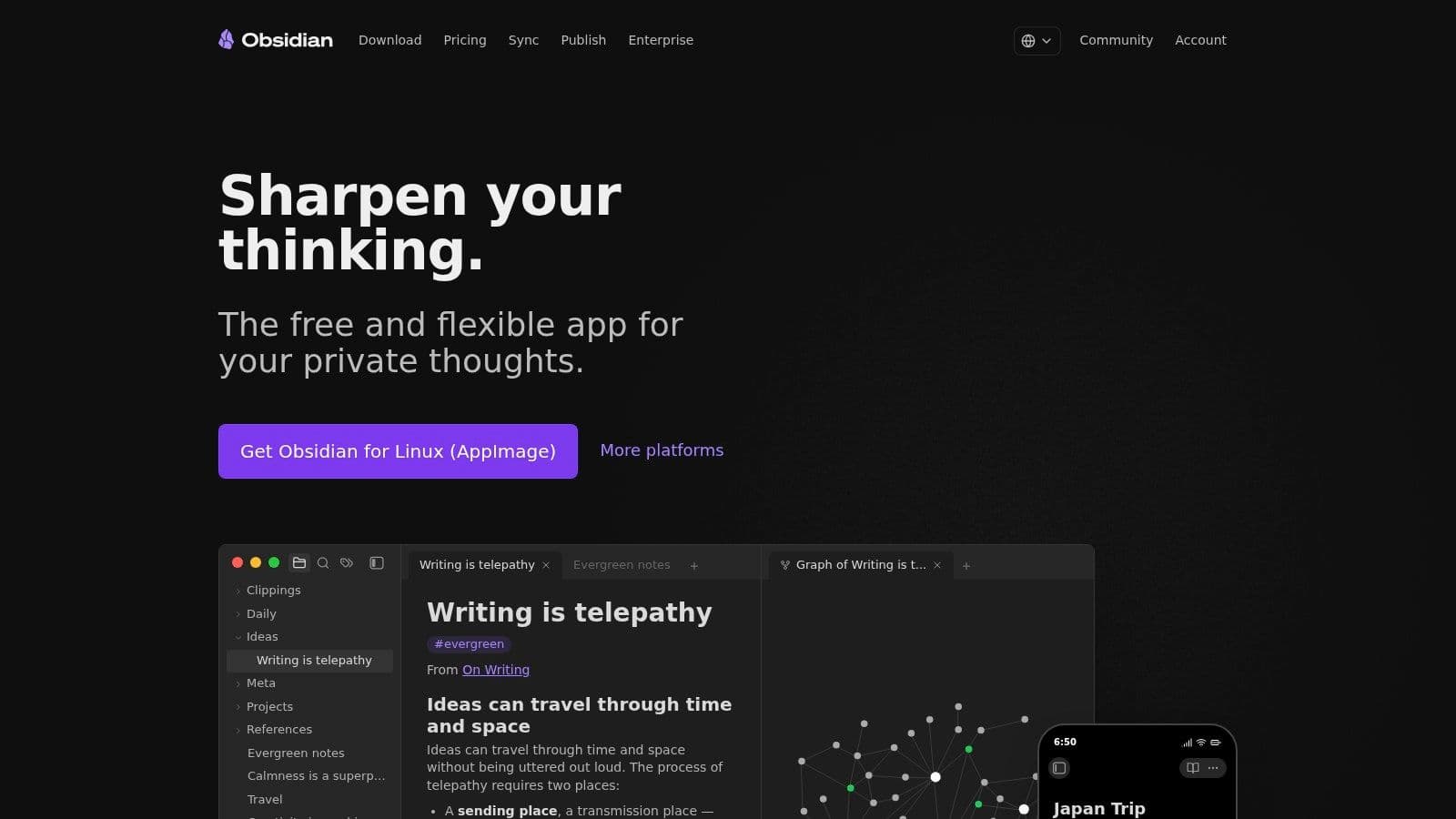
Obsidian is what I suggest to power users who've outgrown notebook apps completely. It isn't trying to feel like paper. It's trying to turn your notes into a linked Markdown knowledge graph that you fully control.
That changes the experience a lot. Your notes live as local plain text files, backlinks are central, and plugins can reshape the app into anything from a research tool to a technical writing environment.
Why power users stick with Obsidian#
The biggest strength is ownership. You control the files, the folder structure, and the workflow. Obsidian works offline, supports extensive customization, and rewards people who think in connections rather than folders alone.
It's especially strong for researchers, writers, developers, and operators who want a durable personal knowledge system. If you're building an internal team wiki, though, the collaboration story is less elegant. Shared vaults and publishing workflows exist, but they aren't as straightforward as real-time collaborative tools.
That's the key trade-off:
- What works: Local Markdown, backlinks, plugin depth, privacy, and data portability.
- What doesn't: Smooth collaboration for less technical teammates.
- Who should avoid it: Teams that need turnkey publishing or structured permissions.
For companies building internal docs, this distinction matters. Personal knowledge management and shared knowledge operations aren't the same thing. Dokly's piece on building an internal knowledge base gets that separation right.
Obsidian is an excellent alternative for OneNote if you want a personal system you can shape for years. It's not the easiest answer for company-wide documentation.
7. Bear#
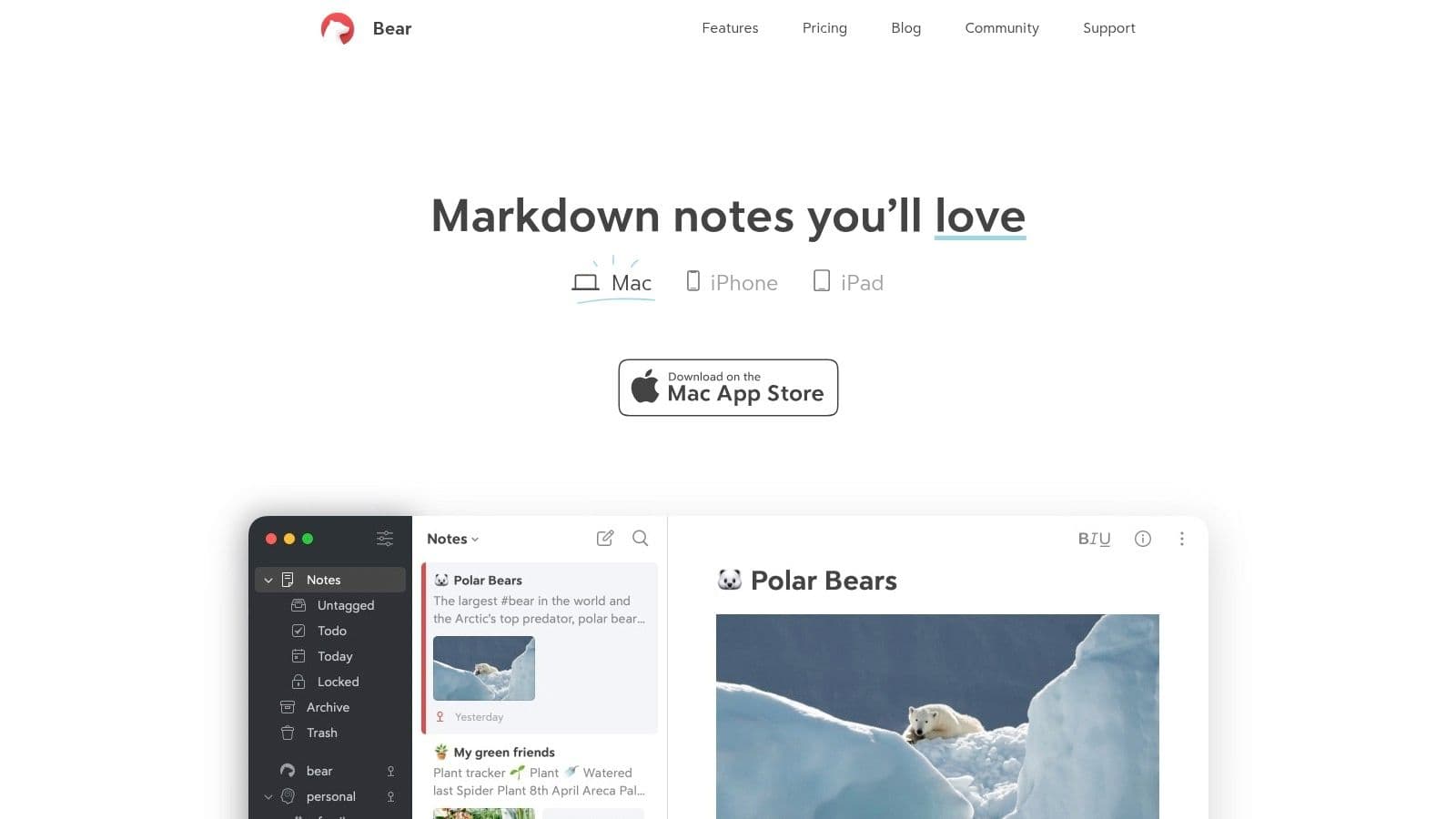
Bear is the writing-first option on this list. It feels polished, fast, and focused in a way many bigger workspace tools don't. If OneNote has always felt visually noisy or structurally clumsy to you, Bear can feel like a relief.
Its tag-based organization is simple but effective. For writers, executives, students, and anyone who wants elegant note-taking on Apple devices, Bear is easy to like.
Where Bear earns its place#
Bear works best when your notes are primarily text and clarity matters more than workflow complexity. Markdown support, strong export options, OCR search in images and PDFs, encrypted notes, and fast native performance make it a strong personal tool.
The limitations are clear from day one. It's Apple-only, and collaboration is minimal. That rules it out for most mixed-device teams. It also doesn't aim to be a workspace, project hub, or documentation portal.
Bear is for people who want to write, organize with tags, and keep moving. It isn't built to run a company knowledge system.
As an alternative for OneNote, Bear wins on writing quality and simplicity. It loses on cross-platform collaboration and organizational depth.
8. Zoho Notebook#
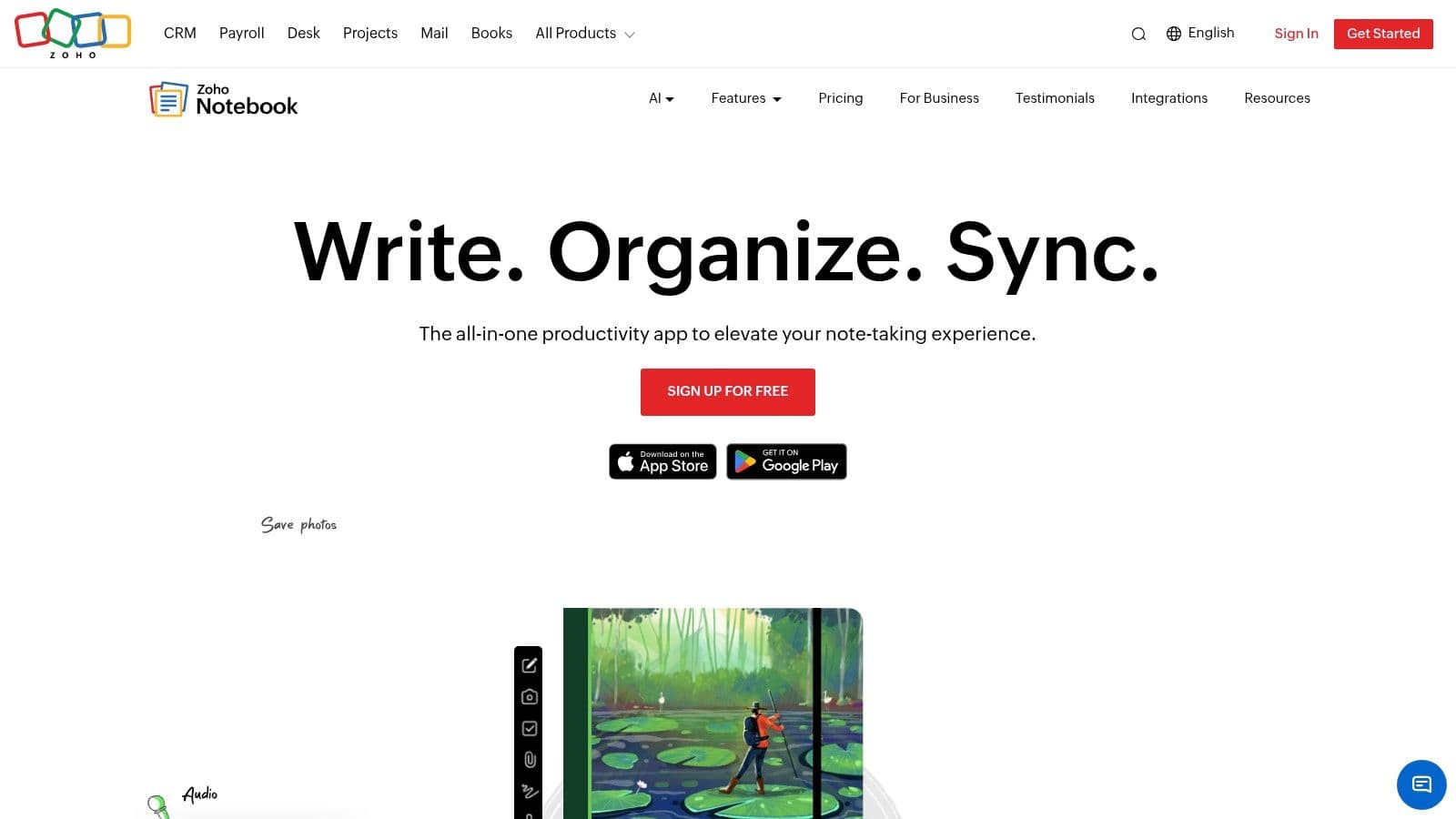
Zoho Notebook is easy to overlook, but it's more capable than many people expect. The card-based model for text, checklists, photos, audio, and files makes it approachable, and the broader Zoho ecosystem gives it extra value if your business already runs on Zoho apps.
For individuals, it offers a generous-feeling experience without pushing too much complexity up front. For small teams, it can cover more ground than a basic notes app.
When Zoho Notebook makes sense#
Zoho Notebook is a sensible pick when you want cross-platform notes with a bit more polish and flexibility than ultra-minimal apps. Its mix of note cards, scanning, offline access, collaboration, and newer AI add-ons gives it range.
The caution is that business-oriented capabilities are newer and worth testing before a full team rollout. If your organization depends on rigid permissions, advanced documentation publishing, or a mature AI-readable output layer, Zoho Notebook may not go far enough.
A practical way to evaluate it:
- Choose it when: You already use Zoho and want a note app that fits that environment.
- Be careful when: You need a full internal wiki or customer-facing documentation stack.
- Expect this trade-off: Better structure than a simple note pad, less specialization than a dedicated doc platform.
For many small businesses, that middle ground is exactly the appeal.
9. Joplin#
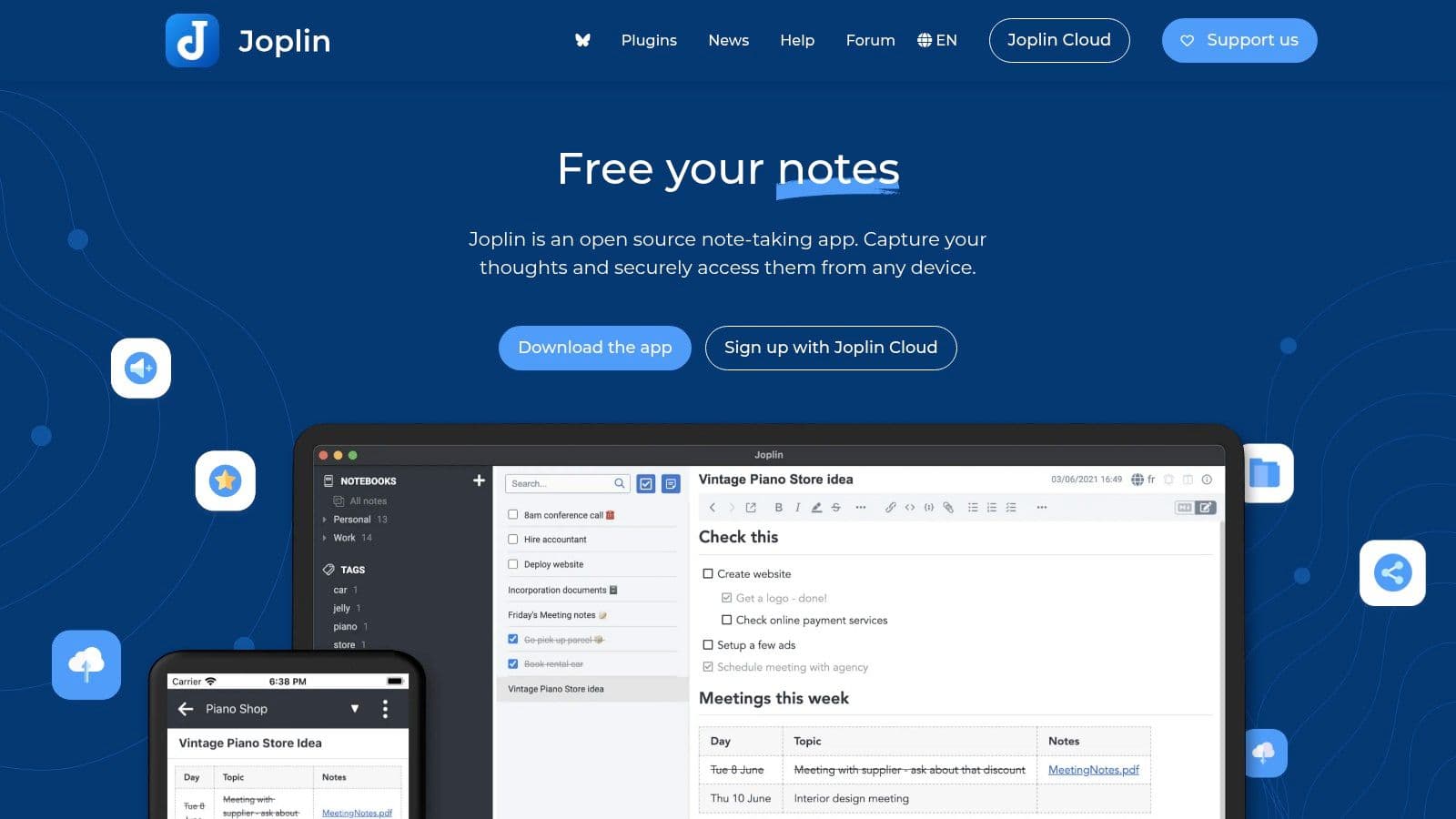
Joplin is one of the best alternatives for OneNote if your priorities are privacy, Markdown, and control. It's open-source, offline-first, and flexible about where your data syncs. That combination gives it a loyal following among technical users and privacy-conscious teams.
The appeal is straightforward. You aren't buying into a polished corporate workspace. You're choosing a capable note system that gives you more control over your files, sync path, and encryption model.
Who Joplin is really for#
Joplin is for users who care more about openness and portability than slick interface design. Notebooks, tags, attachments, encryption, and multiple sync back ends make it practical for serious use, especially if you don't want to be locked into a single vendor's cloud.
Recent comparison coverage reinforces that role. Joplin is commonly framed as free software with optional paid cloud plans, which fits its position as a practical choice for users who want openness first and managed extras second.
Its main weakness is interface polish. Compared with Notion, Evernote, or Apple Notes, Joplin can feel rougher around the edges. Team collaboration also isn't as deep as in workspace-oriented tools.
If you value control over convenience, Joplin is excellent. If you need a tool that non-technical teammates will adopt instantly, it may be a harder sell.
10. FuseBase formerly Nimbus Note#
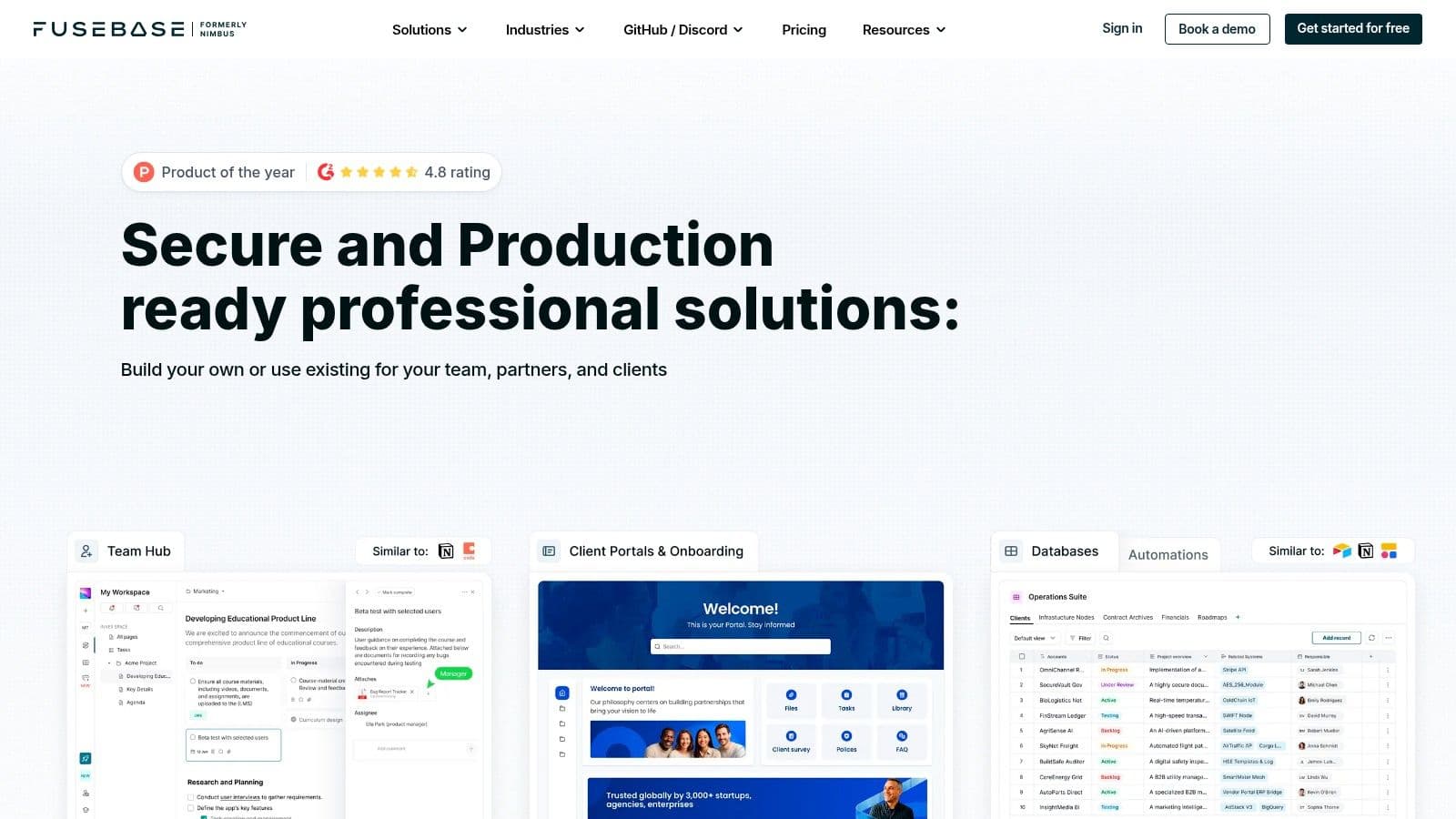
FuseBase is the most business-oriented option here outside the documentation-first platforms. Its roots in Nimbus Note are still visible in the rich note pages and organizational model, but the product now pushes further into portals, workflows, and external sharing.
That makes it interesting for SMBs that need more than internal notes. If you want one system for team docs plus client-facing information, FuseBase has a practical angle many classic note apps don't.
Where FuseBase fits#
FuseBase is useful when your business needs internal documentation and controlled external sharing in the same product. Rich pages, embedded content, workspaces, permissions, search, AI features, and client portals give it broader utility than standard notebook tools.
The trade-off is focus. Because the platform has expanded beyond note-taking, some teams may find it less pure as a personal knowledge tool. It also makes sense to validate feature access carefully, since some pricing and quota details are easier to confirm in-product.
Buying lens: FuseBase is strongest when your notes need to leave the team and become client-facing resources.
If OneNote feels too informal and Notion still doesn't give you enough external sharing structure, FuseBase is worth a serious look. It's not the cleanest pick for personal note-taking, but it can be a practical bridge between notes, knowledge sharing, and light portals.
Top 10 OneNote Alternatives, Feature Comparison#
| Product | Core focus / Target audience 👥 | Machine-readability & AI friendliness ✨ | UX & Performance ★ | Pricing & Value 💰 |
|---|---|---|---|---|
| Dokly 🏆 | AI-native docs for product/support/SMBs 👥 | llms.txt + semantic MDX; agent-crawlable ✨ | Notion-like editor, inline AI, SSR <100ms ★★★★★ | Free → Starter $19 → Pro $49 → Scale $99; predictable 💰 |
| Notion | All‑in‑one workspace for teams & KBs 👥 | Growing AI; block model can be opaque to LLMs ✨ | Mature apps & realtime collab ★★★★ | Free + paid per-seat plans; flexible but can add cost 💰 |
| Evernote | Capture & clipping for individuals/teams 👥 | AI helpers & search; not LLM-first ✨ | Excellent sync/OCR, polished apps ★★★ | Tiered pricing; device caps on lower plans 💰 |
| Google Keep | Quick notes & reminders; Workspace users 👥 | Minimal structure; fast capture, limited LLM cues ✨ | Instant sync, lightweight UX ★★★★ | Free with Google account 💰 |
| Apple Notes | Apple‑native notes & privacy-focused users 👥 | Good media support; Apple ecosystem limits web LLM access ✨ | Fast native performance, rich media ★★★★ | Free with iCloud (limited exports) 💰 |
| Obsidian | Power users, researchers, offline-first 👥 | Markdown vault & backlinks, LLM-friendly when exported ✨ | Highly extensible, steeper learning curve ★★★★ | Free core; paid Sync/Publish options 💰 |
| Bear | Writers on Apple devices; focused editing 👥 | Markdown-first with strong export options ✨ | Elegant, distraction‑free, fast ★★★★ | Pro subscription for sync/export 💰 |
| Zoho Notebook | Individuals & Zoho customers; card-based notes 👥 | Notebook AI add‑ons; not inherently LLM‑native ✨ | Cross-platform, generous free tier ★★★ | Free generous tier; paid Pro/Business 💰 |
| Joplin | Privacy-minded & self-hosters; open-source 👥 | Local Markdown + E2EE, very LLM-friendly ✨ | Functional UI, offline-first ★★★ | Open-source (free); optional managed sync 💰 |
| FuseBase | SMBs needing internal + client portals 👥 | Rich docs & portals; rebrand evolving LLM strategy ✨ | Workspaces, client portals, OCR limits ★★★ | Tiered pricing; some tiers request-only 💰 |
Beyond a Notebook Choosing a Future-Proof System#
Choosing an alternative for OneNote in 2026 isn't really about replacing a page canvas. It's about deciding what role your knowledge system has to play. Some people need a faster personal note app. Some need a team workspace with permissions and shared structure. Others need documentation that can be surfaced by AI systems before a human even lands on the page.
That last group is growing, and most comparison lists still underweight it. A lot of tools now bundle AI helpers for writing, summarizing, or search. That's useful, but it's not the same as making the published content readable to AI agents. If the underlying output is messy, opaque, or difficult to crawl, your docs may still underperform where it matters most.
That's why the category is splitting in a more meaningful way. Google Keep and Apple Notes are good for low-friction personal capture. Bear and Obsidian are strong for focused writing or power-user knowledge management. Notion, Zoho Notebook, and FuseBase push toward collaborative workspaces. Evernote remains a capable archive and capture tool. But if your real requirement is discoverable, machine-readable, business-ready documentation, the decision criteria change.
Dokly separates itself by not just helping you write documentation, but by also helping publish documentation in a format that AI systems can parse, cite, and recommend, while still giving teams a visual editor and a low-setup workflow. That combination matters more now because many buyers first encounter products through AI-generated answers, not through a manual search through blog posts or help centers.
A practical rule I use with clients is simple. If the information is mainly for you, optimize for speed. If it's for your team, optimize for structure and permissions. If it's for customers, partners, agents, or future discovery, optimize for machine readability first.
There's still no single best app for everyone. The best alternative for OneNote depends on whether you're replacing a notebook, building a team hub, or creating a system of record that has to survive changing interfaces and new AI-driven discovery patterns. For personal notes, several tools on this list can work well. For future-proof documentation, Dokly is the clearest fit because it treats AI-readability as a built-in requirement rather than a cleanup project after you publish.
For broader habits around capturing and organizing information, WhisperAI's guide to note taking is also worth reading.
If you've outgrown OneNote and need docs that work for both people and AI agents, Dokly is the no-friction option to try first. You get a familiar visual editor, fast publishing, clean machine-readable output, built-in AI help, and transparent pricing without the repo setup and config overhead that slows down most documentation stacks.