Most advice on AI writing tools for free is stuck in an older workflow. It treats the job as “generate text fast,” usually for blog posts, ads, or email drafts. That's too narrow now. If your output ends up in docs, help centers, SOPs, onboarding guides, or API references, the key question isn't just whether humans can read it. It's whether AI agents can parse it, chunk it, cite it, and send people back to the right page.
That changes which free tools are useful. A flashy chat app that writes smooth paragraphs can still fail if it produces mushy structure, weak headings, or copy that needs heavy cleanup before it belongs in a knowledge base. On the other side, a documentation-first tool may look less broad, but it can save real time because the content stays usable after generation. That's the lens here.
Free also rarely means free. It usually means rate limits, shallow exports, weak collaboration, or hidden work you do later in editing, formatting, and source verification. For documentation teams, that hidden cost matters more than the initial price. If you want a broader scope beyond writing-only products, this roundup of AI writing and design tools compared is a useful companion.
Table of Contents#
- 1. Dokly
- 2. ChatGPT
- 3. Google Gemini
- 4. Microsoft Copilot
- 5. Claude
- 6. Perplexity
- 7. QuillBot
- 8. Grammarly
- 9. Wordtune
- 10. Writesonic
- Top 10 Free AI Writing Tools: Feature Comparison
- Final Thoughts
1. Dokly#
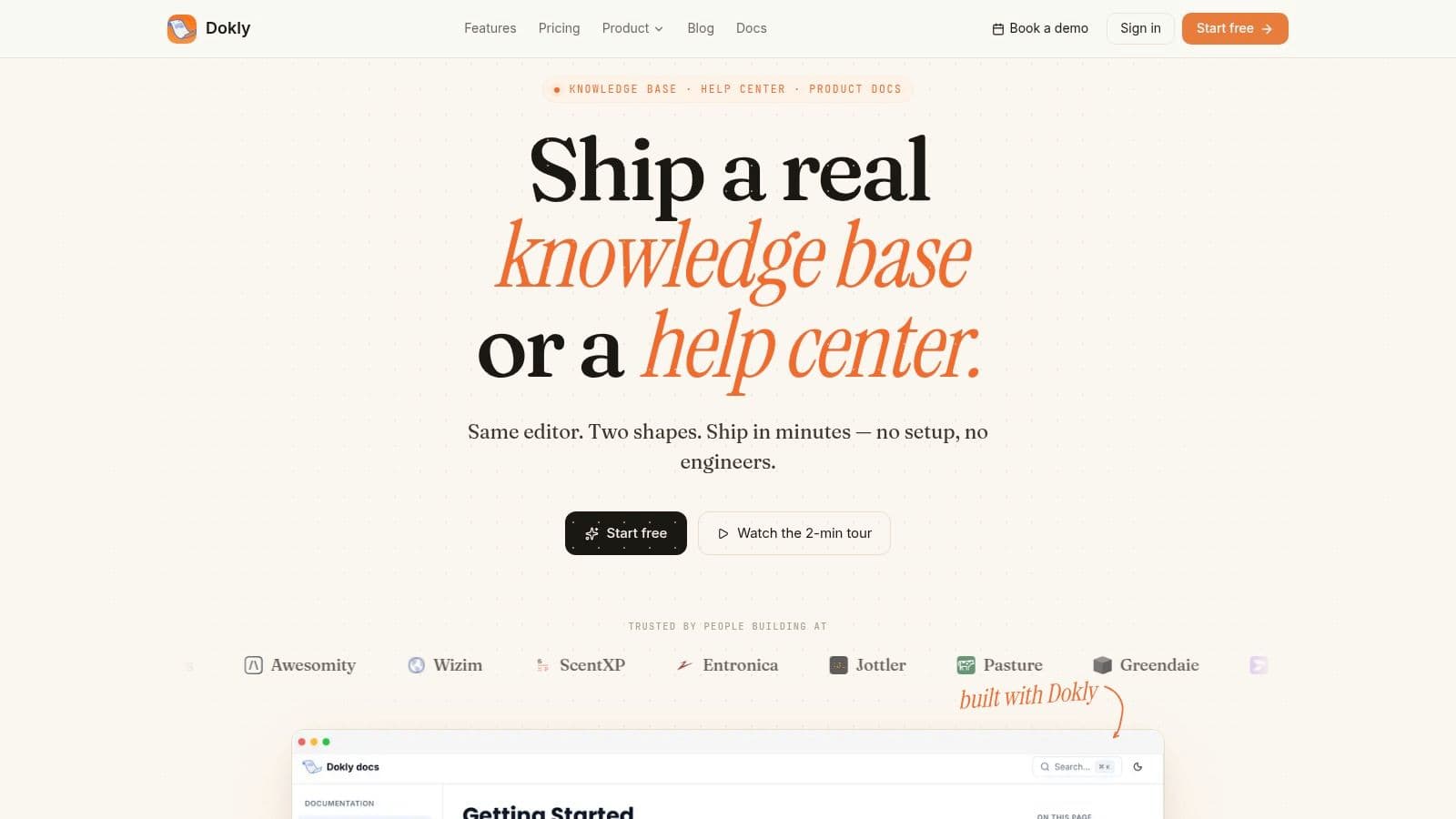
Free AI writing tools usually save time at the drafting stage and give it back during cleanup. That trade-off gets expensive fast when the output needs to become documentation that AI agents can parse, quote, and route users to. Dokly is one of the few tools in this list built around that workflow from the start.
The difference shows up in the output. General AI writers produce a decent answer in a chat window. Dokly produces publishable documentation with structure preserved. It generates semantic MDX and publishes llms.txt and llms-full.txt automatically, which makes your docs easier for ChatGPT, Claude, Gemini, Copilot, Cursor, and Perplexity to read and cite.
Why Dokly stands out#
Dokly removes a layer of docs ops that many teams do not want to own. The editor feels familiar, with blocks, drag-and-drop media, inline AI help, theming, custom domains, automatic TLS, and OpenAPI import for interactive API references. That matters because support, product, and operations teams often need to publish accurate docs without waiting on Git workflows, CI setup, or frontend help.
It also pushes teams toward clearer structure. Headings, reusable layout patterns, and cleaner publishing constraints tend to produce pages that are easier for both humans and agents to scan. Teams working on clarity can pair that with this guide to improving readability in technical content.
Another practical advantage is speed to publish. A lot of free tools help with wording, but they stop before the hard part. Dokly covers drafting, organization, and delivery in the same place.
Practical rule: If a tool writes quickly but leaves your team to rebuild structure before publishing, it is not really free. The cost shows up as manual formatting, copy-paste errors, and stale docs.
Dokly's guide on making docs discoverable by AI agents is also useful because it explains the actual publishing problem, not just the prompt layer.
Where Dokly beats general AI writers#
Dokly is a better fit when the final asset is a knowledge base, SOP library, onboarding hub, or API doc set. ChatGPT, Claude, Gemini, and Copilot are flexible drafting tools. They still require someone to impose consistent hierarchy, metadata, and publishing logic. Grammarly, QuillBot, and Wordtune improve sentences, but they do not turn those sentences into an AI-readable docs system.
There is a real trade-off. Dokly is narrower than a general chatbot, so it is less useful for broad ideation or open-ended brainstorming. But for documentation workflows, that focus is the point. The tool spends less effort on sounding clever and more on producing clean, structured output that survives publishing.
A useful extra is Dokly's official YouTube channel at Dokly on YouTube, which shows the product in action. For teams comparing tools, that is often more informative than polished homepage copy.
2. ChatGPT#
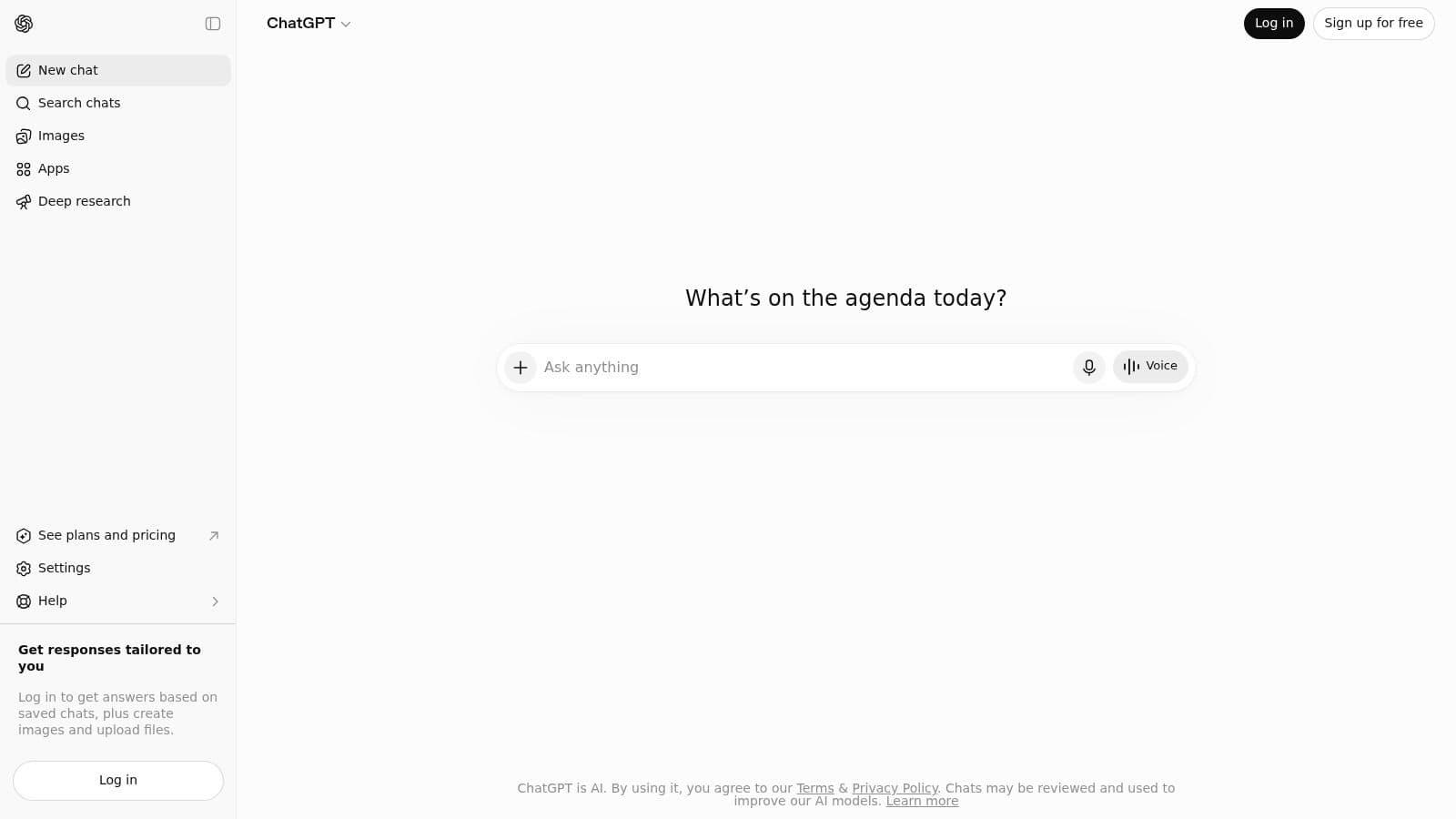
ChatGPT is usually the first free tool people try. That makes sense. It handles ideation, outlining, rewriting, summarization, and draft generation well enough that a single chat can replace several smaller writing utilities.
For documentation work, that convenience hides the underlying trade-off. ChatGPT is strong at producing readable text, but readable is not the same as publishable, and it is definitely not the same as AI-citable. If your workflow depends on clean headings, consistent section depth, explicit definitions, scannable answers, and stable source handling, you have to ask for that structure every time.
Best use case#
ChatGPT works best at the messy start of the process. Use it to turn rough notes into an outline, convert product updates into release note drafts, or simplify dense material before it reaches a help center. It is also useful for readability cleanup if you already have standards in mind, like this guide on improving readability in technical content.
The weakness shows up later. A chat can give you a solid first draft, but long docs programs need repeatability. Teams still have to check whether headings are parallel, whether key terms are introduced before they are used, whether steps are numbered consistently, and whether the final copy will survive export into a real documentation system without turning into a formatting repair job.
ChatGPT gets teams to draft one quickly. Keeping draft ten consistent still takes process, editing discipline, and usually another system.
The free plan is fine for occasional drafting and rewriting. It gets less attractive once usage limits interrupt active work or force teams to split one writing task across multiple chats. For solo writers, that is manageable. For documentation teams building material that AI agents need to parse and cite reliably, ChatGPT is better treated as a drafting layer than the place where the work should live.
3. Google Gemini#
Free AI writing tools are often judged by how fast they produce a paragraph. That is the wrong test for documentation teams. Gemini is more useful if the job involves pulling scattered context out of Google Workspace and turning it into something a writer can clean up.
That distinction matters. Gemini is strong at collecting signal from Gmail, Docs, Drive, and meeting notes. It is weaker at producing documentation that is consistently structured enough for AI agents to read, chunk, and cite without extra editing.
Where Gemini fits#
Gemini earns its place on summarization and synthesis work. It handles meeting recap drafts, internal process writeups, onboarding notes, and early documentation briefs reasonably well, especially for teams already operating inside Google tools all day.
The main benefit is proximity to the source material. Less copying and pasting usually means faster first drafts and fewer missed details.
The trade-off is control. Free access changes by product, account type, and region, and the output still needs manual cleanup if you care about stable headings, explicit definitions, scannable steps, and predictable formatting. Those are the details that matter when content needs to work for both human readers and retrieval systems.
Gemini also has a familiar weakness in this category. It helps create text, but it does not give teams a durable documentation workflow by itself. If the goal is agent-readable documentation, clean structure matters more than pleasant prose. A paragraph that sounds polished but hides key terms, mixes headings, or skips source context creates extra work later.
For Google-native teams, Gemini is a practical drafting assistant. For final docs that need to be parsed and cited reliably, it is better used upstream in the workflow, before a stricter editing and publishing layer takes over.
4. Microsoft Copilot#
Free AI writing tools are rarely free in the way teams hope. Copilot is a good example. It saves time for Microsoft-heavy teams because it sits close to the tools they already use, but the parts that matter most for repeatable business workflows usually live behind Microsoft 365 subscriptions.
That said, Copilot has a real place in a modern documentation stack. It is convenient for drafting short internal docs, rewriting clunky passages, summarizing source material, and producing first-pass help content. If a team already works in Windows, Edge, Bing, Outlook, and Word, adoption is usually easier here than with a standalone tool people have to remember to open.
What it does well#
Copilot is strongest at speed and proximity. A support lead can turn a rough ticket summary into a cleaner response. An operations manager can turn scattered notes into a draft procedure. A product team can use it to restate messy source material before moving it into a stricter docs workflow.
That last step matters.
For documentation that AI agents need to read and cite, Copilot is only the drafting layer. It can produce readable text, but readable is not the same as usable for retrieval. Headings may drift. Definitions may stay implicit. Steps may look fine to a person while remaining inconsistent enough to cause problems for chunking, citation, and downstream search.
The free version is best treated as a convenient front end for ideation and cleanup, not as the place where documentation becomes durable. Teams that need stable structure, controlled formatting, and publish-ready knowledge assets will still need an editor, template, or documentation system that enforces those rules.
Copilot is a sensible choice if Microsoft is already your operating environment. It is less compelling if your main goal is clean, agent-readable documentation with predictable structure from the first draft. In that workflow, Copilot helps at the top of the funnel. It does not finish the job.
5. Claude#
Claude has become the writer's favorite for a simple reason. It usually sounds calmer, cleaner, and less overeager than most competitors. If your job includes policies, SOPs, support macros, handbooks, or technical explanations, that tone goes a long way.
It's one of the few free tools that often needs less de-fluffing after generation. The structure is usually sensible. The wording is usually restrained. For documentation work, those aren't small advantages.
Why writers like Claude#
Claude is especially good at turning rough source material into coherent outlines and longer drafts without getting too promotional. It handles “write this clearly for a confused customer” better than many marketing-first tools. That makes it a strong drafting companion for support and operations teams.
Both Claude and ChatGPT offer free usage limits for account holders, which is enough for many light and medium workflows. If you're careful with prompts, you can get a lot done without paying.
The limit is still the same one seen across most chat tools. Claude writes the draft, but you still need to move that content into a system that preserves structure and keeps it useful over time. For standalone writing, Claude is excellent. For published knowledge bases, it's one part of the stack.
6. Perplexity#
Perplexity earns its place in a documentation workflow before the writing starts. Its real value is source-grounded research, fast retrieval, and draft scaffolding you can verify. For teams building docs that AI agents can read and cite, that matters more than polished prose on the first pass.
It is especially useful for pages that go stale quickly. Product comparisons, API ecosystem summaries, vendor evaluations, rollout notes, and internal briefing docs all benefit from current references and visible source paths. Perplexity gives you a better starting packet than most free writing tools.
Best for research-backed drafts#
Use Perplexity to answer three questions early: what changed, what sources support the claim, and what structure should the page follow. That makes it a practical upstream tool for technical writers, support leads, and product marketers who need clean evidence before they draft.
The trade-off is obvious after a few sessions. Perplexity can gather facts and organize them, but its long-form writing often comes out flat, repetitive, or too dependent on source phrasing. I would not publish from it directly. I would use it to collect material, extract the strongest references, then move the draft into an editor where headings, terminology, and formatting can be controlled with a real technical writing style guide.
That distinction matters if the goal is AI-readable documentation, not just human-readable text. A cited answer in a chat window is useful for research. A durable doc needs stable headings, consistent labels, explicit sections, and enough structure that another system can parse and reference it later.
Free also comes with friction. Query limits, inconsistent formatting, and messy exports can slow down serious documentation work. Perplexity is strong at finding and framing information. It is weaker at turning that information into publish-ready knowledge assets.
7. QuillBot#
QuillBot is not where I'd start a draft. It is where I'd fix one. That's the right way to think about it. It's a rewriting and polishing tool, not a full writing environment.
That narrower scope is also why it remains useful. If your draft already exists and the problem is clunky phrasing, repetitive wording, or readability drag, QuillBot is faster than opening a full chatbot and re-explaining the task.
Where it earns a spot#
QuillBot is one of the few free tools with special value for academic and structured writing workflows. That category has a hidden gap. Many “free AI writing” roundups focus on blog posts and ad copy, not citation handling or plagiarism-related limitations.
The more honest view comes from this review of free AI writing tools and academic writing gaps. It notes that free tiers often fail exactly where technical and scholarly writing gets stricter. QuillBot matters there because it's one of the few named options offering free citation generator support in that discussion.
If your job is documentation, QuillBot is still a sidekick, not the center. But it's a useful one. Rewrite, simplify, tighten, then move the content into the system where it should live.
8. Grammarly#
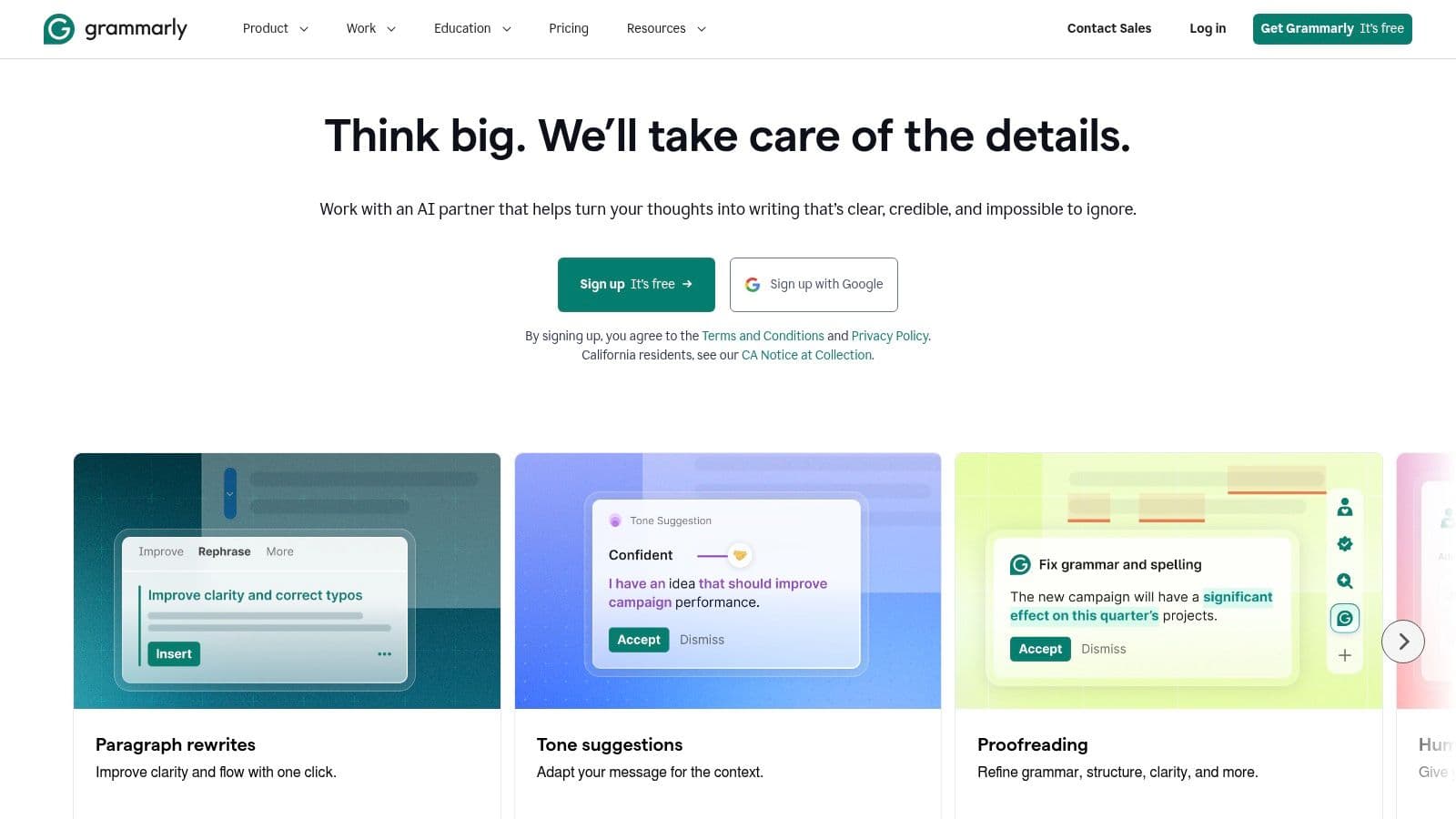
Grammarly is less interesting than the newer chat tools, but it stays relevant because it solves a persistent problem. People write in too many places. Browser text boxes, docs, tickets, email, CRM notes, internal wikis. Grammarly follows the work instead of asking the work to come to it.
That makes it one of the most practical free AI writing tools for free users who need steady quality control more than full draft generation. Its grammar, clarity, and tone suggestions are useful precisely because they're embedded where the writing already happens.
Best as a finishing layer#
The strongest way to use Grammarly is as the last pass before publication or sending. Let another tool help with ideation or draft generation, then use Grammarly to trim errors and smooth awkward sentences. In documentation teams, that's often enough.
Its free tier is limited for deeper AI generation, and plagiarism checking stays behind paid plans. If you need a sharper style baseline for support articles or product docs, a technical style framework like this technical writing style guide is a better complement than relying on Grammarly alone.
The wider market trend helps explain why Grammarly's model still works. The AI writing assistant software market is projected to grow from USD 1,750 million in 2024 to USD 10,298 million by 2032 at a 24.8% CAGR. Tools that insert themselves into everyday writing habits will keep winning part of that growth.
9. Wordtune#

Wordtune is the tool I'd hand to someone who says, “I don't want to prompt. I want this sentence to sound better.” That simplicity is its whole appeal. It's light, direct, and usually easier for occasional users than a full chatbot.
The free plan works for light editing and summary help. That's enough for people cleaning up emails, support replies, internal notes, and short help content. It's not trying to be your research engine, your docs platform, and your collaborative editor all at once.
Where Wordtune helps#
Wordtune is good at local edits. Shorten this. Expand that. Make this less stiff. Rewrite this sentence without changing the meaning. For subject-matter experts who know what they want to say but not how to phrase it, that's valuable.
Its downside is scope. If you need a full outline, a structured draft, or reusable documentation patterns, you'll outgrow it quickly. Daily or monthly caps also make it feel less “free forever” than the simplest marketing copy suggests.
Still, cloud delivery is one reason tools like this scale. Cloud-based deployment held over 75% share of the AI writing assistant market in 2023 and is projected to exceed USD 9.5 billion by 2032. Lightweight, browser-friendly products like Wordtune fit that pattern well.
10. Writesonic#
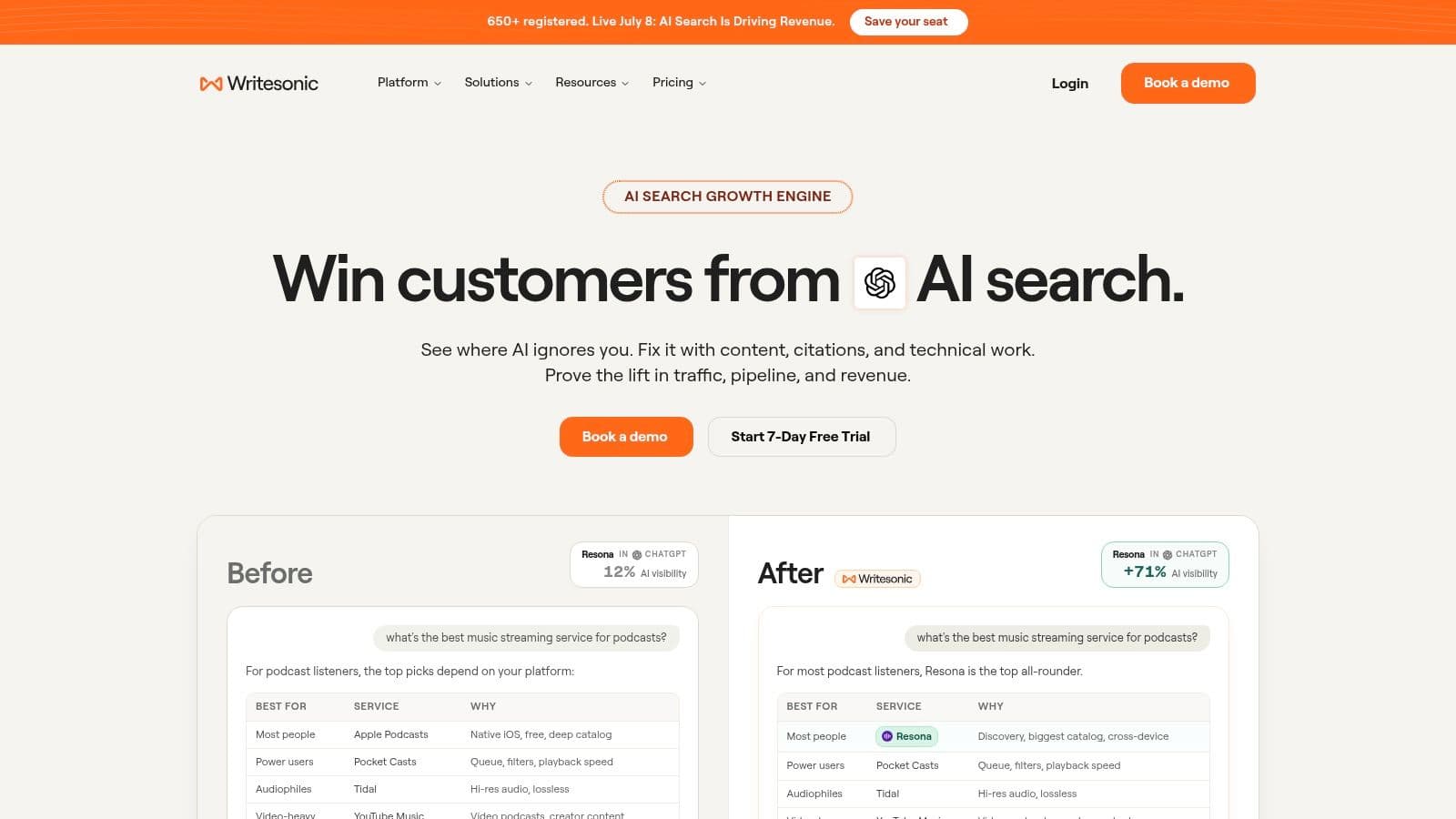
Free AI writing tools often look generous until you try to build repeatable output with them. Writesonic is a good example. It gives fast results for marketing formats, but the product is tuned for landing pages, ad copy, SEO briefs, and campaign drafts. That bias shows up quickly if your real job is writing documentation that an AI agent can parse, quote, and cite cleanly.
Writesonic works best when the assignment already fits a template. A growth team drafting headline variants or product descriptions can get useful first drafts with very little setup. That speed is the product.
The trade-off is structure quality. Template guidance helps users produce readable copy, but readable is not the same as machine-friendly. For docs workflows, I care about stable headings, predictable sections, low fluff, and output that can be cleaned into markdown without fighting the tool. Writesonic is less reliable there than chat-first tools, and far behind documentation-focused platforms.
When Writesonic makes sense#
Choose Writesonic for short-form marketing work with clear formats and tight deadlines. It reduces blank-page time and gives junior writers enough scaffolding to ship a workable draft. If that is the job, it can save real time.
I would not use it as the main workspace for product docs, API explanations, internal SOPs, or support content that needs long-term maintenance. The free plan also feels closer to a capped trial than a durable free workflow, so teams should expect usage limits to shape how often they rely on it.
As noted earlier, this category is crowded. Writesonic stays relevant because it packages common marketing tasks well. For machine-readable documentation, though, convenience is not enough. Clean structure matters more than speed, and that is not where Writesonic stands out.
Top 10 Free AI Writing Tools: Feature Comparison#
| Product | Core features | UX & quality (★) | Price & value (💰) | Target audience (👥) | Unique edge (✨) |
|---|---|---|---|---|---|
| Dokly 🏆 | Auto llms.txt/llms-full, semantic MDX, Notion-like editor, OpenAPI playground, SSR <100ms | ★★★★★ machine‑readable & fast | 💰 Free → $99/$199 tiers; transparent, no per‑seat surprises | 👥 Product docs, API teams, support KBs, internal SOPs | ✨ LLM‑ready by default; auto indexes & citation‑friendly docs |
| ChatGPT (OpenAI) | Chat drafting, web search, file/image upload, public GPTs | ★★★★☆ strong longform & templates | 💰 Free with limits; paid for higher usage | 👥 Writers, researchers, team assistants | ✨ Huge GPT ecosystem; multimodal support |
| Google Gemini | Chat drafting, Drive/Gmail integration, mobile apps | ★★★★ smooth summaries & Google UX | 💰 Free tiers; limits refresh periodically | 👥 Google Workspace users, mobile-first teams | ✨ Tight Google apps integration for summaries |
| Microsoft Copilot | Chat drafting, Bing grounding, Windows/Edge hooks | ★★★★ convenient in Microsoft ecosystem | 💰 Web free; Office Copilot features often paid | 👥 Microsoft 365 users, enterprise Windows shops | ✨ Deep OS & Edge integration for quick access |
| Claude (Anthropic) | Chat drafting, file uploads, larger paid context windows | ★★★★☆ careful, coherent longform | 💰 Free limits; paid tiers for extended context | 👥 Policy/SOP writers, support docs, longform authors | ✨ Strong reasoning, tone control for formal docs |
| Perplexity | Research chat with live web results & citations | ★★★★ research‑backed answers | 💰 Free; Pro/Max expand models & limits | 👥 Researchers, analysts, fact‑checking writers | ✨ Inline citations and web‑backed summaries |
| QuillBot | Paraphraser, grammar checker, summarizer | ★★★ useful for polishing | 💰 Free basic; Premium for unlimited modes | 👥 Editors, students, marketers | ✨ Multiple paraphrase modes for tone/length |
| Grammarly | Real‑time grammar, tone, rewrites, wide integrations | ★★★★ excellent inline corrections | 💰 Free core; Premium adds advanced AI & checks | 👥 Professionals, everyday writers | ✨ In‑app typing corrections across platforms |
| Wordtune | Rewriting, shorten/expand, summarizer | ★★★ simple, intuitive edits | 💰 Free basic; paid for higher limits | 👥 Casual editors, quick rewrites | ✨ Easy tone & length controls for sentences |
| Writesonic | Template library, Chatsonic chatbot, SEO tools | ★★★ fast marketing drafts | 💰 Free credits; paid tiers for volume | 👥 Marketers, copywriters, small teams | ✨ Guided templates for ads, product copy |
Final Thoughts#
“Free” is often the wrong filter.
The better question is what kind of output you need at the end of the workflow. A chat reply, a cleaned-up paragraph, a research summary, and a help center article that an AI agent can parse and cite are different deliverables. Teams get mediocre results when they treat them as the same task and pick a tool based only on price.
For raw drafting, ChatGPT is still the easiest place to start. Claude usually does a better job on measured long-form copy and policy-style writing. Gemini and Copilot are practical choices for teams already working inside Google Workspace or Microsoft 365, where convenience matters as much as model quality. Perplexity is the best fit for research-heavy work because citations are built into the experience. QuillBot, Grammarly, and Wordtune are editing layers. They improve sentences, but they do not solve publishing, structure, or source-of-truth problems. Writesonic is useful for campaign content and template-driven marketing output, but it is less convincing for documentation you want to keep stable over time.
That distinction matters more now because many teams are no longer writing only for human readers. They are writing for search systems, internal retrieval, support bots, and external AI agents that need clean headings, consistent structure, and pages worth citing. A tool can sound good in a chat window and still produce weak documentation. I see that failure mode often. The draft looks polished, but the output is buried in threads, formatted inconsistently, and hard to reuse six weeks later.
Dokly stands out because it handles the full documentation path. It helps produce structured content, keep it publishable, and make it usable beyond the first draft. That is the gap in a lot of free workflows. The writing step feels free. The cleanup, reformatting, publishing, and maintenance work is where the actual cost shows up.
My practical split is simple:
- Choose ChatGPT or Claude for broad drafting and early idea development.
- Choose Perplexity when factual grounding and source visibility matter.
- Choose Grammarly, QuillBot, or Wordtune for sentence-level revision.
- Choose Dokly if the job is documentation that needs to be readable by people and AI systems.
If you want a second opinion on how major assistants differ in practical research and answer workflows, this LLMrefs guide comparing ChatGPT, Claude, and Perplexity is worth reading.
The short version is straightforward. Free AI writing tools can save drafting time. Free documentation workflows are much rarer. If your team is producing help docs, SOPs, onboarding guides, API references, or internal knowledge bases, Dokly is the tool in this list that covers more than generation. It helps you create content, keep it structured, publish it quickly, and make it easier for the AI agents your customers already use to read and cite.